Logo video2dn
  • Сохранить видео с ютуба
  • Категории
    • Музыка
    • Кино и Анимация
    • Автомобили
    • Животные
    • Спорт
    • Путешествия
    • Игры
    • Люди и Блоги
    • Юмор
    • Развлечения
    • Новости и Политика
    • Howto и Стиль
    • Diy своими руками
    • Образование
    • Наука и Технологии
    • Некоммерческие Организации
  • О сайте

Скачать или смотреть How To Grab Objects In Godot

  • Godot Guru
  • 2024-06-28
  • 7099
How To Grab Objects In Godot
GodotGame DevelopmentHow To Make A Game In GodotGodot GuruGuruHow To Grab Objects In GodotGodot Grab
  • ok logo

Скачать How To Grab Objects In Godot бесплатно в качестве 4к (2к / 1080p)

У нас вы можете скачать бесплатно How To Grab Objects In Godot или посмотреть видео с ютуба в максимальном доступном качестве.

Для скачивания выберите вариант из формы ниже:

  • Информация по загрузке:

Cкачать музыку How To Grab Objects In Godot бесплатно в формате MP3:

Если иконки загрузки не отобразились, ПОЖАЛУЙСТА, НАЖМИТЕ ЗДЕСЬ или обновите страницу
Если у вас возникли трудности с загрузкой, пожалуйста, свяжитесь с нами по контактам, указанным в нижней части страницы.
Спасибо за использование сервиса video2dn.com

Описание к видео How To Grab Objects In Godot

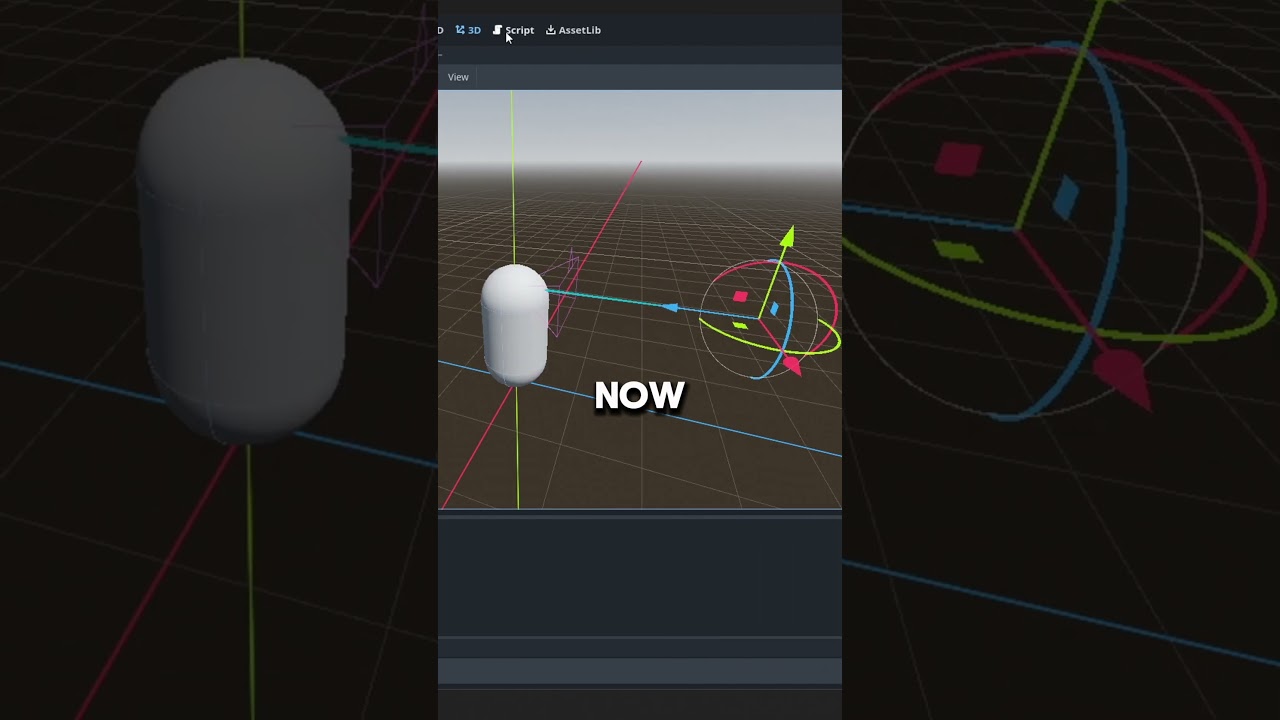
Hello everybody, today I made a grab function in Godot which as always you can find on my discord at the about section.
Hope you enjoined watching.
Feel free to comment.
Make sure to like, share, and of course subscribe!
See you next time.

This is the code if you don't want it from the discord:
extends CharacterBody3D

@export var speed = 5
@export var jump_velocity = 5
@export var look_sensitivity = 0.01
@export var push = 5
@export var grab_force = 10
@export var release_force = 0.4
var grab:RigidBody3D #The current object we are grabbing

var gravity = ProjectSettings.get_setting("physics/3d/default_gravity")

@onready var camera:Camera3D = $Camera3D
@onready var grab_ray:RayCast3D = $"Camera3D/Grab Ray" #The raycast to check if there is something to grab
@onready var grab_target:Node3D = $"Camera3D/Grab Ray/Grab Target" #The taget of the grabbed object

func _ready(): Input.set_mouse_mode(Input.MOUSE_MODE_CAPTURED)

func _physics_process(delta):
if Input.is_action_pressed("Grab"): #If we are pressing the grab action
if grab: #If there is a grabbed object
if grab.get_colliding_bodies().is_empty() or (!grab.get_colliding_bodies().is_empty() and grab.get_colliding_bodies()[0] is RigidBody3D): grab.linear_velocity = grab_force * (grab_target.global_position - grab.global_position) #Is the grabbed object isn't colliding whith anything or that it is colliding with another rigidbody, then keep on grabbing by setting the velocity of the grabbed object to its relative position to the grab target times the grab force
else: release() #If not, then release the grabbed object
elif Input.is_action_just_pressed("Grab") and grab_ray.is_colliding() and grab_ray.get_collider() is RigidBody3D: #If there isn't a grabbed object, the grab action was just pressed, the ray hit something and it is a rigidbody
grab = grab_ray.get_collider() #Set the grabbed object to the ray hit
await get_tree().create_timer(0.2).timeout #Wait for 0.2 seconds to let the player pick up the object before checking for collisions
if grab: #If there is a grabbed object
grab.max_contacts_reported = 1 #Enable collision check on the grabbed object
grab.contact_monitor = true #Enable collision check on the grabbed object
elif grab: release() #Release the grabbed object

var input = Input.get_vector("move_left","move_right","move_forward","move_backward").normalized() * speed

velocity = input.x * global_basis.x + input.y * global_basis.z + Vector3(0, velocity.y, 0)

if is_on_floor():
if Input.is_action_just_pressed("jump"): velocity.y = jump_velocity
else: velocity.y -= gravity * delta

for i in get_slide_collision_count(): #For each collision with the player
var c := get_slide_collision(i) #Get the colliding node
if c.get_collider() is RigidBody3D: #If the node hase physics
var push_dir = -c.get_normal() #The push direction is the oposite of the impact direction
var velocity_diff_in_push_dir = self.velocity.dot(push_dir) - c.get_collider().linear_velocity.dot(push_dir) #The push velocity calculated by subtructing the velocity of the player from the node compared to the direction
c.get_collider().apply_central_force(push_dir * velocity_diff_in_push_dir * push) #Aplly the force to the node times the push force variable

move_and_slide()

func _input(event):
if event is InputEventMouseMotion:
rotate_y(event.relative.x * -look_sensitivity)
camera.rotate_x(event.relative.y * -look_sensitivity)
camera.rotation.x = clamp(camera.rotation.x, -PI/2, PI/2)

func release():
grab.max_contacts_reported = 0 #Disable collision check on the grabbed object
grab.contact_monitor = false #Disable collision check on the grabbed object
grab.linear_velocity *= release_force #Apply the release force
grab = null #Reset the grabbed object

Комментарии

Информация по комментариям в разработке

Похожие видео

  • О нас
  • Контакты
  • Отказ от ответственности - Disclaimer
  • Условия использования сайта - TOS
  • Политика конфиденциальности

video2dn Copyright © 2023 - 2025

Контакты для правообладателей [email protected]