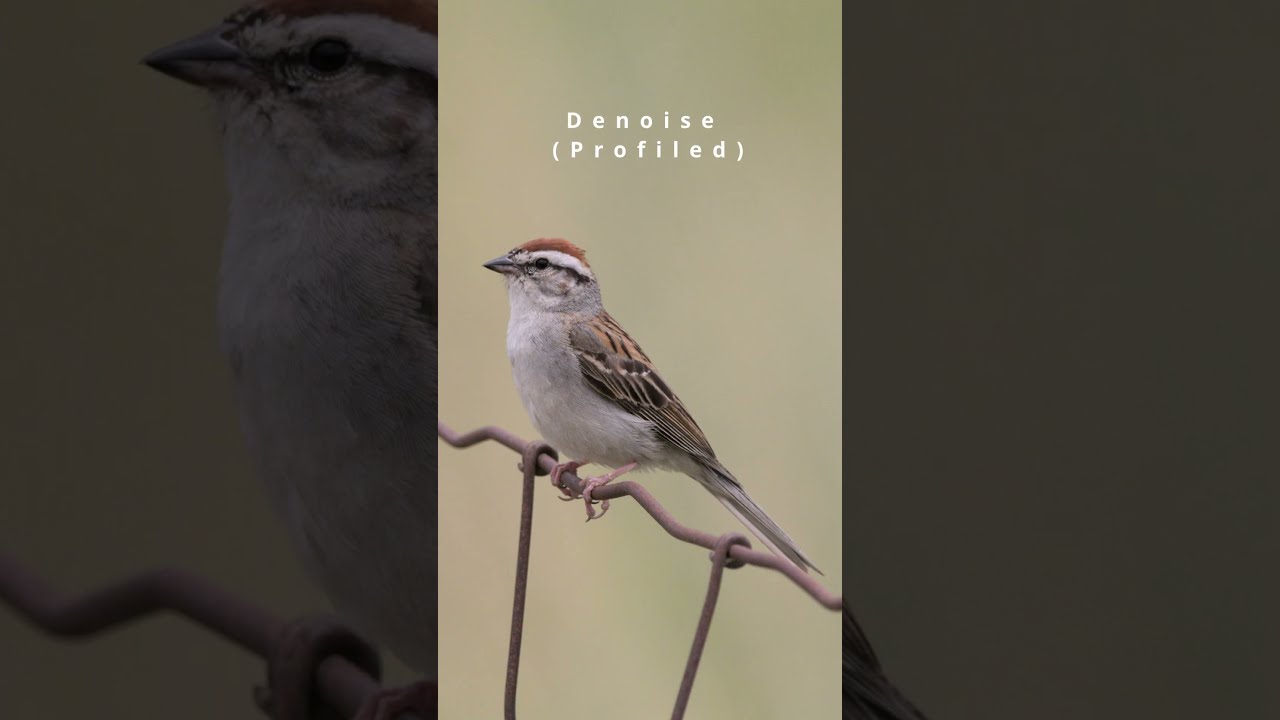
In this in-depth Darktable editing tutorial, we’ll take a Short Chipping Sparrow photo from its original RAW capture all the way to a beautifully polished, professional-quality final image. Whether you’re a seasoned wildlife photographer, a passionate birder, or just starting your journey into RAW photo editing, this detailed walkthrough will help you understand not just what to do, but why each step matters.
We begin by importing the RAW file into Darktable, setting the stage for a non-destructive, flexible editing workflow. I’ll guide you through essential modules, including white balance adjustments to correct for natural lighting, exposure tweaks to bring out midtone detail, and highlight recovery to protect those delicate feather textures. You’ll see how to enhance microcontrast to make plumage detail pop while keeping a natural look that stays true to the scene.
From there, we’ll dive into color calibration to bring out the warm browns and subtle grays of the Chipping Sparrow without oversaturating the background. You’ll learn how to use tone equalizer for precise light balancing, allowing the bird to stand out from its surroundings. We’ll also work on selective sharpening techniques so your subject looks tack-sharp while the background remains soft and pleasing.
For those who love creative control, I’ll show how to use masking tools in Darktable to apply targeted adjustments, giving the bird just the right amount of pop without affecting the rest of the frame. We’ll also cover gentle noise reduction for a clean image that retains its fine details — a must for wildlife photography where high ISO is common.
This video isn’t just about sliders and settings — it’s about storytelling through editing. You’ll see how subtle adjustments can turn a good shot into one that truly captures the personality and beauty of the bird. We’ll talk about composition enhancements, color harmony, and how to make small tweaks that elevate the overall impact of your image.
Whether you’re editing songbirds, raptors, or waterfowl, the techniques demonstrated here will translate to all types of bird photography. The principles of selective editing, light shaping, and color refinement are universal, and Darktable’s open-source power makes it possible for anyone to achieve professional results without expensive software.
By the end of this tutorial, you’ll have a complete understanding of how to transform your own RAW bird photos into vibrant, detailed, and share-worthy works of art. You’ll also gain the confidence to experiment with Darktable’s deep feature set, unlocking new creative possibilities for your photography.
If you find this tutorial helpful, please like, share, and subscribe for more wildlife photography and Darktable editing content. Your support helps keep these tutorials coming and inspires new deep-dives into techniques for birders, photographers, and nature enthusiasts alike.
📌 Topics Covered:
RAW to final workflow in Darktable
Exposure & highlight control
Color calibration for accurate bird tones
Microcontrast and texture enhancement
Selective sharpening with masks
Noise reduction for clean results
Composition and storytelling through editing

Информация по комментариям в разработке