Logo video2dn
  • Сохранить видео с ютуба
  • Категории
    • Музыка
    • Кино и Анимация
    • Автомобили
    • Животные
    • Спорт
    • Путешествия
    • Игры
    • Люди и Блоги
    • Юмор
    • Развлечения
    • Новости и Политика
    • Howto и Стиль
    • Diy своими руками
    • Образование
    • Наука и Технологии
    • Некоммерческие Организации
  • О сайте

Скачать или смотреть Setting-up FreeSewing Development Environment on Mac | FreeSewing

  • FreeSewing
  • 2020-10-31
  • 626
Setting-up FreeSewing Development Environment on Mac | FreeSewing
  • ok logo

Скачать Setting-up FreeSewing Development Environment on Mac | FreeSewing бесплатно в качестве 4к (2к / 1080p)

У нас вы можете скачать бесплатно Setting-up FreeSewing Development Environment on Mac | FreeSewing или посмотреть видео с ютуба в максимальном доступном качестве.

Для скачивания выберите вариант из формы ниже:

  • Информация по загрузке:

Cкачать музыку Setting-up FreeSewing Development Environment on Mac | FreeSewing бесплатно в формате MP3:

Если иконки загрузки не отобразились, ПОЖАЛУЙСТА, НАЖМИТЕ ЗДЕСЬ или обновите страницу
Если у вас возникли трудности с загрузкой, пожалуйста, свяжитесь с нами по контактам, указанным в нижней части страницы.
Спасибо за использование сервиса video2dn.com

Описание к видео Setting-up FreeSewing Development Environment on Mac | FreeSewing

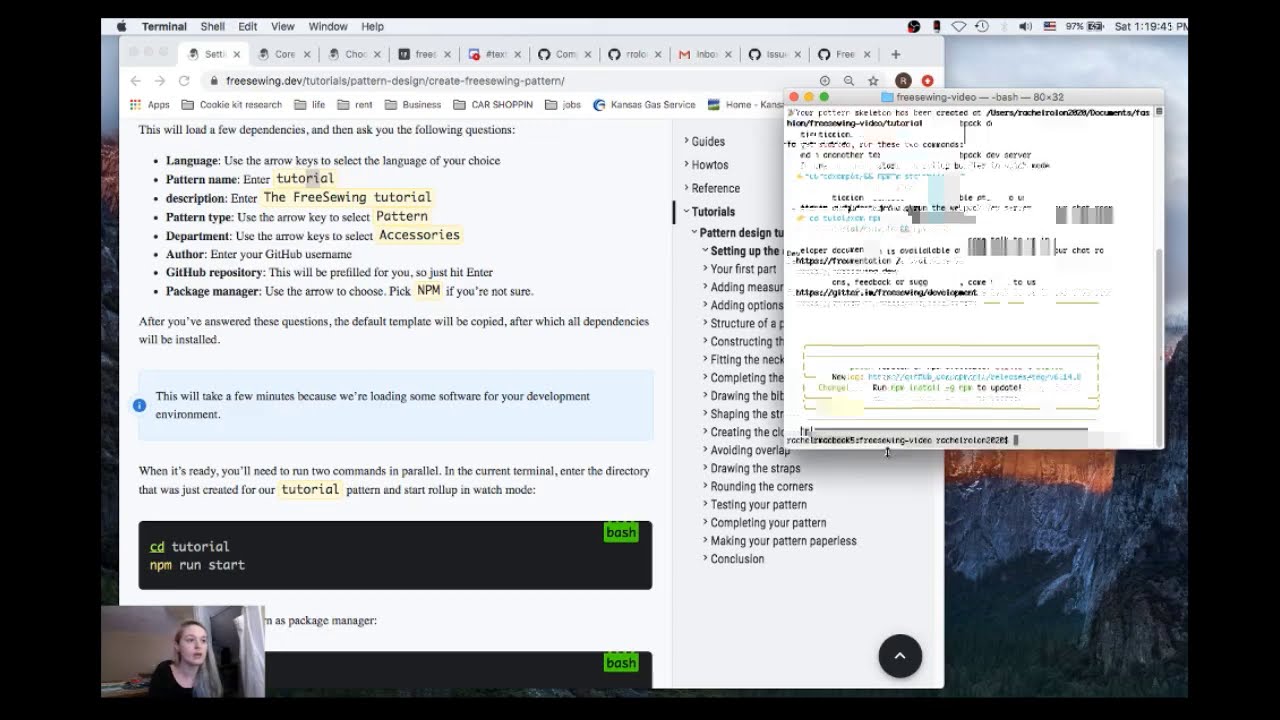
Here is a video walking through the set-up of the FreeSewing development environment in preparation for following the FreeSewing tutorial. If you encounter any issues see below for possible troubleshooting or head over to discord to ask questions to the community.

FreeSewing Pattern Site: https://freesewing.org/
FreeSewing Developer Site: https://freesewing.dev/
FreeSewing Tutorial: https://freesewing.dev/tutorials/patt...
FreeSewing Getting Started on Mac: https://freesewing.dev/tutorials/gett...

Discord: https://chat.freesewing.org/
GitHub: https://github.com/freesewing

If you run into an error message of “Permissions are Denied” you can try the following:
The best way around that error is to use a node version manager: https://github.com/nvm-sh/nvm

To install run this command in the terminal:
curl o https://raw.githubusercontent.com/nvm... | bash


After it's ready, you should close the terminal app and re-launch it. Then the nvm command should be available.
To get a list of node versions run: nvm ls

To install the latest LTS release

(LTS = Long Term Support, these are the stable releases)

run: nvm install lts/erbium
Once it's installed, to use it


run: nvm use lts/erbium

If you get nvm: command not found after running the install script, one of the following might be the reason:
Since macOS 10.15, the default shell is zsh and nvm will look for .zshrc to update, none is installed by default. Create one with touch ~/.zshrc and run the install script again.
- If you use bash, the previous default shell, run touch ~/.bash_profile to create the necessary profile file if it does not exist.
- You might need to restart your terminal instance or run . ~/.nvm/nvm.sh. Restarting your terminal/opening a new tab/window, or running the source command will load the command and the new configuration.

Комментарии

Информация по комментариям в разработке

Похожие видео

  • О нас
  • Контакты
  • Отказ от ответственности - Disclaimer
  • Условия использования сайта - TOS
  • Политика конфиденциальности

video2dn Copyright © 2023 - 2025

Контакты для правообладателей [email protected]