Logo video2dn
  • Сохранить видео с ютуба
  • Категории
    • Музыка
    • Кино и Анимация
    • Автомобили
    • Животные
    • Спорт
    • Путешествия
    • Игры
    • Люди и Блоги
    • Юмор
    • Развлечения
    • Новости и Политика
    • Howto и Стиль
    • Diy своими руками
    • Образование
    • Наука и Технологии
    • Некоммерческие Организации
  • О сайте

Скачать или смотреть How to Change Your YouTube Channel Profile Picture on Desktop

  • Anthony English
  • 2022-04-26
  • 676
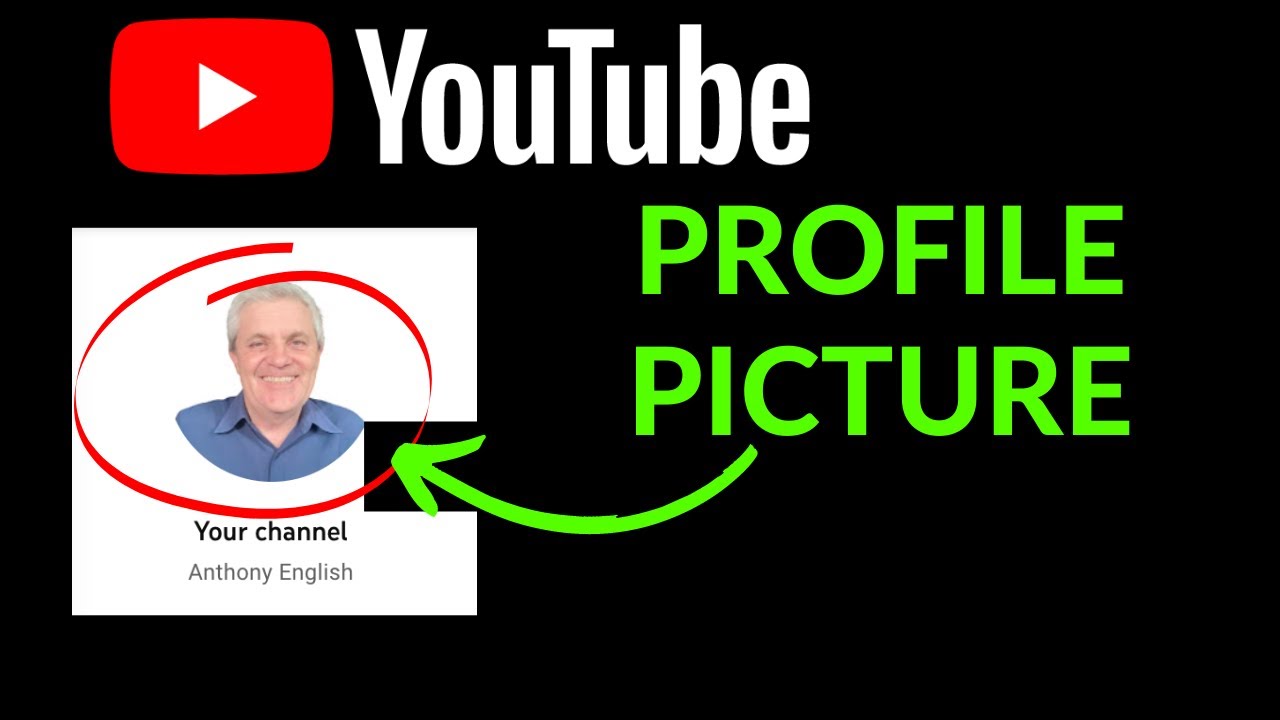
How to Change Your YouTube Channel Profile Picture on Desktop
change youtube profile pictureyoutube picturechange youtube channel picturechange picture youtube profilechange channel picturechange youtube profile photo
  • ok logo

Скачать How to Change Your YouTube Channel Profile Picture on Desktop бесплатно в качестве 4к (2к / 1080p)

У нас вы можете скачать бесплатно How to Change Your YouTube Channel Profile Picture on Desktop или посмотреть видео с ютуба в максимальном доступном качестве.

Для скачивания выберите вариант из формы ниже:

  • Информация по загрузке:

Cкачать музыку How to Change Your YouTube Channel Profile Picture on Desktop бесплатно в формате MP3:

Если иконки загрузки не отобразились, ПОЖАЛУЙСТА, НАЖМИТЕ ЗДЕСЬ или обновите страницу
Если у вас возникли трудности с загрузкой, пожалуйста, свяжитесь с нами по контактам, указанным в нижней части страницы.
Спасибо за использование сервиса video2dn.com

Описание к видео How to Change Your YouTube Channel Profile Picture on Desktop

Here's how you can change your YouTube profile picture. You do this in YouTube.com (but you can go there from studio.youtube.com)

1. Take a picture if you haven't already. Ideally, make it a headshot of yourself.
2. If you want to remove the background in your picture, you can use the free tool https://remove.bg
3. Crop the picture if it's larger than 4 MB. (You can do this using the Finder if you're on a Mac, or any picture cropping tool).
4. Log into youtube.com (or from studio.youtube.com, go to "My Channel")
5. Make sure you are logged in as the owner or an admin of the channel you want to change.
6. Hover over the current picture. (If you have no picture, it should show an initial for you).
7. Select "Edit Profile Picture"
8. If you want to adjust where you are in the frame, you can do this.
9. Hit "Publish"

00:00 Change YouTube profile picture
01:29 Remove Background
01:45 Publish profile picture

https://support.google.com/youtube/an...

Комментарии

Информация по комментариям в разработке

Похожие видео

  • О нас
  • Контакты
  • Отказ от ответственности - Disclaimer
  • Условия использования сайта - TOS
  • Политика конфиденциальности

video2dn Copyright © 2023 - 2025

Контакты для правообладателей [email protected]