Logo video2dn
  • Сохранить видео с ютуба
  • Категории
    • Музыка
    • Кино и Анимация
    • Автомобили
    • Животные
    • Спорт
    • Путешествия
    • Игры
    • Люди и Блоги
    • Юмор
    • Развлечения
    • Новости и Политика
    • Howto и Стиль
    • Diy своими руками
    • Образование
    • Наука и Технологии
    • Некоммерческие Организации
  • О сайте

Скачать или смотреть Battlefield 6 - Change Audio/ Voiceover Language (see description)

  • Marcc112
  • 2025-10-12
  • 982
Battlefield 6 - Change Audio/ Voiceover Language (see description)
  • ok logo

Скачать Battlefield 6 - Change Audio/ Voiceover Language (see description) бесплатно в качестве 4к (2к / 1080p)

У нас вы можете скачать бесплатно Battlefield 6 - Change Audio/ Voiceover Language (see description) или посмотреть видео с ютуба в максимальном доступном качестве.

Для скачивания выберите вариант из формы ниже:

  • Информация по загрузке:

Cкачать музыку Battlefield 6 - Change Audio/ Voiceover Language (see description) бесплатно в формате MP3:

Если иконки загрузки не отобразились, ПОЖАЛУЙСТА, НАЖМИТЕ ЗДЕСЬ или обновите страницу
Если у вас возникли трудности с загрузкой, пожалуйста, свяжитесь с нами по контактам, указанным в нижней части страницы.
Спасибо за использование сервиса video2dn.com

Описание к видео Battlefield 6 - Change Audio/ Voiceover Language (see description)

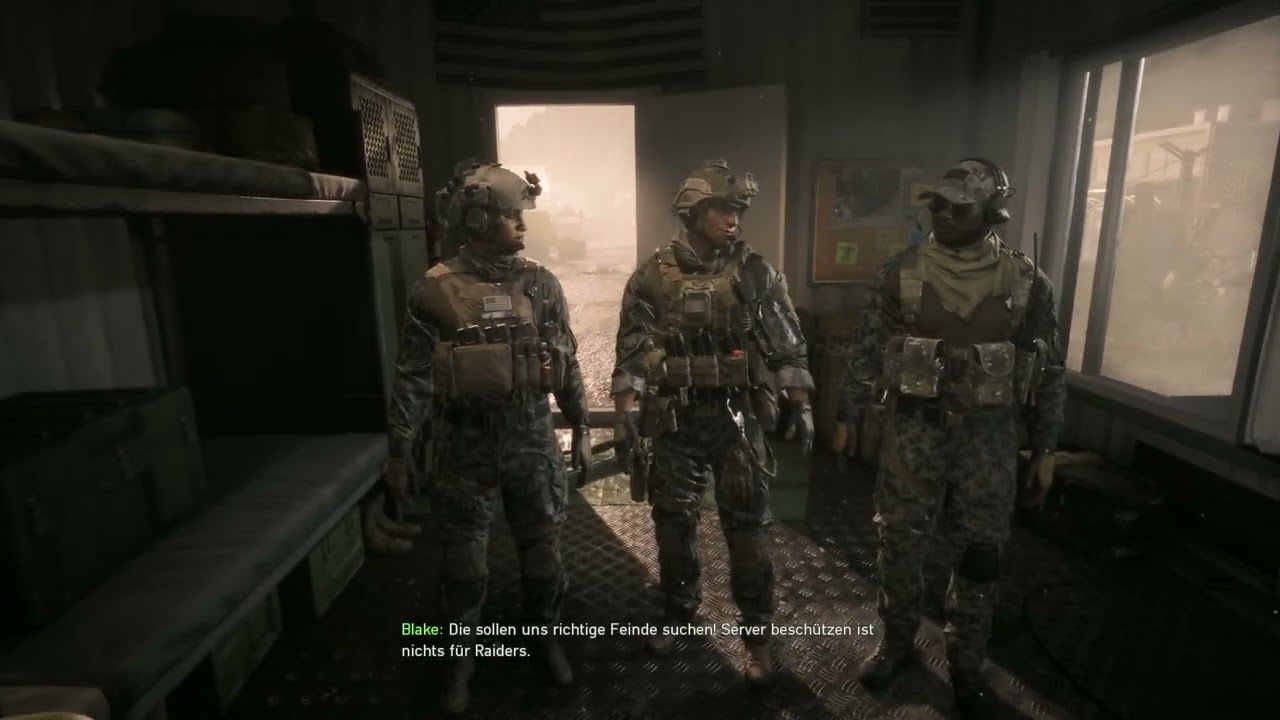
While there isn’t an official way yet to have separate text and voice languages in Battlefield 6, you can modify the audio packs to achieve that.

I wanted to have German text and subtitles with the English voiceover, so I did the following:

Switch the language via the EA App or Steam properties to the language you want for the voiceover (in my case, English).

After the automatic download is complete, copy the desired sound files (see steps below).

This step is optional, but I created a new folder on my desktop and, inside it, two subfolders: MP (for Multiplayer) and SP (for Singleplayer). This is purely to avoid mixing up the files.

Copy the voen.toc file from Battlefield 6\Data\Win32\loc into your MP folder.

Copy the voen.toc file from Battlefield 6\Data\Win32\SP\loc into your SP folder.

Rename the copied files to match your desired text language — in my case, German: voen.toc → vode.toc.

Switch the language back via the EA App or Steam properties to the one that you want for thel texts (in my case, German).

After the download is complete, copy your renamed files back into the original folders:

The file from the MP folder goes to Battlefield 6\Data\Win32\loc.
The file from the SP folder goes to Battlefield 6\Data\Win32\SP\loc.

Now your game should have your normal text language and a separate voice language in both singleplayer and multiplayer.

List of Languages and the abbreviation:

ko for Korean
fr for French
it for Italian
ja for Japanese
en for English
de for German
pl for Polish
es for Spanish

br, cn and mx exist too, but I am not completely sure which Language they are exactly.

Комментарии

Информация по комментариям в разработке

Похожие видео

  • О нас
  • Контакты
  • Отказ от ответственности - Disclaimer
  • Условия использования сайта - TOS
  • Политика конфиденциальности

video2dn Copyright © 2023 - 2025

Контакты для правообладателей [email protected]