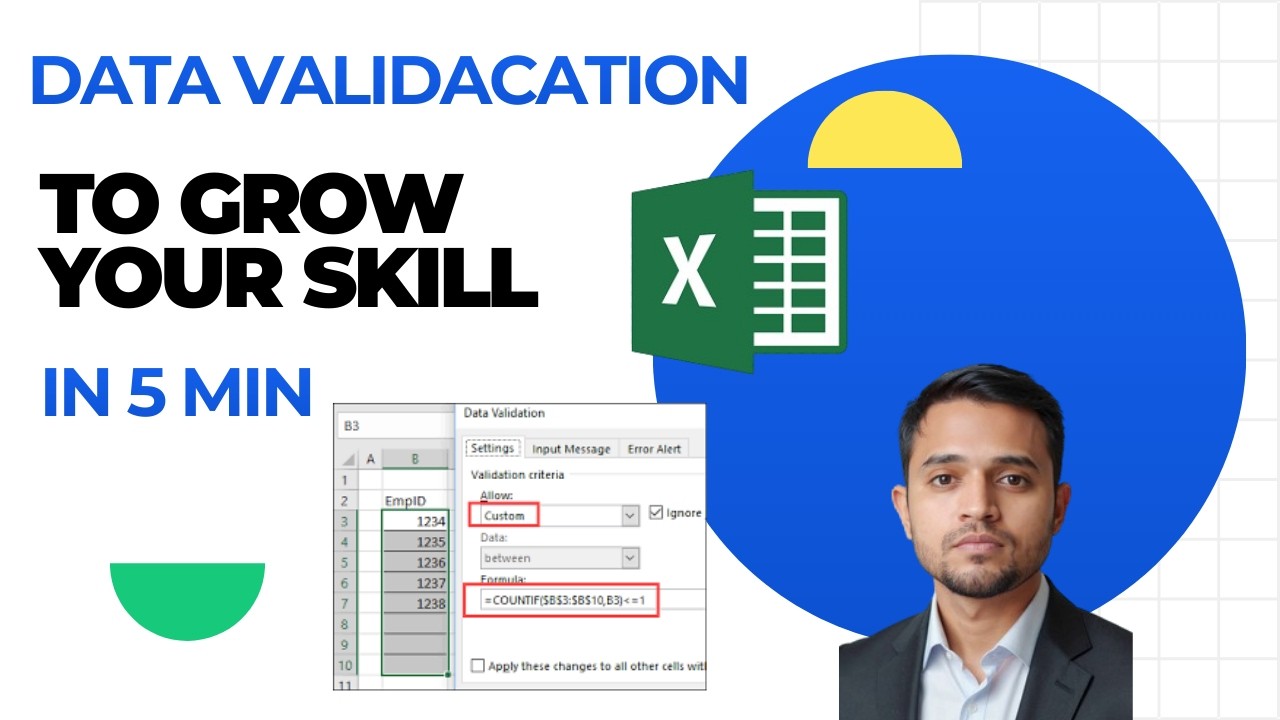
Data Validation is the secret to clean data. In this quick tutorial, I’ll show you how to restrict cell entries to specific numbers, dates, or custom lists. We will cover how to create Dropdown Menus, set Input Messages, and create Error Alerts so your users know exactly what to type. This is a must-have skill for anyone working in Data Entry, HR, or Finance. I’ve explained it in simple Hindi and English so you can apply it to your work immediately.
Why watch this?
Super fast (Only 5 minutes!).
Practical for creating forms and trackers.
Prevents "Garbage In, Garbage Out" in your reports.
Make your Excel sheets "Fool-Proof" today! Subscribe to "Simplify with Arif" to upgrade your job skills. Comment "Dropdown" if you successfully created your first list!
00:00 - Why use Data Validation?
01:10 - Creating a Dropdown List (The Easy Way)
02:45 - Setting Number & Date Restrictions
03:50 - Custom Error Alerts & Input Messages
04:40 - Conclusion & Bonus Tip
Excel Data Validation, Create Dropdown List Excel, Excel Tutorial Hindi, Data Entry Tips, Microsoft Excel for Jobs, Excel for Beginners, Data Validation Rules, Excel Interview Questions, Excel Form Design, Prevent Mistakes in Excel, Learn Excel in 5 Minutes, Simplify with Arif, Data Cleaning Excel, Excel List Menu, Excel Input Message, Excel Error Alert, Office Productivity Hacks, Job Skills 2026, Excel for HR, Excel for Finance, MS Excel Training India, Basic Excel Skills, Excel Hacks Hindi.
#Excel #DataValidation #SimplifyWithArif #ExcelTips #JobSkills #DataEntry #OfficeHacks #ExcelHindi #CareerGrowth #TechTutorial
5. Visual Asset & Caption
"Galat data ki no entry! 🚫 Master Excel Data Validation in just 5 minutes and make your reports professional and error-free. Choti si trick, bada fayda."
#SimplifyWithArif #ArifAvatar #ExcelHacks #DataEntry #SkillUp
Информация по комментариям в разработке