Logo video2dn
  • Сохранить видео с ютуба
  • Категории
    • Музыка
    • Кино и Анимация
    • Автомобили
    • Животные
    • Спорт
    • Путешествия
    • Игры
    • Люди и Блоги
    • Юмор
    • Развлечения
    • Новости и Политика
    • Howto и Стиль
    • Diy своими руками
    • Образование
    • Наука и Технологии
    • Некоммерческие Организации
  • О сайте

Скачать или смотреть Fusion 360 Surface Practice Series – Exercise #1

  • 2026-02-20
  • 3307
Fusion 360 Surface Practice Series – Exercise #1
  • ok logo

Скачать Fusion 360 Surface Practice Series – Exercise #1 бесплатно в качестве 4к (2к / 1080p)

У нас вы можете скачать бесплатно Fusion 360 Surface Practice Series – Exercise #1 или посмотреть видео с ютуба в максимальном доступном качестве.

Для скачивания выберите вариант из формы ниже:

  • Информация по загрузке:

Cкачать музыку Fusion 360 Surface Practice Series – Exercise #1 бесплатно в формате MP3:

Если иконки загрузки не отобразились, ПОЖАЛУЙСТА, НАЖМИТЕ ЗДЕСЬ или обновите страницу
Если у вас возникли трудности с загрузкой, пожалуйста, свяжитесь с нами по контактам, указанным в нижней части страницы.
Спасибо за использование сервиса video2dn.com

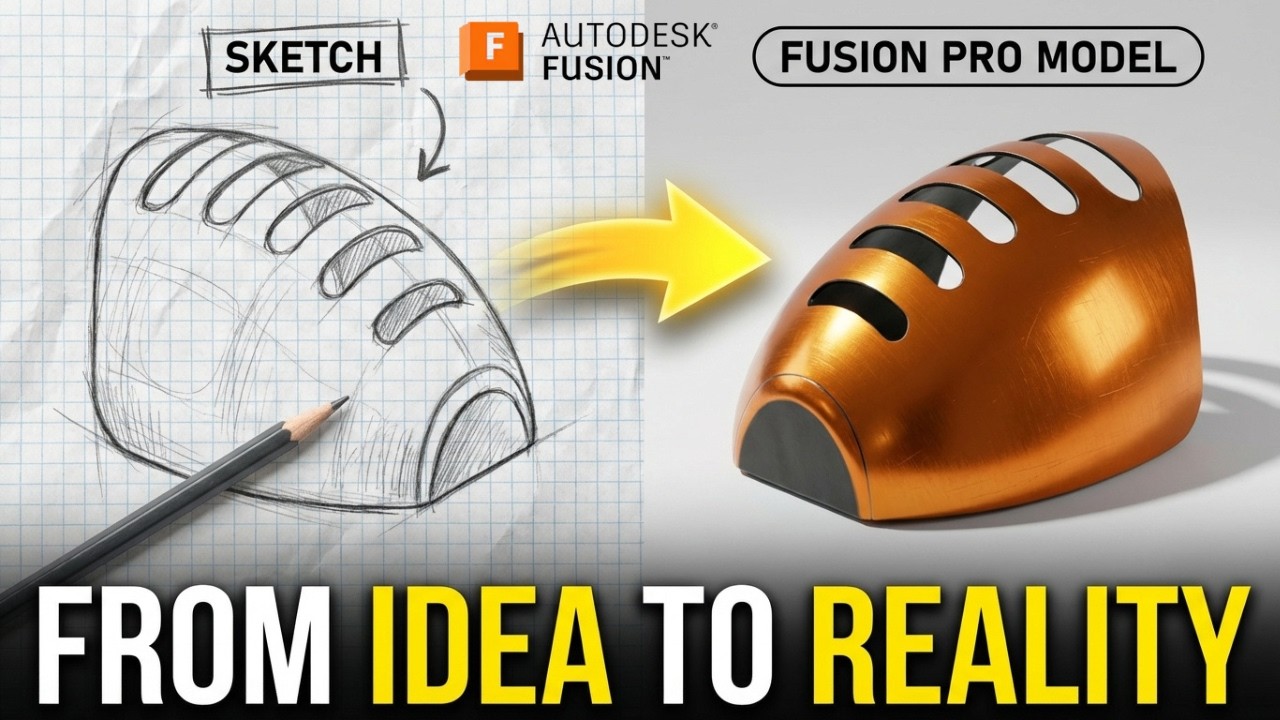
Описание к видео Fusion 360 Surface Practice Series – Exercise #1

3D Sketch : https://www.3dmechanism.com/post/3d-e...

Donate PayPal: https://www.paypal.com/donate/?hosted...

In this CAD tutorial we'll use the features:
1. Surface Patch (or Boundary/Fill Surface)
A Patch is used to heal a model or close off an open area in a surface body.

Function: You select the edges of a "hole" or open boundary, and the software generates a surface to cover it.

Advanced Control: Unlike a simple flat fill, you can control the continuity (how smoothly the new patch blends into the surrounding faces). You can set it to be purely connected (Contact/G0), tangent (G1), or curvature continuous (G2) for perfectly smooth, reflection-quality transitions.

2. Surface Stitch (or Knit Surface)
Because surface modeling involves building a part out of many individual, zero-thickness "sheets," Stitching is the crucial step that brings them together.

Function: It joins multiple adjacent, intersecting surface bodies into a single surface body. (Note: Fusion 360 uses "Stitch," while SolidWorks uses "Knit Surface").

Creating Solids: If you stitch together enough surfaces to form a perfectly enclosed, watertight volume, the software will usually give you the option to automatically convert that volume into a standard Solid Body.

3. Surface Loft
Similar to a solid loft, but applied to zero-thickness geometry, this is one of the most powerful tools for organic modeling.

Function: It stretches a surface across two or more distinct cross-sections (profiles).

Guide Curves: To precisely control how the surface flows between those profiles, you can draw 2D or 3D guide curves (or rails). The lofted surface will sweep through the profiles while perfectly hugging the path of the guide curves.

4. Surface Trim
In surface modeling, the standard workflow is to build surfaces that are intentionally larger than you need, and then cut them back. Trim is how you do that.

Function: It uses a tool—which can be a 2D sketch, a plane, or another intersecting surface—to cut away a specific portion of a surface body.

Mutual Trim: You can also use two intersecting surfaces to trim each other simultaneously, leaving only the cleanly joined corner where they meet.

5. Extrude (in Surfacing)
The concept is the same as a solid extrude, but the input and output change.

Function: Instead of extruding a closed 2D profile (like a circle) into a solid cylinder, you extrude an open 2D line or curve. The result is a 3D ribbon or wall of zero thickness.

Usage: Extruded surfaces are frequently used as reference planes, parting surfaces for injection molds, or as the cutting tools for the Surface Trim command mentioned above.

6. Variable Chamfer
This is an advanced detailing feature, usually applied to solid bodies, but it can be used on surface edges as well.

Function: While a standard chamfer creates a uniform, flat bevel along an entire edge (e.g., a constant 2mm cut), a variable chamfer allows the size or angle of that bevel to change along the length of the edge.

Control: You can specify that a chamfer starts at 5mm at one corner and smoothly tapers down to 1mm at the other corner, giving you precise control over edge treatments in complex mechanical transitions.

All dimensions are in mm/g/s/ISO
---------------------------------------------------------------------------------------------
Rating, commenting, subscribing and sharing are always appreciated!!
----------------------------------------------------------------------------------------------
▬▬▬▬▬▬▬▬▬▬▬▬▬▬▬▬▬▬▬▬▬▬▬▬▬▬▬▬▬▬
Follow Us On:
Instagram :   / engbcruz  

#AutodeskFusion
#Fusion360
#Fusion360tutorial
Комментарии

Информация по комментариям в разработке

Похожие видео

  • Испытание
    Испытание "Нажми и потяни" 🔥 Трюк с ракушкой, который срабатывает | Fusion 360 Catics 3D02-06
    16 часов назад
  • Превратите сетку в чистое твердое тело в Fusion.
    Превратите сетку в чистое твердое тело в Fusion.
    12 дней назад
  • Серия практических упражнений по обработке листового металла в Fusion 360 – Упражнение №3
    Серия практических упражнений по обработке листового металла в Fusion 360 – Упражнение №3
    6 дней назад
  • Surface Modeling with Fusion 360
    Surface Modeling with Fusion 360
    9 лет назад
  • Modeling a Textured Organizer in Fusion — Viewer Challenge Accepted!
    Modeling a Textured Organizer in Fusion — Viewer Challenge Accepted!
    13 дней назад
  • Blender Practice – Modeling a Ferrous Metal Casting Mechanical Part (Clean Topology)
    Blender Practice – Modeling a Ferrous Metal Casting Mechanical Part (Clean Topology)
    13 дней назад
  • Fusion 360 — Beginner — A Part Everyone Can Model — #LarsLive 83
    Fusion 360 — Beginner — A Part Everyone Can Model — #LarsLive 83
    Трансляция закончилась 8 лет назад
  • Как обвести контур эталонного изображения в Fusion
    Как обвести контур эталонного изображения в Fusion
    1 месяц назад
  • Beginner's Guide to V Carving in Fusion 360 -  [2022] CNC V Carve Tutorial
    Beginner's Guide to V Carving in Fusion 360 - [2022] CNC V Carve Tutorial
    3 года назад
  • Серия практических упражнений по обработке листового металла в Fusion 360 – Упражнение №1
    Серия практических упражнений по обработке листового металла в Fusion 360 – Упражнение №1
    2 недели назад
  • Autodesk Fusion | Смешанное лицо
    Autodesk Fusion | Смешанное лицо
    8 дней назад
  • Bodies vs Components | Fusion 360 Core Concept
    Bodies vs Components | Fusion 360 Core Concept
    5 лет назад
  • Autodesk Fusion 360 - Understand Constraints & User Request for Beginners (2025)
    Autodesk Fusion 360 - Understand Constraints & User Request for Beginners (2025)
    1 год назад
  • Как бы вы это смоделировали?
    Как бы вы это смоделировали?
    4 месяца назад
  • Fusion 360 с нуля | Пошаговое руководство для начинающих 110
    Fusion 360 с нуля | Пошаговое руководство для начинающих 110
    12 дней назад
  • Функция многокомпонентных тел в FreeCAD (новая возможность): как её включить и когда она полезна.
    Функция многокомпонентных тел в FreeCAD (новая возможность): как её включить и когда она полезна.
    9 дней назад
  • Fusion 360 Form Mastery - Part 1 - How to Create a Form Body #Fusion360 #Tsplines #Forms
    Fusion 360 Form Mastery - Part 1 - How to Create a Form Body #Fusion360 #Tsplines #Forms
    4 года назад
  • Fusion 360 с нуля | Пошаговое руководство для начинающих по использованию ледоруба
    Fusion 360 с нуля | Пошаговое руководство для начинающих по использованию ледоруба
    1 день назад
  • Сможете ли вы создать эту модель? Задание Fusion 360 - Catics 3D02-03
    Сможете ли вы создать эту модель? Задание Fusion 360 - Catics 3D02-03
    2 недели назад
  • T-сплайны Fusion — это просто! | День 27 курса «Изучи Fusion 360 за 30 дней» — ИЗДАНИЕ 2024 ГОДА
    T-сплайны Fusion — это просто! | День 27 курса «Изучи Fusion 360 за 30 дней» — ИЗДАНИЕ 2024 ГОДА
    1 год назад
  • О нас
  • Контакты
  • Отказ от ответственности - Disclaimer
  • Условия использования сайта - TOS
  • Политика конфиденциальности

video2dn Copyright © 2023 - 2025

Контакты для правообладателей video2contact@gmail.com