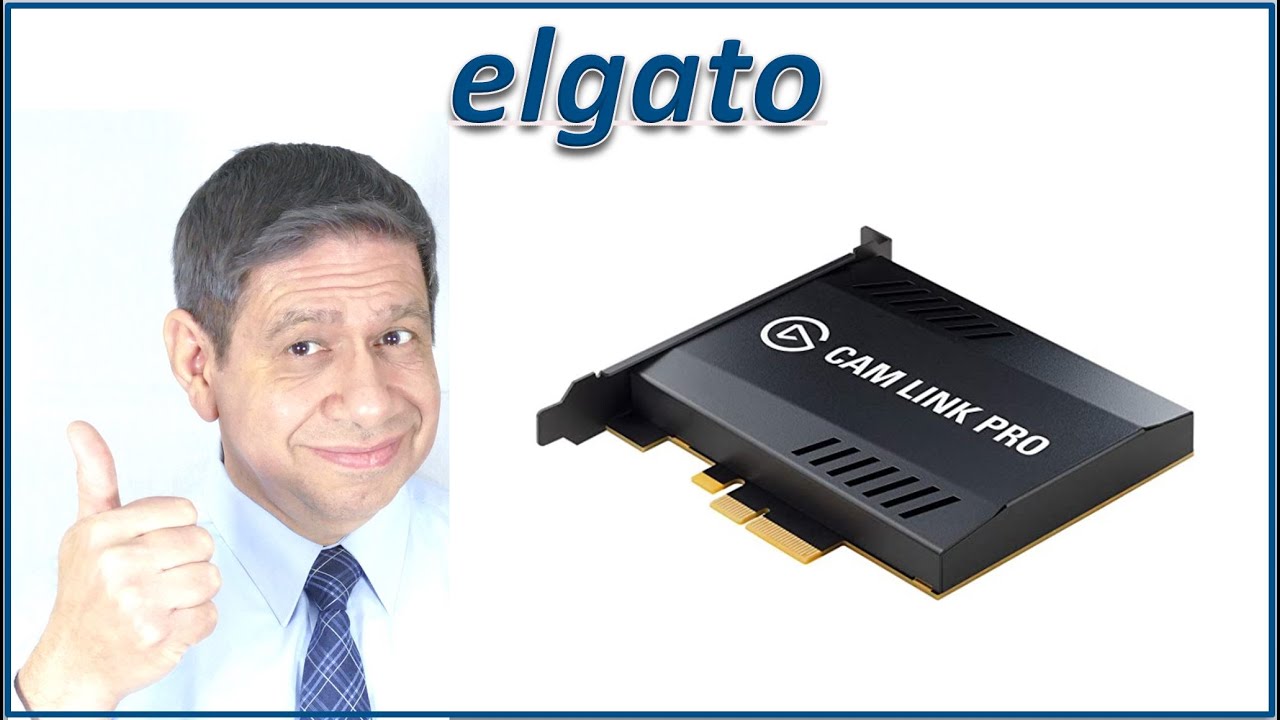
This video is a review of the elgato Cam Link Pro, a quad HDMI capture card. Shown here are how to install and configure the card, along with a general test and review. Thanks you for watching
Video Time Codes for this Video (click to skip directly to a desired section of the Video)
0:00 Introduction to the elgato Cam Link Pro
1:09 Opening the elgato Cam Link Pro package
3:05 Installing the elgato Cam Link Pro 4K Capture Utility software
4:29 Hardware Install of the elgato Cam Link Pro PCIe card
5:30 Using the elgato Cam Link Pro with Open Broadcasting Software (OBS)
6:49 Configuring the elgato Cam Link Pro using the elgato Stream Deck
9:24 Configuring the elgato Cam Link Pro using the elgato 4K Capture Utility
Note: I have NOT received any sponsorship or commission for using the products shown in this video.
As an Amazon Associate I earn from qualifying purchases, when these links are used:
Elgato Cam Link Pro - PCIe Camera Capture Card, 4 HDMI inputs, 1080p60 Full HD, 4K30, Multiview, Streaming, Video conferencing, OBS, Zoom, etc.
https://amzn.to/3cfEine
Elgato Stream Deck - Live Content Creation Controller with 15 Customizable LCD Keys, Adjustable Stand, for Windows 10 and macOS 10.13 or Late (10GAA9901)
https://amzn.to/3kIJEMu
Sony Alpha ZV-E10 - APS-C Interchangeable Lens Mirrorless Vlog Camera Kit – Black
https://amzn.to/30dgNZF
Sony ZV-1 Digital Camera for Content Creators, Vlogging and YouTube
https://amzn.to/3nc1Csd
Sony Wireless Bluetooth Shooting Grip and Tripod for still and video, ideal for vlogging (GP-VPT2BT)
https://amzn.to/3mUllwq
Panasonic LUMIX FZ1000 4K QFHD/HD 20.1MP 16X Long Zoom Black Digital Camera + 64GB Dual Battery Accessory Bundle
https://amzn.to/3csJ9By
BlueRigger Micro HDMI to HDMI Cable (15 FT, 4K 60Hz, HDR, High Speed, Ethernet) - Compatible with GoPro Hero 7/6/5/4, Raspberry Pi 4, Sony A6000/A6300 Camera, Nikon B500, Lenovo Yoga 3 Pro, Yoga 710
https://amzn.to/3kICLdT
Other Helpful Links
elgato Downloads:
https://www.elgato.com/en/downloads
Please consider subscribing to my Channel, and hitting ‘Like’, if you find this video useful. I will endeavor to answer any and all questions posted for any of my videos as quickly as I possibly can.
If you have any questions or suggestions, I can be reached on Email at: [email protected] , or on Twitter @PE4Doers, or Instagram @PE4Doers. Or on a more professional basis, through LinkedIn at: / davidrrivera

Информация по комментариям в разработке