Logo video2dn
  • Сохранить видео с ютуба
  • Категории
    • Музыка
    • Кино и Анимация
    • Автомобили
    • Животные
    • Спорт
    • Путешествия
    • Игры
    • Люди и Блоги
    • Юмор
    • Развлечения
    • Новости и Политика
    • Howto и Стиль
    • Diy своими руками
    • Образование
    • Наука и Технологии
    • Некоммерческие Организации
  • О сайте

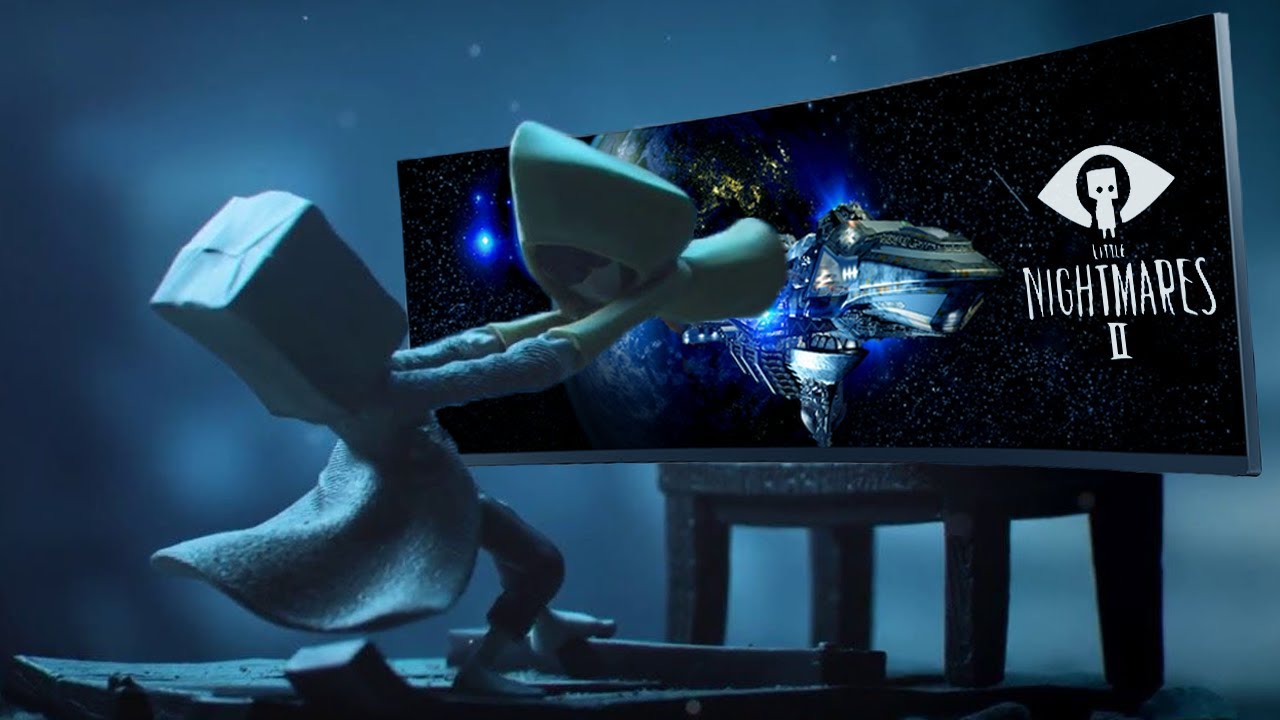
Скачать или смотреть Little Nightmares 2 (Steam) Ultrawide + FOV FIX Tutorial 21:9, 32:9,

  • WitchyWasher
  • 2021-11-30
  • 3942
Little Nightmares 2 (Steam) Ultrawide + FOV FIX Tutorial 21:9, 32:9,
  • ok logo

Скачать Little Nightmares 2 (Steam) Ultrawide + FOV FIX Tutorial 21:9, 32:9, бесплатно в качестве 4к (2к / 1080p)

У нас вы можете скачать бесплатно Little Nightmares 2 (Steam) Ultrawide + FOV FIX Tutorial 21:9, 32:9, или посмотреть видео с ютуба в максимальном доступном качестве.

Для скачивания выберите вариант из формы ниже:

  • Информация по загрузке:

Cкачать музыку Little Nightmares 2 (Steam) Ultrawide + FOV FIX Tutorial 21:9, 32:9, бесплатно в формате MP3:

Если иконки загрузки не отобразились, ПОЖАЛУЙСТА, НАЖМИТЕ ЗДЕСЬ или обновите страницу
Если у вас возникли трудности с загрузкой, пожалуйста, свяжитесь с нами по контактам, указанным в нижней части страницы.
Спасибо за использование сервиса video2dn.com

Описание к видео Little Nightmares 2 (Steam) Ultrawide + FOV FIX Tutorial 21:9, 32:9,

Read instructions below!

Download and extract these 3 files:
https://github.com/atom0s/Steamless
https://mh-nexus.de/en/hxd/
https://www.framedsc.com/GeneralGuide...
-----------------------------------------------------------
Install HxD by launching HxDSetup.exe
-----------------------------------------------------------
Launch Steamless.exe
Click Select File To Unpack and locate your Little Nightmares II.exe

The default location is C:\Program Files (x86)\Steam\steamapps\common\Little Nightmares II\Helios\Binaries\Win64

Click Unpack File and wait for it to finish "Successfully unpacked file!"
-----------------------------------------------------------
Rename/Delete or Move your original "Little Nightmares.exe" file.
Rename "Little Nightmares II.exe.unpacked.exe" to "Little Nightmares II.exe"
-----------------------------------------------------------
Launch HxD, go to file → Open and Select "Little Nightmares.exe"

Click Search → Find and Select "Hex-values", click Search "All" Directions
In the "Search for" field enter this value "3B 8E E3 3F", click OK.

Copy the correct value for your resolution, if you don't know right click your desktop and click display settings.

2560x1080: 26 B4 17 40
3440x1440: 8E E3 18 40
3840x1600: 9A 99 19 40
More resolutions at https://www.wsgf.org/article/common-h...

Right click the red highlighted "3B 8E E3 3F" and click "paste write"

Search again for the value "3B 8E E3 3F" and repeat this step until you get the "Can't find '3B 8E E3 3F'." message.

Now do the same but search for the value "39 8E E3 3F".
-----------------------------------------------------------
If you've had enough you can leave here BUT!
Follow the next steps if you want to fix the FOV.
-----------------------------------------------------------
Move the Universal Unreal Engine 4 Unlocker files you extracted to the location of your "Little Nightmares.exe".
-----------------------------------------------------------
You will need to repeat the following steps EVERYTIME you launch the game in order to fix the FOV.

Launch "Little Nightmares.exe"
Launch "UuuClient.exe"
Go to General → "Process to inject to" Select "Little Nightmares.exe"
Now "DLL to inject" Select "UniversalUE4Unlocker.dll"
Hit Inject DLL
Get back in the game, not in the menu you can't hit Enter there.
Press "Tilde" ~ on your keyboard just above the Tab key to get the console.
Type "fov 75" and hit Enter! (if you don't like you can set a different value)

Congrats, enjoy! Note you can't launch as Enhanced.

Комментарии

Информация по комментариям в разработке

Похожие видео

  • О нас
  • Контакты
  • Отказ от ответственности - Disclaimer
  • Условия использования сайта - TOS
  • Политика конфиденциальности

video2dn Copyright © 2023 - 2025

Контакты для правообладателей [email protected]