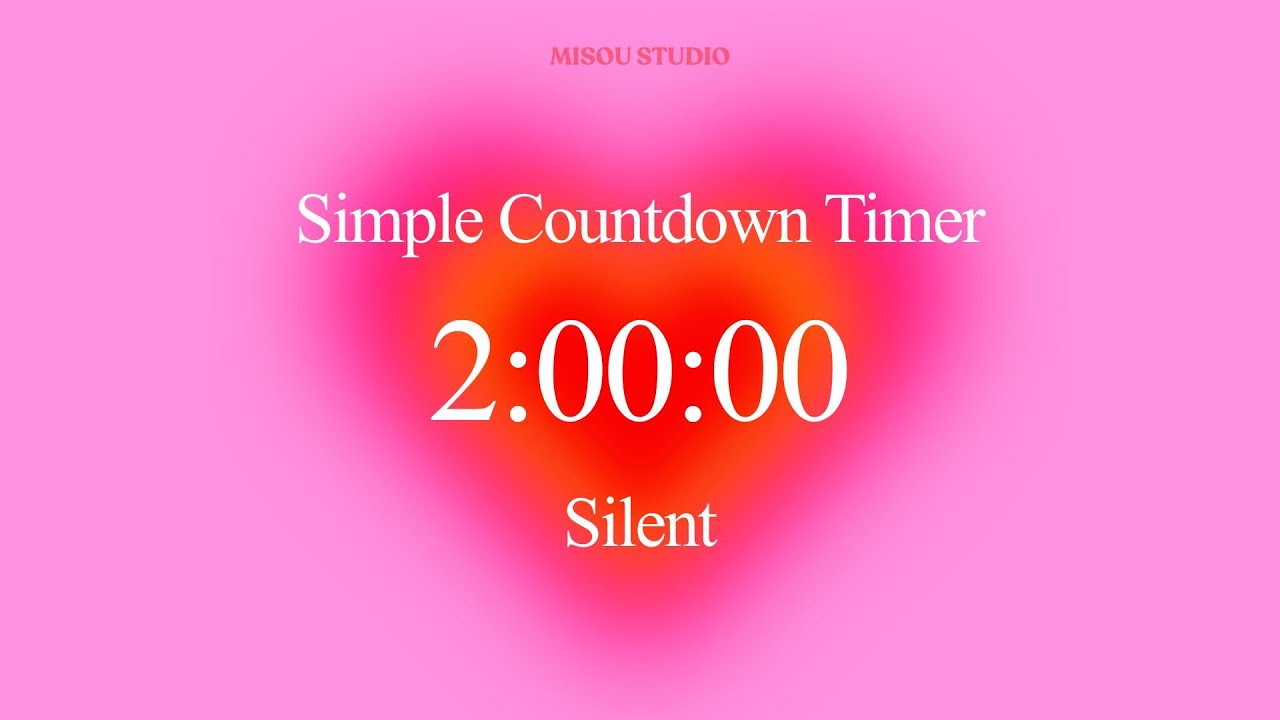
This is a 2 hour silent countdown timer with a soft pink gradient background and clear numbers that show the time counting down. When the 2 hours are finished, a gentle alarm plays to let you know your time block is complete.
What This Timer Looks Like
The timer has a pretty pink and coral gradient that fades smoothly across the screen. The numbers are big and white, showing hours, minutes, and seconds in an easy to read format (2:00:00). There's a simple label that says "Simple Countdown Timer" at the top and "Silent" at the bottom, so you know exactly what you're getting. The whole design is clean and minimal, with soft glowing effects around the timer display that make it pleasant to look at without being distracting.
The countdown runs smoothly and silently, with no ticking sounds or animations that might pull your attention away from your work. You can leave it running in another tab or window, or keep it visible on a second screen if you have one.
How People Use This Timer for Work
Lots of working professionals use 2 hour timers to organize their day into manageable chunks. You might set it when you start a work session in the morning, then take a break when it goes off, then set it again for another focused period in the afternoon. Some people like to use it for specific projects, setting the timer each time they sit down to work on something that needs their full attention.
It works well for people who work from home and need a little structure to their day. Without coworkers or an office environment, it can be tricky to know when to start and stop different tasks. Having a timer creates those natural boundaries that help you stay focused during work time and actually relax during break time.
Office workers use it too, especially for tasks that need deep concentration like writing reports, analyzing data, working on presentations, or planning projects. Setting a timer helps create a bubble of focus time where you're less likely to get pulled into emails or quick interruptions. People know you're in a focused work block, and the timer gives you permission to really dive into your task.
Freelancers and people with their own businesses often use timers like this to track how long different types of work actually take. If you're working on client projects, it helps you understand your time better for billing and scheduling. It also creates structure when your day doesn't have the built in schedule that comes with traditional employment.
Different Ways to Use 2 Hour Blocks
Some people like to use the full 2 hours for one big task or project. This works really well when you have something substantial to work on, like drafting a proposal, working through a complicated problem, creating content, or doing detailed research. Two hours gives you enough time to really get into the flow of the work without feeling rushed.
Other people prefer to break the 2 hours into smaller sections within the timer. You might spend 45 minutes on one task, 30 minutes on another, and 45 minutes on a third, all within the same 2 hour block. The timer just marks the overall work session, and you switch between related tasks as needed. This approach works nicely when you have several things that need attention but none of them require two full hours.
You can also use it for recurring work sessions. Maybe every morning from 9 to 11, you set this timer for your most important project work. Or every afternoon from 2 to 4, you have focused time for client work. Having consistent time blocks helps build a routine that your brain starts to recognize, making it easier to settle into focused work mode.
The timer is useful for time blocking your calendar too. Instead of just listing tasks, you assign them specific time slots. The 2 hour timer helps you stick to those slots and move on to the next block when the alarm goes off, even if the work isn't quite finished. This prevents any one task from taking over your whole day.
What Makes This Timer Helpful
There are no complicated features or settings to figure out. You just press play and the countdown begins. When it reaches zero, the alarm sounds. That's it. Sometimes simple tools are the most useful because you don't have to think about how to use them, you just use them.
This timer does exactly what it says: counts down from 2 hours and alerts you when time is up. It's a straightforward tool for anyone who wants a visual way to track their work blocks and stay aware of how they're spending their time during the day.
If you find this timer helpful, there are other countdown timers available in different time lengths for various work sessions and activities. Each one has the same simple, clean design and reliable functionality.

Информация по комментариям в разработке