Logo video2dn
  • Сохранить видео с ютуба
  • Категории
    • Музыка
    • Кино и Анимация
    • Автомобили
    • Животные
    • Спорт
    • Путешествия
    • Игры
    • Люди и Блоги
    • Юмор
    • Развлечения
    • Новости и Политика
    • Howto и Стиль
    • Diy своими руками
    • Образование
    • Наука и Технологии
    • Некоммерческие Организации
  • О сайте

Скачать или смотреть 🤖 How to Use Dubb OTTO (AI Assistant)

  • Dubb Support
  • 2025-07-25
  • 73
🤖 How to Use Dubb OTTO (AI Assistant)
video marketingemail marketingmarketingsalestoolscrmsalestipssaassales
  • ok logo

Скачать 🤖 How to Use Dubb OTTO (AI Assistant) бесплатно в качестве 4к (2к / 1080p)

У нас вы можете скачать бесплатно 🤖 How to Use Dubb OTTO (AI Assistant) или посмотреть видео с ютуба в максимальном доступном качестве.

Для скачивания выберите вариант из формы ниже:

  • Информация по загрузке:

Cкачать музыку 🤖 How to Use Dubb OTTO (AI Assistant) бесплатно в формате MP3:

Если иконки загрузки не отобразились, ПОЖАЛУЙСТА, НАЖМИТЕ ЗДЕСЬ или обновите страницу
Если у вас возникли трудности с загрузкой, пожалуйста, свяжитесь с нами по контактам, указанным в нижней части страницы.
Спасибо за использование сервиса video2dn.com

Описание к видео 🤖 How to Use Dubb OTTO (AI Assistant)

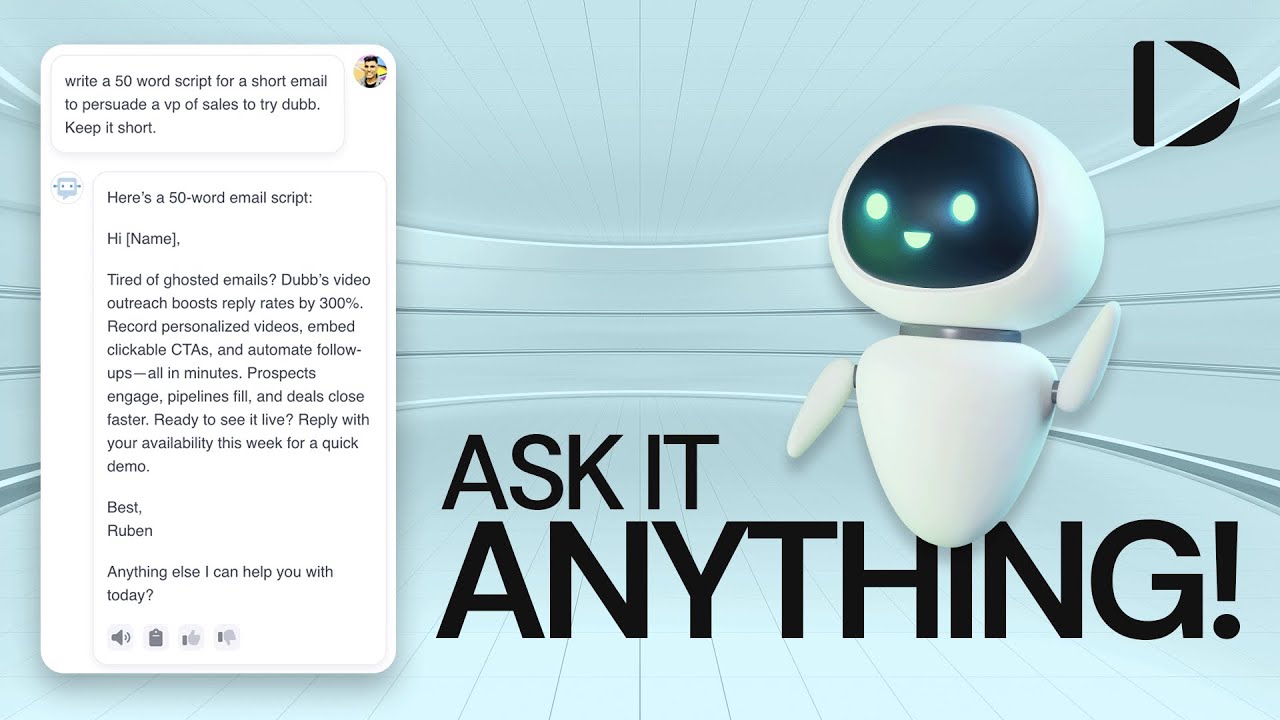
Dubb OTTO is your AI assistant for automating tasks, creating content, and managing your account, right from your Dubb dashboard.

1. Access OTTO from the Dashboard
Why: This is your gateway to using AI to manage tasks and get strategic support.

Steps:

Log into your Dubb account.

Click the OTTO icon located in the top-right corner of your dashboard.

The OTTO chat window will open, ready for your input.

2. Ask Questions or Request Tasks
Why: OTTO can assist with account setup, scripting, strategy, and platform tasks to save you time.

Suggestions:

✔ Ask general questions about how to use Dubb features.

✔ Request marketing advice or script suggestions.

✔ Use it for growth planning or campaign strategy.

3. Perform Platform Tasks Using OTTO
Why: OTTO now supports direct task execution within the platform, making routine actions quicker.

Available Tasks:

✅ Write and import a video script.

✅ Create a new deal.

✅ Add a contact to your CRM.

✅ Create a follow-up task.

Note: More task capabilities are being added regularly.

4. Example: Generate a Script
Why: Save time crafting effective video or email scripts with AI support.

Steps:

In the chat, type a request like:
"Write a short 50-word follow-up email to a new lead."

OTTO will generate a script you can copy or import directly into Dubb.

5. Stay Tuned for New Features
Why: OTTO’s capabilities are continuously expanding to serve you better.

Keep an eye on updates inside the chat window.

You’ll soon be able to automate even more parts of your workflow.

Need Help? ✈

If you have questions or feedback about using OTTO, contact us at [email protected] or visit our Help Center.

Комментарии

Информация по комментариям в разработке

Похожие видео

  • О нас
  • Контакты
  • Отказ от ответственности - Disclaimer
  • Условия использования сайта - TOS
  • Политика конфиденциальности

video2dn Copyright © 2023 - 2025

Контакты для правообладателей [email protected]