Logo video2dn
  • Сохранить видео с ютуба
  • Категории
    • Музыка
    • Кино и Анимация
    • Автомобили
    • Животные
    • Спорт
    • Путешествия
    • Игры
    • Люди и Блоги
    • Юмор
    • Развлечения
    • Новости и Политика
    • Howto и Стиль
    • Diy своими руками
    • Образование
    • Наука и Технологии
    • Некоммерческие Организации
  • О сайте

Скачать или смотреть PNB Corporate Internet Banking Part 3: How to SET LIMITS of corporate users.

  • Easy banking Solutions for You
  • 2022-02-13
  • 50691
PNB Corporate Internet Banking Part 3: How to SET LIMITS of corporate users.
  • ok logo

Скачать PNB Corporate Internet Banking Part 3: How to SET LIMITS of corporate users. бесплатно в качестве 4к (2к / 1080p)

У нас вы можете скачать бесплатно PNB Corporate Internet Banking Part 3: How to SET LIMITS of corporate users. или посмотреть видео с ютуба в максимальном доступном качестве.

Для скачивания выберите вариант из формы ниже:

  • Информация по загрузке:

Cкачать музыку PNB Corporate Internet Banking Part 3: How to SET LIMITS of corporate users. бесплатно в формате MP3:

Если иконки загрузки не отобразились, ПОЖАЛУЙСТА, НАЖМИТЕ ЗДЕСЬ или обновите страницу
Если у вас возникли трудности с загрузкой, пожалуйста, свяжитесь с нами по контактам, указанным в нижней части страницы.
Спасибо за использование сервиса video2dn.com

Описание к видео PNB Corporate Internet Banking Part 3: How to SET LIMITS of corporate users.

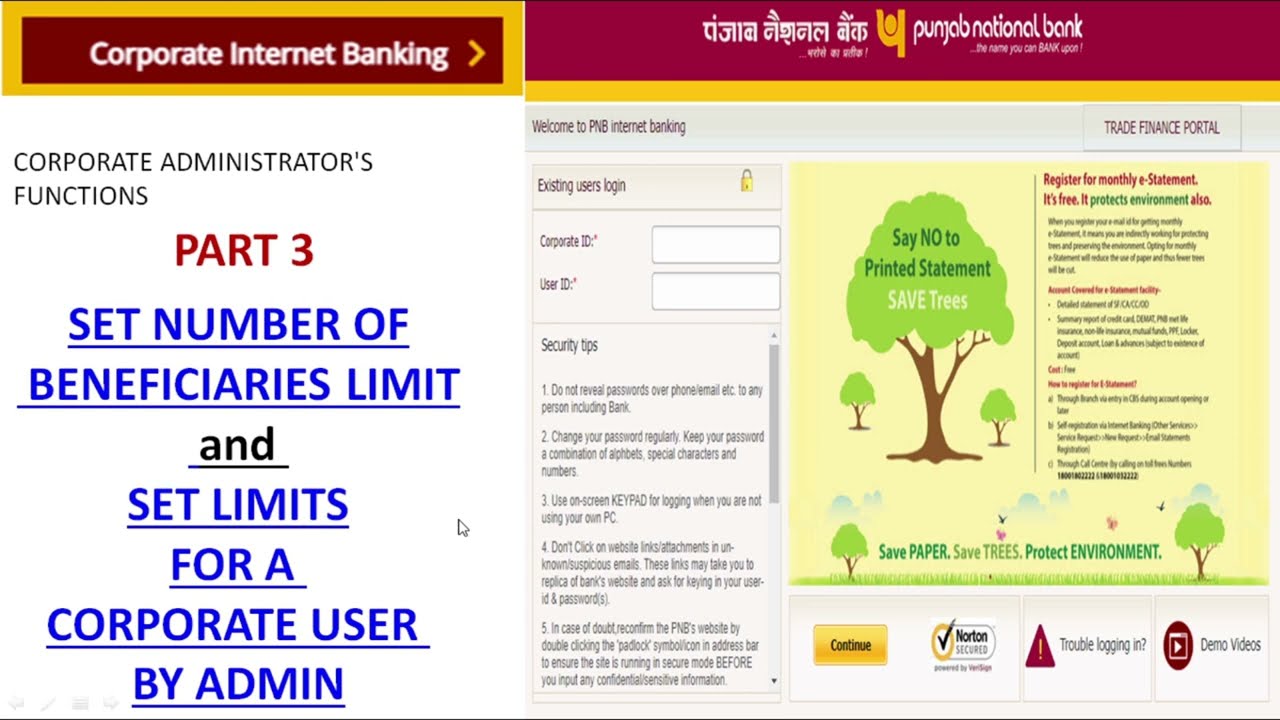
In this video, we will discuss " how to SET NUMBER OF BENEFICIARIES LIMIT and SET LIMITS FOR A CORPORATE USER BY ADMIN", and many more:
Setting Limits:
The limit assigned to the user is the total amount for which the user can perform
transactions per day.
 Click on ‘Corp Admin’.
 Click on ‘Set Limits’.
 Click on the ‘Set Limit for User’ button.
 Click on the ‘Look Up’ button.
 Select User for which the limit is to be set.
 Enter Overall per day maximum amount and per day no of transactions.
 Enter Amount Limit and No. of transactions for various types of transactions.
 Click on ‘Continue’.
 Enter One Time Password (OTP - received on the registered mobile number of
Admin User) & click on ‘Submit’.
Page 4
Set No. of Beneficiaries: For setting an overall number of beneficiaries that can
be added for corporate level.
 Click on ‘Corp Admin’.
 Click on ‘Set No. of Beneficiaries’.
 Enter the value and click on the ‘Update’ button.

Комментарии

Информация по комментариям в разработке

Похожие видео

  • О нас
  • Контакты
  • Отказ от ответственности - Disclaimer
  • Условия использования сайта - TOS
  • Политика конфиденциальности

video2dn Copyright © 2023 - 2025

Контакты для правообладателей [email protected]