Logo video2dn
  • Сохранить видео с ютуба
  • Категории
    • Музыка
    • Кино и Анимация
    • Автомобили
    • Животные
    • Спорт
    • Путешествия
    • Игры
    • Люди и Блоги
    • Юмор
    • Развлечения
    • Новости и Политика
    • Howto и Стиль
    • Diy своими руками
    • Образование
    • Наука и Технологии
    • Некоммерческие Организации
  • О сайте

Скачать или смотреть MemoRail Modbus 2 Point Calibration

  • M4 Knick
  • 2019-06-07
  • 254
MemoRail Modbus 2 Point Calibration
  • ok logo

Скачать MemoRail Modbus 2 Point Calibration бесплатно в качестве 4к (2к / 1080p)

У нас вы можете скачать бесплатно MemoRail Modbus 2 Point Calibration или посмотреть видео с ютуба в максимальном доступном качестве.

Для скачивания выберите вариант из формы ниже:

  • Информация по загрузке:

Cкачать музыку MemoRail Modbus 2 Point Calibration бесплатно в формате MP3:

Если иконки загрузки не отобразились, ПОЖАЛУЙСТА, НАЖМИТЕ ЗДЕСЬ или обновите страницу
Если у вас возникли трудности с загрузкой, пожалуйста, свяжитесь с нами по контактам, указанным в нижней части страницы.
Спасибо за использование сервиса video2dn.com

Описание к видео MemoRail Modbus 2 Point Calibration

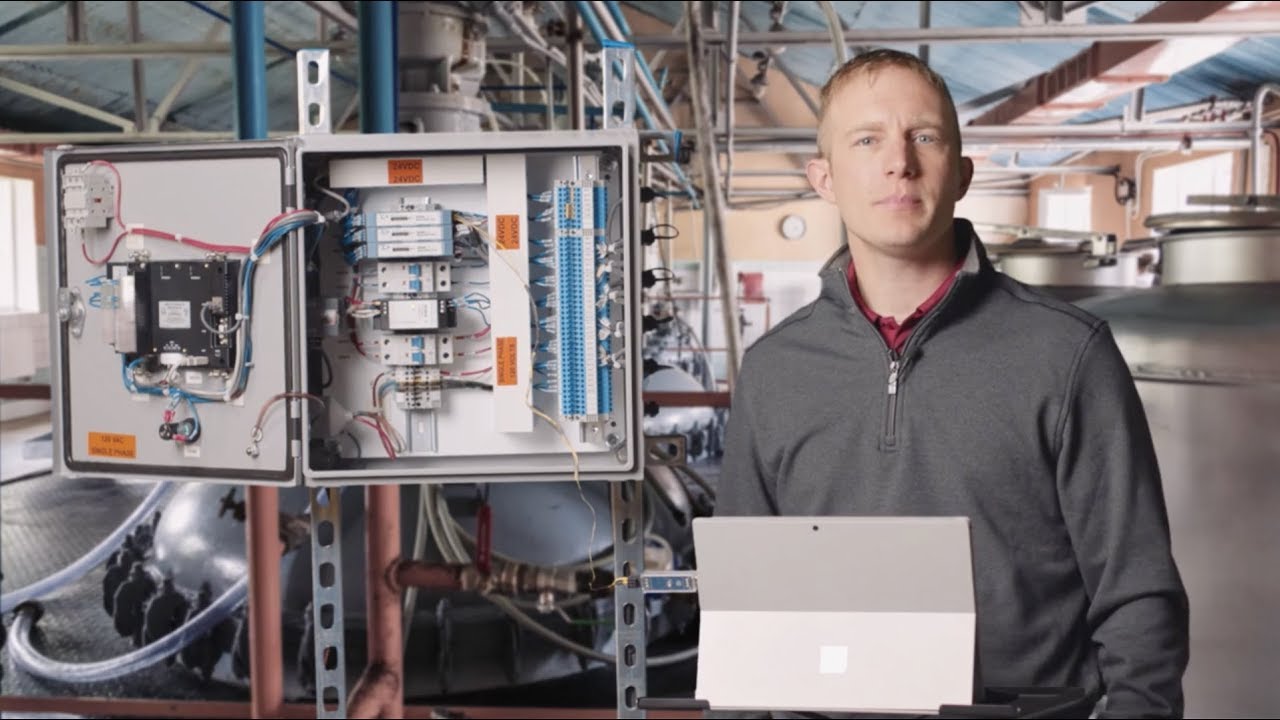
In this video we'll be walking you through the steps to perform a two-point calibration on our Memosens pH sensor utilizing the compact DIN rail-mounted MemoRail Modbus transmitter by Knick.

Using Modbus RTU protocol with our MemoRail Modbus transmitter not only allows us to pull the measured values and Memosens diagnostics data, but it also allows us to write data to our sensor.

This allows us to perform a calibration on our connected sensor directly through the control system, HMI, or the device type manager, which we'll be utilizing today.

We'll start by ensuring that at least one sensor is connected to our MemoRail.

Our MemoRail should be connected to a 24 volt DC power supply and our Modbus RTU terminals should be connected to our PC via an RS-485 to USB adapter.

We'll now connect to our MemoRail by establishing communication to the device through our DTM framework.

We're utilizing PACTware in this example.

Once we've established communication and it brought up our MemoRail DTM, we'll begin reading our measured value registers and ensure there are no Modbus channel errors.

If you're utilizing a system other than a PC with the DTM you can find these read registers in the Modbus Command Specification file.

It's now time to calibrate our pH sensor.

First ensure that you rinse your sensor with distilled water and then dab it dry.

For this calibration will be using pH buffer 7 and 4.

Let's begin by placing our pH sensor in buffer 7 and stirring lightly.

As always, we want to ensure that the entire pH bulb as well as the sensor's junction are completely immersed.

We can see on our DTM screen that our measured value is changing.

Please note that, we want to compensate for the temperature value of our buffer solution.

This should be done by monitoring the measured temperature value and cross-checking it with the
table provided with your buffer solution.

We'll now enter the temperature compensated value of the first buffer solution in register 2528 and hit enter to continue.

Once we have entered the proper value of our first buffer solution, we will write the value by using action code 2004 in register 800 and pressing enter.

We'll now rinse our sensor again, dab it dry, and place it in our second buffer solution.

Stir lightly and let your measured value stabilize.

Now write the temperature compensated value of the second buffer in register 2540 and press Enter.

We will finalize our calibration by writing action code 2005 in register 800 and monitor our measured values.

We can now click read under the sensor adjustment tab in the DTM to view our calibration status.

This concludes our two-point calibration of our Memosens pH sensor using MemoRail Modbus.

Note, the calibrations can always be conducted offline using the Knick Portavo series portable meter.

We're now ready to reinstall our sensor and go online with our measurement.

MEMORAIL MODBUS PRODUCT INFORMATION
https://m4knick.com/product/memorail-...

Комментарии

Информация по комментариям в разработке

Похожие видео

  • О нас
  • Контакты
  • Отказ от ответственности - Disclaimer
  • Условия использования сайта - TOS
  • Политика конфиденциальности

video2dn Copyright © 2023 - 2025

Контакты для правообладателей [email protected]