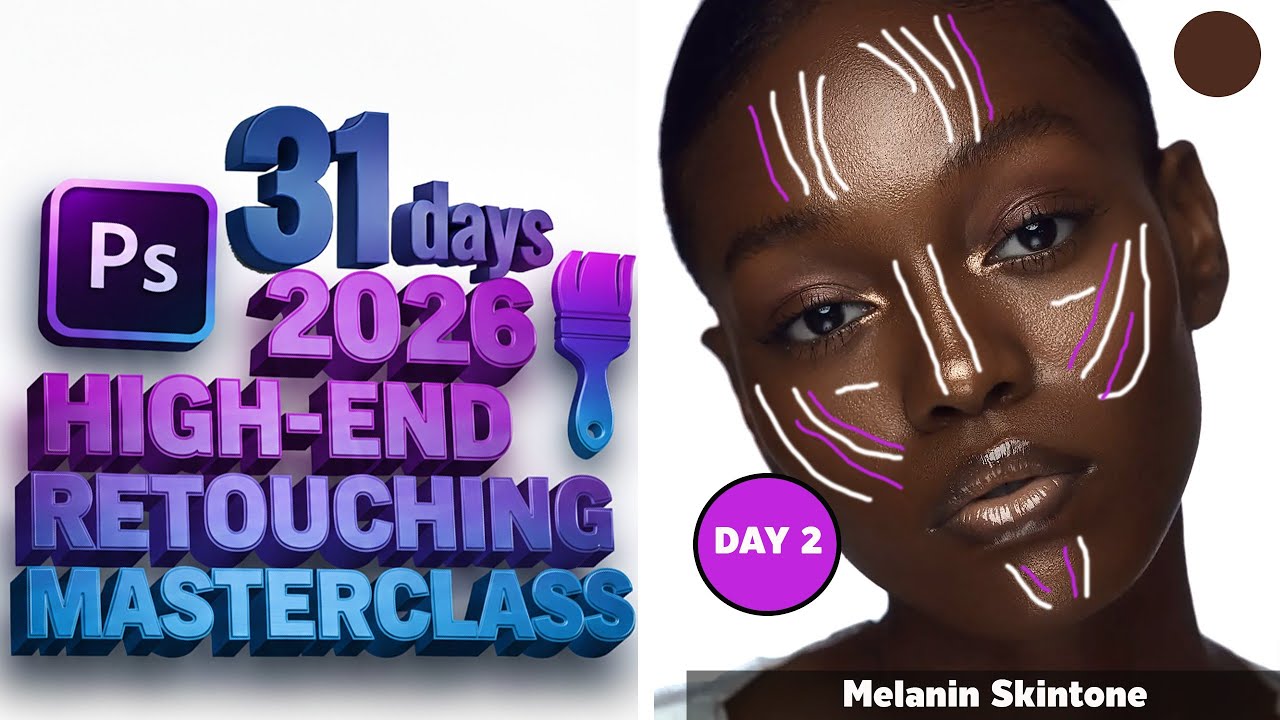
DAY 2 – 31 Days High-End Retouching Masterclass 2026
In today’s episode, I reveal my full workflow for perfect Melanin Skin Tone Retouching — smooth, rich, clean, and beautifully natural.
If you struggle with uneven tones, patchy highlights, or oversmoothing dark skin, this tutorial will completely transform your retouching results.
In photo retouching, "melanin skin tone" generally refers to darker, richly pigmented skin tones and the specialized techniques required to edit them beautifully while preserving their depth and natural texture.
The goal is to enhance the image without making the skin look "ashy," "washed out," or overly lightened, which are common mistakes when applying standard retouching methods developed primarily for lighter skin.
Key Goals of Retouching Melanin Skin Tones
The focus is on maintaining the richness and dimension that the melanin pigment provides:
Preserving Richness and Depth (Avoiding Ashiness): This is the most crucial step. Due to the high level of eumelanin, darker skin absorbs light differently. If an image is over-lightened or too much color is removed (desaturated), the skin can take on a flat, grayish, or "ashy" appearance. The retoucher must use gentle exposure and saturation adjustments.
Color Correction (Handling Undertones): Darker skin often has visible undertones of red, orange, or magenta from localized blemishes or uneven light absorption. The retoucher uses selective color tools (like HSL/Color Editor) to subtly neutralize these uneven tones while keeping the overall skin color vibrant.
Enhancing Natural Glow/Highlights: On darker skin, highlights often appear as a beautiful, rich sheen or glow. The retouching process should carefully enhance these highlights (often using the Dodge tool) to add dimension and shape, but without creating unnatural white patches.
Careful Use of Frequency Separation: This advanced technique separates color/tone from texture. For darker skin, retouchers must be extremely precise on the Color (Low-Frequency) layer to blend tones without destroying the natural variations and texture on the Texture (High-Frequency) layer.
Maintaining Texture: Over-smoothing can make any skin look plastic, but on darker skin, it can remove the subtle texture variations that give the skin a natural, healthy look.
Specific Retouching Techniques Used
Frequency Separation: Used to smooth out color inconsistencies (like blotchiness) without losing the original skin texture.
Color Grading: Using tools like Color Balance or selective Hue/Saturation/Luminance (HSL) adjustments to bring out the warmth and richness (browns, oranges, and reds) in the skin.
Dodging and Burning (Local Adjustments):
Dodging (Lightening): Used sparingly, mainly on natural highlights (cheekbones, forehead) to enhance the glow.
Burning (Darkening): Often used more than dodging to gently even out lighter, uneven patches without artificially lightening the overall skin tone.
Ultimately, "melanin skin tone" in retouching is a call for a thoughtful, skillful, and less-is-more approach that celebrates the beauty and complexity of the subject's natural pigmentation.
---
✨ WHAT YOU’LL LEARN IN THIS TUTORIAL
Perfect melanin skin tone balancing
Evenly blending highlights & shadows
Preserving natural skin texture
Correct color grading for deep skin tones
Dodging & burning for melanin
Full workflow for rich, glowing melanin skin
---
⚠️ COPYRIGHT DISCLAIMER
I do not own the copyright of the picture used in this tutorial.
It is used strictly for educational purposes only.
---
ALL-IN-ONE RETOUCHING PACK + ALL PRESETS — NOW AVAILABLE! 👇
https://selar.com/m/The_Auracle_Of_Re...
---
WATCH THE FULL 31-DAY RETOUCHING MASTERCLASS
New episode every day!
Turn on notifications so you don’t miss Day 3.
---
🔗 CONNECT WITH ME
Subscribe for more high-end retouching tutorials, AI editing guides, and professional retouching tips.
#MelaninRetouching
#HighEndRetouching
#31DaysMasterclass
#PhotoshopTutorial
#BeautyRetouching
#RetouchingTips

Информация по комментариям в разработке