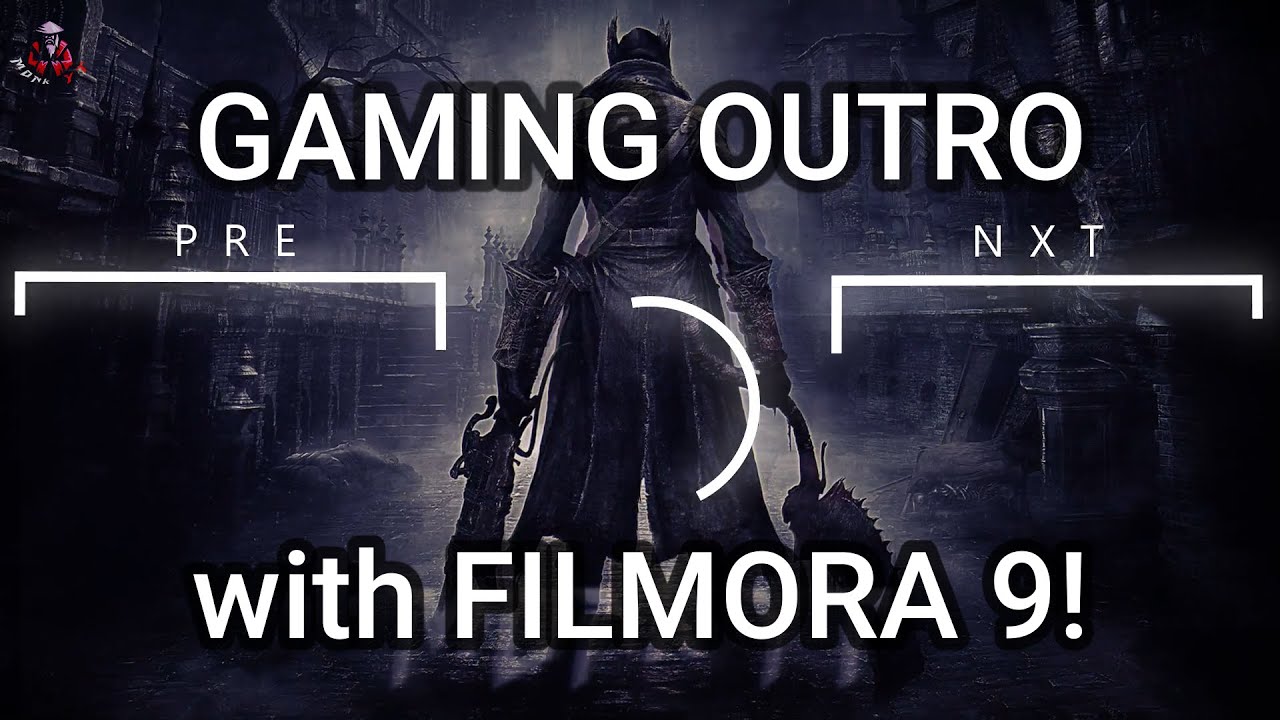
In today's video, I'll show you how to make gaming outro with filmora.
For this, you'll be needing a background, and templates. the download links are given below. Drag the background onto the timeline. Now go to effects, shake, and select and drag mild to the timeline. Double click it, and change the value like I'm doing. you can use your own settings if you want. in effects, go to filters, and search for Sutro. go to titles and select and drag default title to the timeline. double click on it, and go to advanced. type your channel name or any other text that you want, and change the font and font size if needed. change the value of opacity to 70 and blur, 7. go to effects, overlay, and select and drag glitch distortion to the timeline. double click on it, and change the value to 40. now, let's add the templates. double click on one of them, and under composting, change the blend mode to screen. do the same with the other two as well. now, make sure that all of them have the same duration. go to titles, lower thirds, and select and drag default lower third onto the timeline. we'll need 2. double click on one of them and change the text to previous. also change font and font size, if you want. in my case, I'm selecting the font segoe U L emoji, and the font size will be 72. you can also animate the text if you want. do the same with the other lower third as well. I'll be naming it next. animating the text is optional. now, adjust the locations of the templates, and the lower thirds. if you want, you can also add some fade out effects to the templates by going to transitions. the final step is to add song. go to audio tab, my music, and select and drag the music file that you want. now, select the part of the song that you want. I did some changes in the fade in and fade out, of the music. the final step is to render the video, and check if everything is fine. after that, export the video.
________________________________________________________________________
Subscribe for more!!
LINK: / @vismit1095
________________________________________________________________________
Wallpaper link: https://wallpapercave.com/wp/wp183511...
Templates Dwnld :
LINK: https://drive.google.com/file/d/1ElP3...
________________________________________________________________________
Outro song:
Galaxy Voices by Cauzmonote / cauzmonotemusic
Creative Commons — Attribution 3.0 Unported — CC BY 3.0
Free Download / Stream: https://bit.ly/galaxy-voices
Music promoted by Audio Library • Galaxy Voices – Cauzmonote (No Copyright M...
________________________________________________________________________
Background song:
Harmonia by Peyruis / peyruis
Creative Commons — Attribution 3.0 Unported — CC BY 3.0
Free Download / Stream: https://bit.ly/peyruis-harmonia
Music promoted by Audio Library • Harmonia – Peyruis (No Copyright Music)
________________________________________________________________________
Thanks for watching (||||||------||||||)

Информация по комментариям в разработке