#manithasevai #manitha_sevai #crstn #birth #death #certificate #download
#tamilnadu #crstn
Join this channel to get access to perks:
/ @manithasevai-மனிதசேவை
_____________________________________________________________
அனைவருக்கும் வணக்கம் !!!
மனித சேவை வலையொளிக்கு உங்களை வரவேற்கிறோம்!!!
இந்த வலையொளி மூலம் கீழ்வரும் சேவைகளை உங்கள் வீட்டில் இருந்து இணையதளம் வழியாக நீங்களே சுயமாக மேற்கொள்வதற்கு உதவுவதே நேக்கம்.
Tamilnadu E-Sevai, Online sevai, College admission, University admission, Online admission, Online application, Online bill payment, Government job application, Private job application, Awards application, Tamilnadu Government Scheme, etc....
மனித சேவை வலையொளிக்கு உங்கள் ஆதரவை எதிர்பார்க்கிறோம்...நன்றி வணக்கம்...
Welcome to Manitha Sevai Channel !!!
The aim of this channel is to enable you to do the following services yourself from your home through online.
Tamilnadu E-Sevai, Online sevai, College admission, University admission, Online admission, Online application, Online bill payment, Government job application, Private job application, Awards application, Tamilnadu Government Scheme, etc...
We look forward to your support for Manitha Sevai channel.
Please like, share, comment and subscribe. Thanks all....
_______________________________________________________________
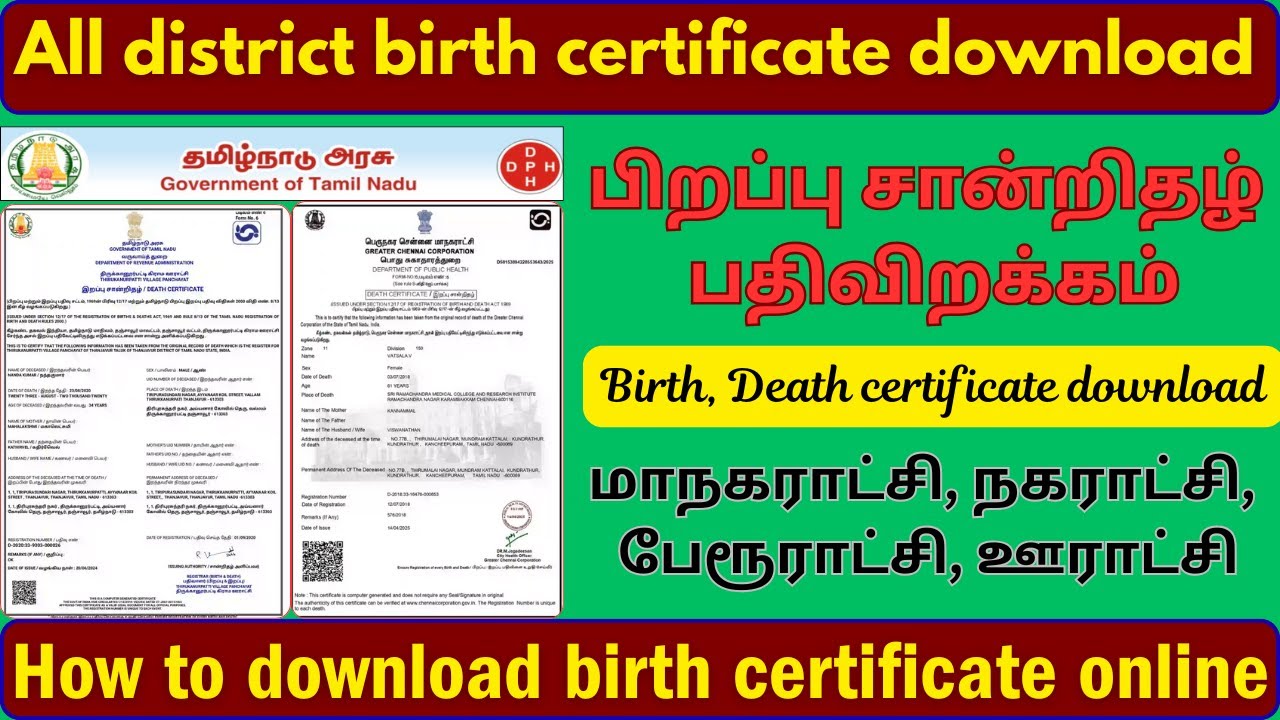
To download a birth certificate in Tamil Nadu, you generally need to visit the official Civil Registration System (CRS) website for Tamil Nadu or the respective Municipal Corporation website if you are in a city like Chennai.
1. Official Website:
The primary official website for birth and death registration and certificate downloads in Tamil Nadu is:
www.crstn.org
2. Steps to Download:
On the CRSTN website (or your specific municipal corporation website), look for sections related to "Birth Certificate" or "Birth and Death Registration." The process typically involves:
Selecting "Birth": Choose the option for Birth Certificate download.
Providing Details: You will likely need to enter details such as:
RCH ID (if applicable) or Gender
District
Place of Birth (e.g., Hospital, Home/Others)
Date of Birth
Mobile Number Verification: Enter your mobile number and receive an OTP (One-Time Password) for verification.
Number Verification: Complete any additional number verification or captcha.
View and Download: After successful verification, you should be able to view a list of registered births matching your criteria. Select the relevant entry and download the certificate, often in PDF format.
Important Notes:
Chennai Corporation: If the birth was registered in Chennai, you might also be able to use the Greater Chennai Corporation website: chennaicorporation.gov.in
Events Registered from 01.01.2018: A provision is available on www.crstn.org to download birth and death certificates for events registered in the CRS software from January 1, 2018, free of cost.
Name Inclusion: If the child's name was not included at the time of initial registration, there's a process to add it later, usually within a specific timeframe and potentially with a late fee. After name inclusion, you can typically download the updated certificate.
Application Status: For checking the status of an application, you might need to use the TN e-Sevai Portal or the e-Services Application Status & Certificates Genuineness Verification sections on district specific NIC websites (e.g., chennai.nic.in, tiruvallur.nic.in).
_______________________________________________________________
website: https://www.crstn.org/birth_death_tn/
chennai: https://chennaicorporation.gov.in/gcc...
________________________________________________________________

Информация по комментариям в разработке