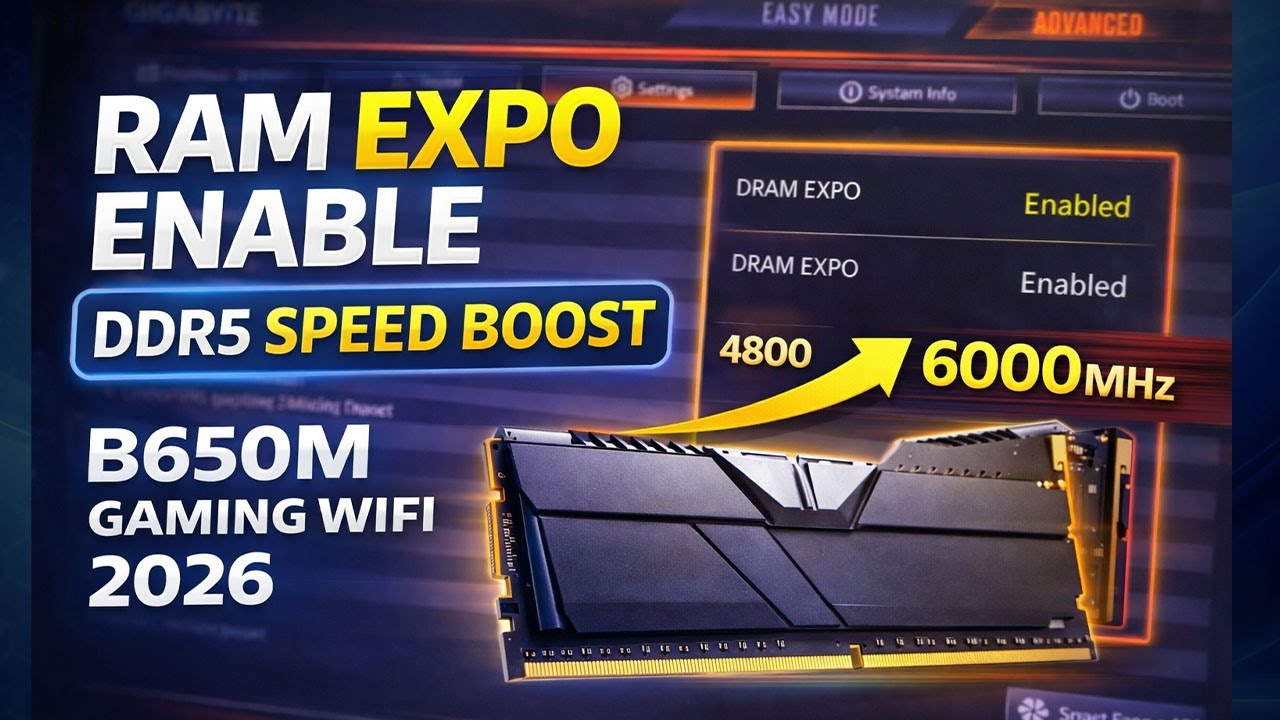
Enable RAM EXPO on Gigabyte B650M Gaming WiFi motherboard to unlock full DDR5 performance.
In this step-by-step silent BIOS tutorial, you’ll learn how to enable EXPO Profile 1 safely and boost DDR5 speed from default to rated frequency.
🔧 What This Video Covers:
✔ Check current DDR5 RAM speed in Windows
✔ Enter BIOS (Advanced Mode)
✔ Enable EXPO Profile 1 in Tweaker
✔ Save & Exit BIOS safely
✔ Verify DDR5 speed after boot
✔ First boot warning after EXPO
✔ EXPO successfully enabled confirmation
⚠️ Important Notes:
First boot after EXPO may take longer
Do NOT power off during memory training
If system doesn’t boot: Clear CMOS or try EXPO Profile 2
🖥️ Tested Hardware:
Motherboard: Gigabyte B650M Gaming WiFi
RAM: DDR5
CPU: Ryzen 7000 Series
OS: Windows 11
👍 Like | 💬 Comment | 🔔 Subscribe for more BIOS & PC optimization guides
........................................................................................................................
⚡ DDR5 EXPO Enabled Successfully!
If your PC doesn’t boot after EXPO:
✔ Clear CMOS
✔ Try EXPO Profile 2
✔ Update BIOS
Comment your DDR5 speed 👇
gigabyte b650m gaming wifi,
enable expo b650m,
ram expo enable,
ddr5 expo bios,
gigabyte bios expo,
enable ddr5 speed boost,
ryzen 7000 ddr5 expo,
gigabyte b650m expo profile,
ddr5 stuck at 4800mhz,
b650 expo enable,
gigabyte advanced bios,
windows 11 ddr5 expo,
ram speed increase bios,
expo vs xmp,
2026 bios guide,
.......................................................................................................................
🔥 PC Hardware Benchmarks, Gaming Tests & BIOS Optimization 🔥
Welcome to Rambo Tech – Your ultimate destination for PC hardware reviews, gaming benchmarks, and system performance guides!
💻 On this channel, you'll find:
• Detailed GPU & CPU Gaming Benchmarks (NVIDIA, AMD, Intel)
• Gaming Performance Tests (1080p, 1440p, 4K)
• BIOS Setup, Secure Boot & TPM 2.0 Guides
• Windows 11 Installation Fixes & PC Troubleshooting
• Overclocking Tutorials & Performance Optimization Tips
• Gaming PC Build Guides & Hardware Reviews
📢 Subscribe for more PC hardware reviews, gaming benchmarks, and BIOS optimization tutorials:
👉 / @rambotech_
---
#Gaming #PCBuild2025 #GPUBenchmark #RTX3080 #Ryzen9 #IntelCorei9 #Overclocking #BIOS #SecureBoot #TPM2 #Windows11 #PCFix #TechGuide #hardwarereview
....................................................................................................................
how to enable expo in bios,
how to enable expo in bios gigabyte,
how to enable amd expo,
how to enable amd expo msi,
how to enable amd expo asus,
how to enable expo on asus bios,
enable amd v in bios,
c-states in bios,
disable vt-d in bios,
how to enable vmx in bios,
enable sam asus bios,
amd expo not working,
how to activate expo in bios msi,
how to enable expo on msi motherboard,
how to turn on expo in bios,
how to turn on expo in bios msi,
intel platform trust technology not showing in bios,
enable xmp uefi bios,
enabling xmp in bios,
how to enable intel xmp,
how to enable amd sam in bios,
enabling xmp in bios asus,
enable amd expo msi
enable ram expo on gigabyte b650m gaming wifi,
gigabyte b650m gaming x ax bios,
gigabyte b650m ds3h am5,
b650 motherboard ram install,
gigabyte b650m ds3h ddr5 motherboard,
gigabyte b650m gaming x ax,
gigabyte b650m gaming x ax build,
gigabyte b650m ds3h ryzen 5 7600x,
gigabyte b650 gaming x ax bios
fix ddr5 running at 4800mhz |,
ddr4 4800 vs ddr5 4800,
6000mhz ram running at 4800mhz,
ddr5 not running at full speed,
ddr4 4800 vs ddr5 6000,
can you run 4 sticks of ddr5,
ddr4 3600mhz vs ddr5 4800mhz,
ddr5 ram not running at full speed,
ddr5 xmp not working,
g skill ddr5 6000 cl30,
ddr5 4800mhz vs 6000mhz,
ddr5 4 sticks issue,
ddr5 2x32 or 4x16,
ddr5 4800mhz vs 5600mhz

Информация по комментариям в разработке