Logo video2dn
  • Сохранить видео с ютуба
  • Категории
    • Музыка
    • Кино и Анимация
    • Автомобили
    • Животные
    • Спорт
    • Путешествия
    • Игры
    • Люди и Блоги
    • Юмор
    • Развлечения
    • Новости и Политика
    • Howto и Стиль
    • Diy своими руками
    • Образование
    • Наука и Технологии
    • Некоммерческие Организации
  • О сайте

Скачать или смотреть How to align the hands of the Casio Overland OVW-110 "4315"

  • MercarieWatches
  • 2024-10-23
  • 452
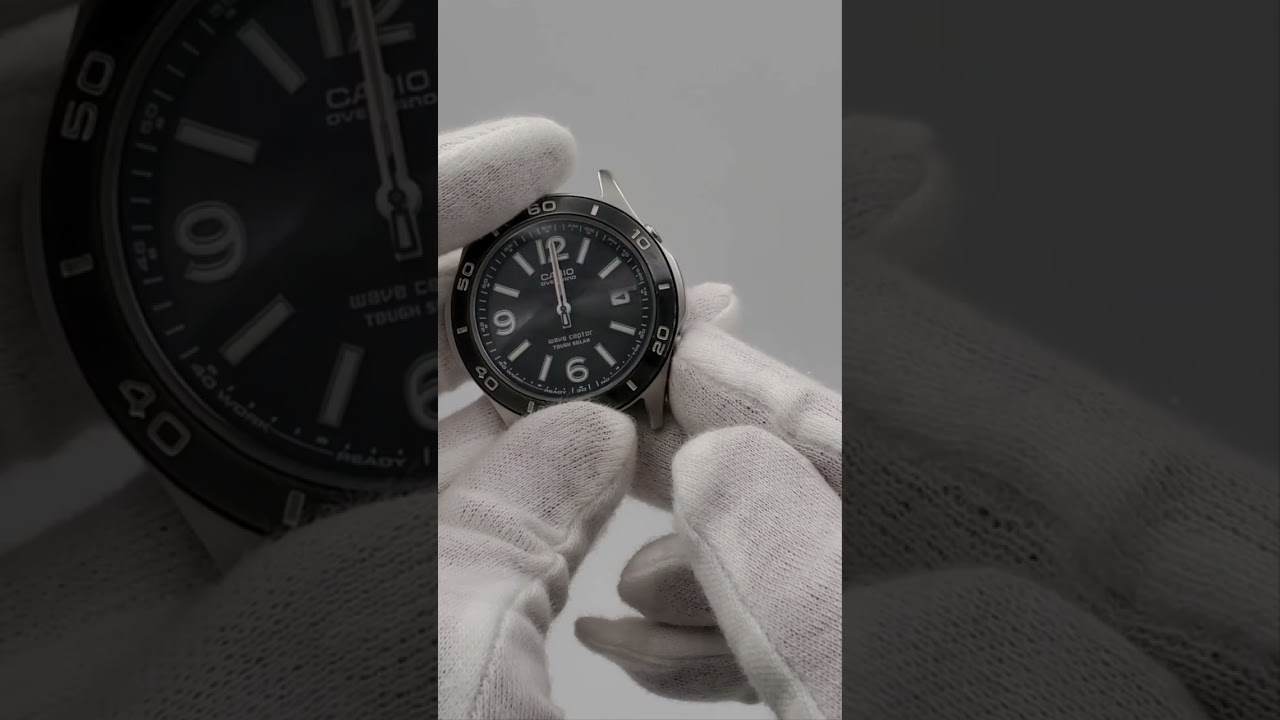
How to align the hands of the Casio Overland OVW-110  "4315"
  • ok logo

Скачать How to align the hands of the Casio Overland OVW-110 "4315" бесплатно в качестве 4к (2к / 1080p)

У нас вы можете скачать бесплатно How to align the hands of the Casio Overland OVW-110 "4315" или посмотреть видео с ютуба в максимальном доступном качестве.

Для скачивания выберите вариант из формы ниже:

  • Информация по загрузке:

Cкачать музыку How to align the hands of the Casio Overland OVW-110 "4315" бесплатно в формате MP3:

Если иконки загрузки не отобразились, ПОЖАЛУЙСТА, НАЖМИТЕ ЗДЕСЬ или обновите страницу
Если у вас возникли трудности с загрузкой, пожалуйста, свяжитесь с нами по контактам, указанным в нижней части страницы.
Спасибо за использование сервиса video2dn.com

Описание к видео How to align the hands of the Casio Overland OVW-110 "4315"

OVW-110DJ-1AJF

Release date: September 16, 2005

MSRP: 22,050 yen

It was 188 US dollars at the time

Casio module number: 4315

Receives radio waves from two domestic stations

Size

Compatible secondary battery: CTL1025F (Panasonic)

A simple 3-hand model that only has radio wave reception function in Japan among multi-function Casio watches.

Despite that, the battery is a high-capacity, high-output CTL1025... why?

It does not have any Casio-like functions such as a stopwatch, alarm, or backlight, and the side buttons are only used for radio wave reception and time adjustment (reference position adjustment).

Press the bottom right B button once to display the reception result, which is the result confirmation mode, and the hands will not return to normal movement even if you wait a few seconds.

↓
Press the B button a second time to enter reference position correction mode. In this state, if you press and hold the A button on the top right, the second hand will rotate once and the second hand will be in the reference position correction state.
↓
Press the A button to correct the hour and minute hands. At first, it only moves clockwise.
↓
Press the A button again to switch the minute hand to moving counterclockwise.
This method is the same as the 3721 in the Oceanus OCW-100TDJ and the 4315 in the Lineage LIW-101.

The OVW-110 and LIW-101 use the same movement...I just realized.
↓
The calendar reference position is OK when the left-facing isosceles triangle is facing straight to the side. I was worried about the slight misalignment, so I pressed it several times. Pressing the A button completes the reference position correction operation, but it remains in correction mode, so wait until all the hands stop moving.
↓
The glass is kind of cloudy...
The bezel is in good condition, but there are some scratches...

I'm thinking that.
↓
When all the hands have stopped moving, press button B to return to time mode and resume normal hand movement.

Комментарии

Информация по комментариям в разработке

Похожие видео

  • О нас
  • Контакты
  • Отказ от ответственности - Disclaimer
  • Условия использования сайта - TOS
  • Политика конфиденциальности

video2dn Copyright © 2023 - 2025

Контакты для правообладателей [email protected]