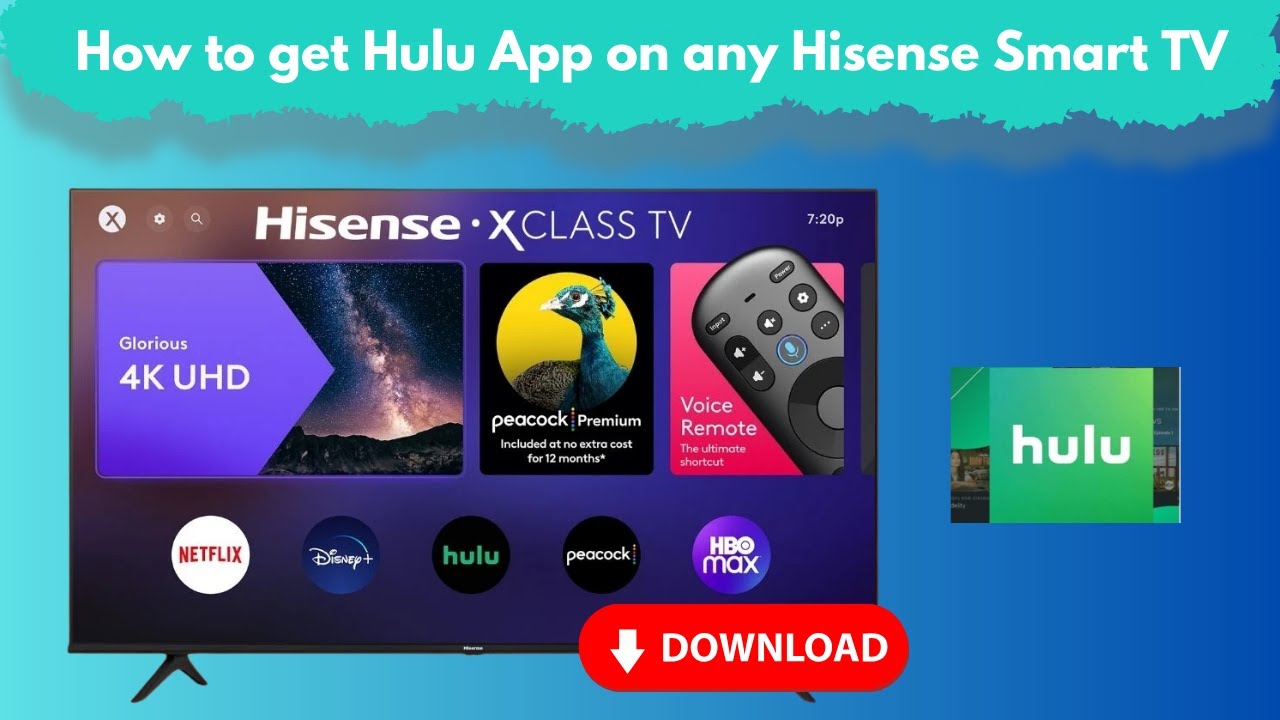
How to get Hulu App on any Hisense Smart TV?
Want to watch your favorite Hulu shows and movies on your Hisense Smart TV? In this video, I’ll show you step-by-step how to download, install, and start using the Hulu app on any Hisense Smart TV — whether it runs VIDAA, Android TV, Roku TV, or even older models.
✅ Learn how to:
Check if your Hisense TV is compatible with Hulu,
Download Hulu from the app store (VIDAA, Google Play, Roku Channel Store),
Sign in or create a Hulu account,
Fix common problems like “Hulu not showing on Hisense TV”,
No matter what model you have, this guide will help you get Hulu up and running so you can start streaming instantly!,
If this video helps you, please LIKE & SUBSCRIBE for more smart TV tips and streaming app tutorials.
Drop your questions in the comments below and I’ll be happy to help!
#Tags:
#Hulu, #HisenseTV, #HisenseSmartTV, #StreamingApps, #CutTheCord, #VIDAA, #AndroidTV, #RokuTV, #HuluApp, #HisenseTips, #SmartTVApps, #TechGuide, #StreamingTips, #HowTo, #CordCutting, #WatchHulu,
Legal Disclaimer:
This tutorial is for educational purposes only. Smart4Home does not own, operate, host, resell, or distribute any streaming apps, add-ons, websites, IPTV services, or related content. The video may mention unverified services, and we cannot confirm whether they have the legal licenses required to distribute the content. It is the responsibility of the user to verify the legality of any app or service in their region. We strongly encourage streaming only content that is freely available in the Hisense VIDAA Smart TV: How to Install ANY Apps! domain. The end-user assumes full responsibility for any media accessed.
Информация по комментариям в разработке