Logo video2dn
  • Сохранить видео с ютуба
  • Категории
    • Музыка
    • Кино и Анимация
    • Автомобили
    • Животные
    • Спорт
    • Путешествия
    • Игры
    • Люди и Блоги
    • Юмор
    • Развлечения
    • Новости и Политика
    • Howto и Стиль
    • Diy своими руками
    • Образование
    • Наука и Технологии
    • Некоммерческие Организации
  • О сайте

Скачать или смотреть Affinity Designer Quick Tip: Reset Bounding Box

  • Shico's Notebook
  • 2023-09-06
  • 3251
Affinity Designer Quick Tip: Reset Bounding Box
Affinity Designervectorquick tutorialtipsreset bounding box
  • ok logo

Скачать Affinity Designer Quick Tip: Reset Bounding Box бесплатно в качестве 4к (2к / 1080p)

У нас вы можете скачать бесплатно Affinity Designer Quick Tip: Reset Bounding Box или посмотреть видео с ютуба в максимальном доступном качестве.

Для скачивания выберите вариант из формы ниже:

  • Информация по загрузке:

Cкачать музыку Affinity Designer Quick Tip: Reset Bounding Box бесплатно в формате MP3:

Если иконки загрузки не отобразились, ПОЖАЛУЙСТА, НАЖМИТЕ ЗДЕСЬ или обновите страницу
Если у вас возникли трудности с загрузкой, пожалуйста, свяжитесь с нами по контактам, указанным в нижней части страницы.
Спасибо за использование сервиса video2dn.com

Описание к видео Affinity Designer Quick Tip: Reset Bounding Box

** UPDATE: Serif added a new option in the "Select" menu to "Set the selection box" (bounding box). It works on all shapes, whether it is a closed shape or not! (2.4) **

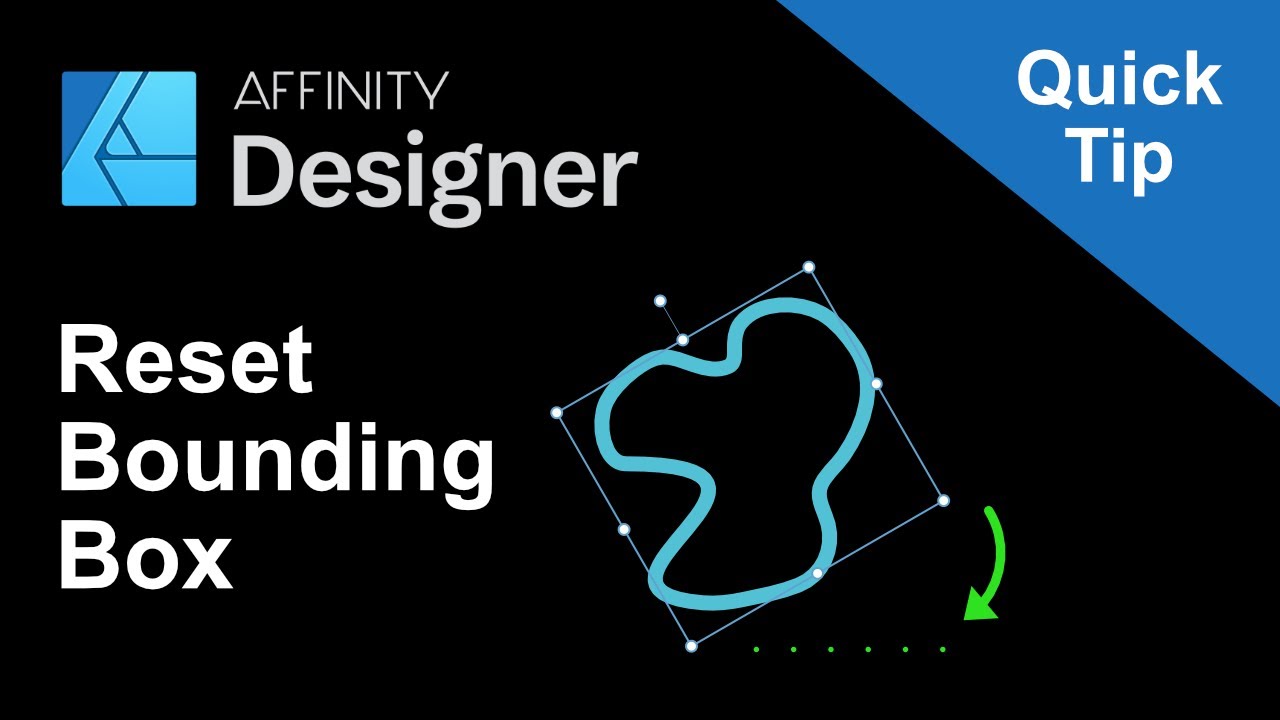
This video shows a quick tip on how to reset the bounding box of a shape, as there is no dedicated tool available at the moment.

In short:
Clicking the "Add" icon will reset the bounding box of the selected shape.

However! if the shape's path is not "closed" the shape will disappear.
Also, if it is a shape with editable parameters (square, gears, tear...etc) it will be converted into a curve and will lose the ability to modify those parameters.

Possible workaround:
A) Add the shape to a group (Ctrl + G)
or
B) Create a square (your own bounding box) and place the shape inside it.
The advantage of this method is having more control over the shape of the bounding box.

Hope you find these tips useful.
Please comment/share/like to help it reach others.
Subscribe to stay posted with future tutorials.

Thank you for watching!

** I used text to speech software to avoid bad voice recording as I don't have the right equipment, neither the right recording environment.

Комментарии

Информация по комментариям в разработке

Похожие видео

  • О нас
  • Контакты
  • Отказ от ответственности - Disclaimer
  • Условия использования сайта - TOS
  • Политика конфиденциальности

video2dn Copyright © 2023 - 2025

Контакты для правообладателей [email protected]