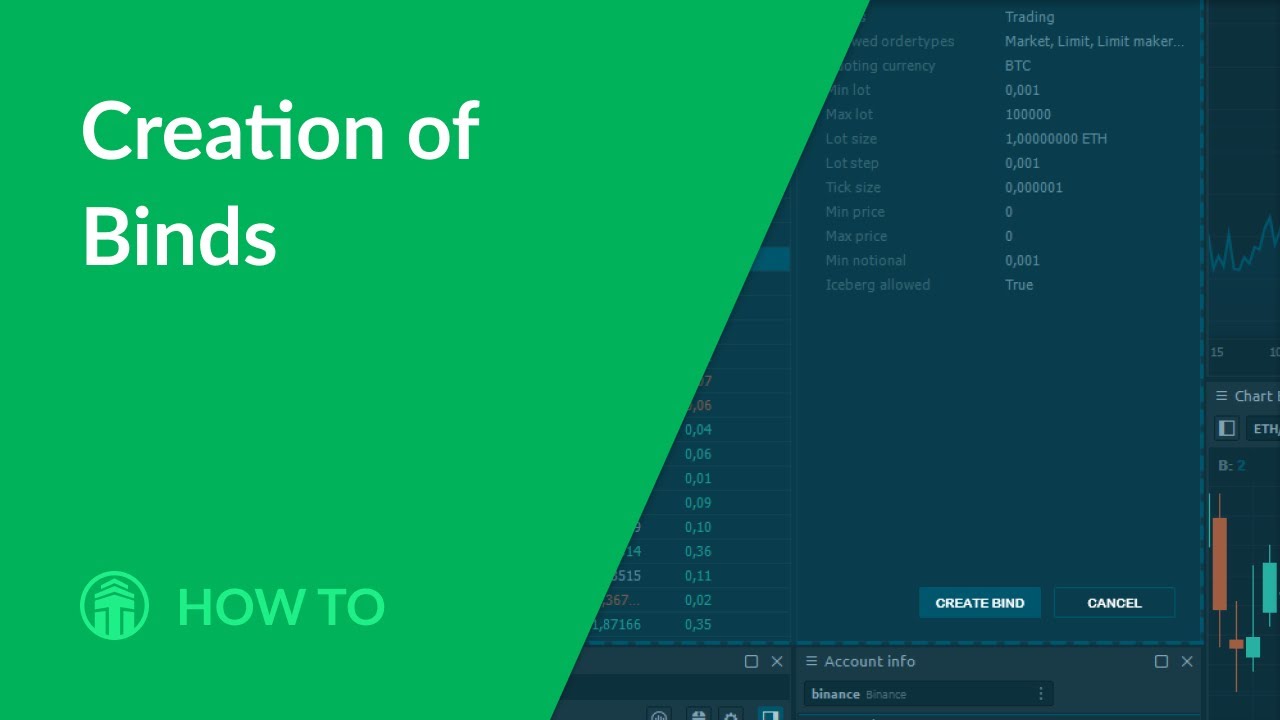
The most innovative and, we are sure, a useful layer of panels organization — is Binds (binding). It was developed to allow a user to create its own “Super-panels” — the sets of basic panels that should be stuck together. Generally, Binds allows to create any combination of panels in any required way; the only limit is your fantasy.
________________________________
Quantower platform provides:
✔ simultaneous connections to different brokers & data providers
✔ Futures, Stocks, Forex, CFDs, Options, Indices, ETFs trading
✔ 10+ chart types and styles – Time charts, Ticks, Kagi, Renko, P&F, Linebreak, Range, Candles, Bars.
✔ Volume Analysis tools – volume profile, cluster chart (Footprint), bar statistics, volume histogram, historical T&S
✔ Options Analytics panel for creating & analyzing Options Strategies and risk profiles.
✔ Order Flow Surface panel shows changes of all limit orders in Order Book, their placing, modifying, canceling and execution. It allows you to see the intentions of large traders regarding the future price, high liquidity price levels.
✔ one-click trading via Chart and DOM panels
✔ various order types – Market, Limit, Stop, etc.
✔ panel for simulating of real-time trading on any trading or quote connectors
✔ creating & trading of Spreads and Synthetic Instruments
✔ manual & automative backtesting of trading strategies
✔ creating algorithmic strategies via Quantower Algo
✔ full customization of trading workspaces, panels, templates
Our official website: https://www.quantower.com/
Our blog with recent news & updates: https://www.quantower.com/blog
Facebook: / quantower
Twitter: / quantower_app
Telegram Support channel: https://t.me/quantower
Информация по комментариям в разработке