Logo video2dn
  • Сохранить видео с ютуба
  • Категории
    • Музыка
    • Кино и Анимация
    • Автомобили
    • Животные
    • Спорт
    • Путешествия
    • Игры
    • Люди и Блоги
    • Юмор
    • Развлечения
    • Новости и Политика
    • Howto и Стиль
    • Diy своими руками
    • Образование
    • Наука и Технологии
    • Некоммерческие Организации
  • О сайте

Скачать или смотреть OnkartGromt Grompressor (demo)

  • Eirik Stordrange
  • 2018-03-03
  • 2186
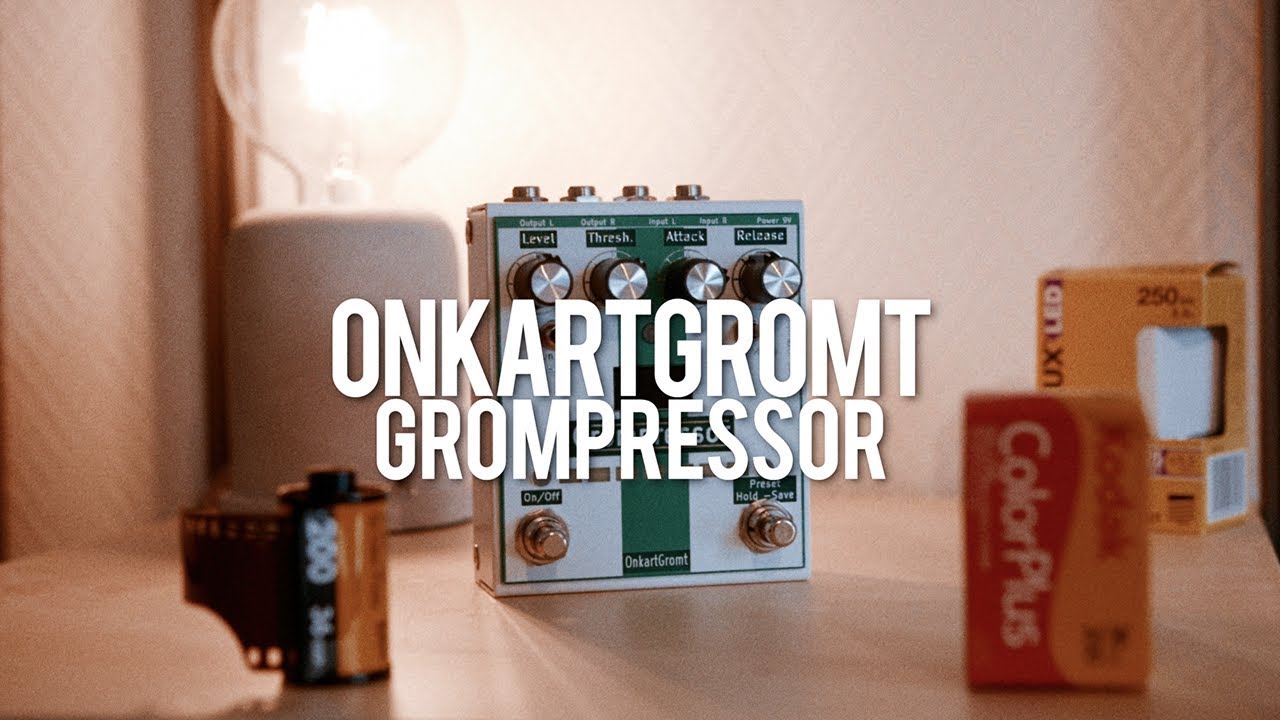
OnkartGromt Grompressor (demo)
OnkartGromt Grompressoronkartgromtgrompressorlivingroom gear demosdemobass
  • ok logo

Скачать OnkartGromt Grompressor (demo) бесплатно в качестве 4к (2к / 1080p)

У нас вы можете скачать бесплатно OnkartGromt Grompressor (demo) или посмотреть видео с ютуба в максимальном доступном качестве.

Для скачивания выберите вариант из формы ниже:

  • Информация по загрузке:

Cкачать музыку OnkartGromt Grompressor (demo) бесплатно в формате MP3:

Если иконки загрузки не отобразились, ПОЖАЛУЙСТА, НАЖМИТЕ ЗДЕСЬ или обновите страницу
Если у вас возникли трудности с загрузкой, пожалуйста, свяжитесь с нами по контактам, указанным в нижней части страницы.
Спасибо за использование сервиса video2dn.com

Описание к видео OnkartGromt Grompressor (demo)

My demo of the OnkartGromt Grompressor!

this is a sponsored video

Find one on Reverb: https://reverb.grsm.io/onkart

http://onkartgromt.no/bass/

"The Grompressor is an advanced compressor. Very useful for the bass player.

Level: Adjust the gain after the compression (make-up gain).

This control also is active if you go into one of the adjustable settings via the preset switch. Here you can adjust the blend level, input gain and activate the side-chain compression effect

Threshold: Adjust where the compression kicks in (0–70dB)

Attack: Adjust the attack time (1-200ms)

Release: Adjust the realese time (20-2000ms)

Ratio: Change the compression ratio from 1:1 – 1:20

Preset: Save up to 3 presets that can be loaded by clicking the right Footswitch

To SAVE a preset, navigate to the preset number you want to save to and HOLD the footswitch until it shows SAVED.

To LOAD a preset, navigate to the preset you want to load and push the footswitch fast.

To step through the presets, hold the footswitch ca 1s and it will change to the next preset and the color shows the number that is loaded:

Preset 1 : Green, preset 2: White, preset 3: Yellow"


EVERYTHING I USE FOR FILMING:
Filmed on this camera -- http://bit.ly/2DZNnBf
and this -- http://bit.ly/2nuScIp
and this -- http://bit.ly/2GAA5tp
lens -- http://bit.ly/2nr7jmS
lens -- http://bit.ly/2Fw9DQe
lens -- http://bit.ly/2FtP3zV
tripod -- http://bit.ly/2rVMyV3

Guitar: Epiphone Jack Cassidy
Amp: Tone King 20th Anniversary Imperial
Cables: Toaster Cables - http://www.toastercables.com/
Patch cables: Mulder Audio - http://www.mulderaudio.com/

Contact: [email protected]

  / livingroomgeardemos  
  / livingroomgear  
  / livingroomgear  
  / livingroomgeardemos  
http://ask.fm/livingroomgear
  / livingroomgeardemos  

Комментарии

Информация по комментариям в разработке

Похожие видео

  • О нас
  • Контакты
  • Отказ от ответственности - Disclaimer
  • Условия использования сайта - TOS
  • Политика конфиденциальности

video2dn Copyright © 2023 - 2025

Контакты для правообладателей [email protected]