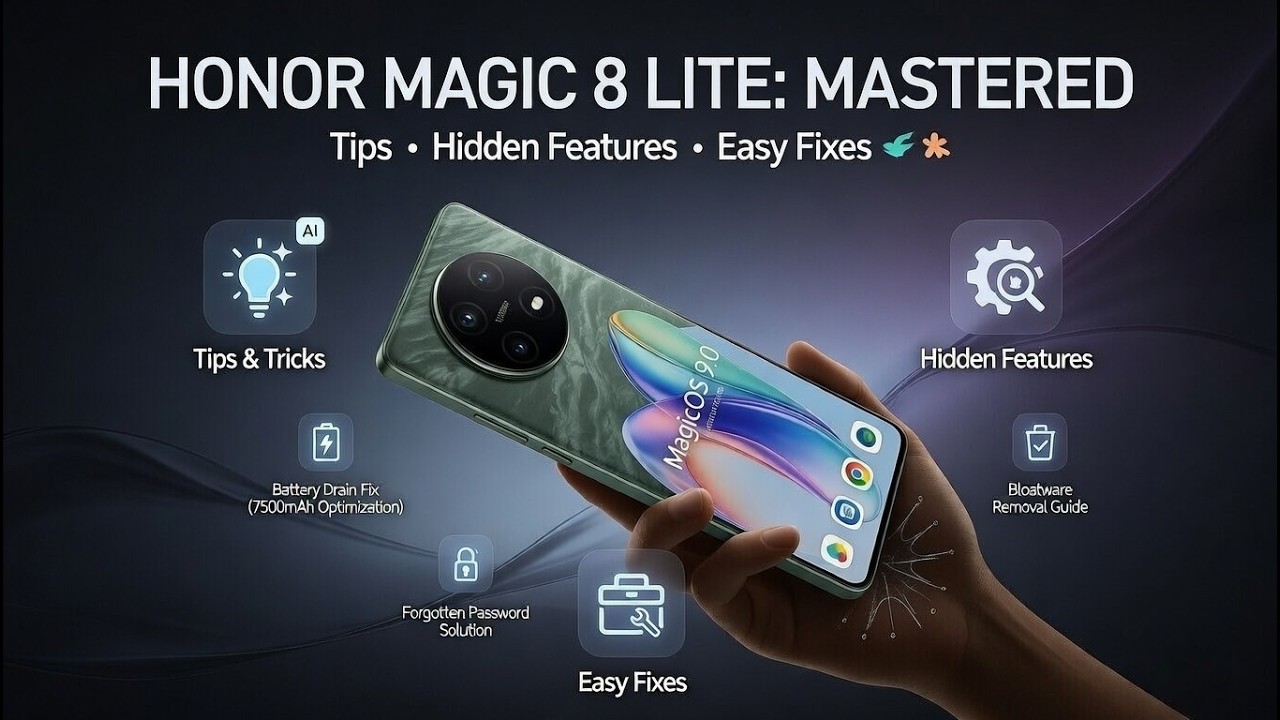
In this long, step–by–step video you’ll see the most useful Honor Magic 8 Lite tips, tricks and fixes in one place. We show how to solve common problems like Google Assistant not available during setup, battery drain, low volume, speaker or headphones not working, slow charging, screen flickering and frozen touchscreen. You’ll also learn how to enable 120Hz refresh rate, use Magic Portal and Magic Ring, turn on split screen and floating windows, use secret codes, record 4K video, improve battery life and set up your phone properly after first start. If you just bought the Honor Magic 8 Lite or you want to fix issues and discover hidden features in MagicOS, this video gives you a full practical guide with clear, simple steps.
How to fix Google Assistant not available during setup on Honor Magic 8 Lite?
How to enable 120Hz refresh rate and improve battery life on Honor Magic 8 Lite?
How to fix sound, Bluetooth, charging and screen problems on Honor Magic 8 Lite?
0:00 Fix “Google Assistant isn’t available for this account” during setup
2:18 Turn on 120Hz screen refresh rate & choose best option
5:02 Useful display tweaks – Always-On Display, themes, fonts, icons & home screen style
8:26 Light vs Dark mode – battery benefits and auto schedule
9:45 Color mode, vivid vs natural and color temperature settings
12:48 Video enhancer & vivid display options explained
14:48 Status bar tweaks – clean look, battery percentage & pure mode
16:28 System navigation – buttons vs gestures & Circle to Search basics
20:01 How Circle to Search really works
25:55 Fix battery drain – check battery usage per app & force stop problematic apps
27:05 Manage apps, put unused apps to sleep & uninstall bloatware
28:35 Diagnose battery health with AccuBattery app & when to visit service
30:43 Simple restart to fix lags and fast drain
31:30 Fix low volume – media & call volume, DND, cleaning speakers & port
34:15 Fix speaker not working – volume, speaker grill cleaning, Bluetooth check & restart
37:30 Fix headphones not detected – USB-C port cleaning, adapters, second pair test
40:01 Bluetooth headphones tips – update phone, restart & reset network settings
42:27 Record 4K video – change resolution & FPS on Honor Magic 8 Lite
43:41 Improve battery life – dark mode on OLED, adaptive brightness & refresh rate tips
46:06 Disable haptics & vibrations to save power
47:22 Battery settings – smart charging, safe charging & power alerts
48:25 First things to do after setup – connect Wi-Fi & add Google account
50:24 Sign in to Google Play, enable backup & finish basic configuration
52:49 Update all apps in Play Store & remove unwanted apps
53:45 Set screen lock PIN / pattern / password
55:13 Add fingerprint & face unlock
57:16 Extra battery optimization & system update check
59:10 Use Magic Portal – enable it in Honor AI settings
1:00:11 Knuckle circle gesture, drag text & images into Magic Portal
1:02:32 Use Magic Portal with screenshots & instant sharing
1:04:28 Multi-window & split screen – floating windows and two apps at once
1:06:37 Secret codes – calendar info, FCM diagnostics & IMEI code
1:08:20 Fix Bluetooth not working – toggle, forget device, restart phone & reset devices
1:10:23 Force restart when screen is frozen
1:11:42 Fix touchscreen not responding – remove case/protector, clean screen & force restart
1:13:52 Check for software update as last resort for touch issues
1:14:41 Use Magic Ring – enable tile, permissions & connect Honor devices
1:18:13 Fix screen flickering – manual brightness, Screen Dimmer / OLED Saver app
1:21:01 Fix fast charging not working – clean port, check cable/charger & test another adapter
1:22:51 Top 10 features – split screen, App Twin, smart sidebar, navigation, one-handed mode
1:29:04 Battery optimization & more battery settings
1:30:00 Focus mode, screen recorder, scrollshot & Private/Parallel Space
1:34:52 Fix battery percentage not showing on Honor Magic 8 Lite
1:37:36 Take 108MP ultra-resolution photos
1:41:08 Use Pro mode for night photography
1:47:44 Extend battery life – power saving, ultra power saving & app launch tweaks
1:52:48 Apply iOS-style home screen layout with Launch OS launcher
1:54:16 Hide apps and files using Private / Parallel Space
1:58:24 Use AI Eraser in Gallery – remove objects, people & reflections
2:01:30 Fix “No SIM card detected” on Honor Magic 8 Lite
2:04:15 Fix Wi-Fi not working / can’t connect to network
2:07:21 Fix phone overheating while charging
2:10:00 Stop Google Play Services from draining battery
2:11:44 Use YoYo Assistant features & Honor Search
2:15:07 Boost network strength & fix weak signal issues
2:18:26 Fix camera lag or shutter delay on Honor Magic 8 Lite
2:19:49 Fix delayed notifications by changing battery app launch settings
2:21:59 What to do if microphone is not working
2:22:57 Fix fingerprint sensor not recognizing your finger
#HonorMagic8Lite #HonorMagic8LiteTips #HonorMagic8LiteProblems #HardResetInfo









Информация по комментариям в разработке