Logo video2dn
  • Сохранить видео с ютуба
  • Категории
    • Музыка
    • Кино и Анимация
    • Автомобили
    • Животные
    • Спорт
    • Путешествия
    • Игры
    • Люди и Блоги
    • Юмор
    • Развлечения
    • Новости и Политика
    • Howto и Стиль
    • Diy своими руками
    • Образование
    • Наука и Технологии
    • Некоммерческие Организации
  • О сайте

Скачать или смотреть How To Complaint Management l National Savings

  • National Savings Official
  • 2026-01-07
  • 120
How To Complaint Management l National Savings
nationalsavingsnationalsavingsofficialnationalsavingnationalsavingsorganizationnationalsaving digitalnationalsavingsdigitalapp
  • ok logo

Скачать How To Complaint Management l National Savings бесплатно в качестве 4к (2к / 1080p)

У нас вы можете скачать бесплатно How To Complaint Management l National Savings или посмотреть видео с ютуба в максимальном доступном качестве.

Для скачивания выберите вариант из формы ниже:

  • Информация по загрузке:

Cкачать музыку How To Complaint Management l National Savings бесплатно в формате MP3:

Если иконки загрузки не отобразились, ПОЖАЛУЙСТА, НАЖМИТЕ ЗДЕСЬ или обновите страницу
Если у вас возникли трудности с загрузкой, пожалуйста, свяжитесь с нами по контактам, указанным в нижней части страницы.
Спасибо за использование сервиса video2dn.com

Описание к видео How To Complaint Management l National Savings

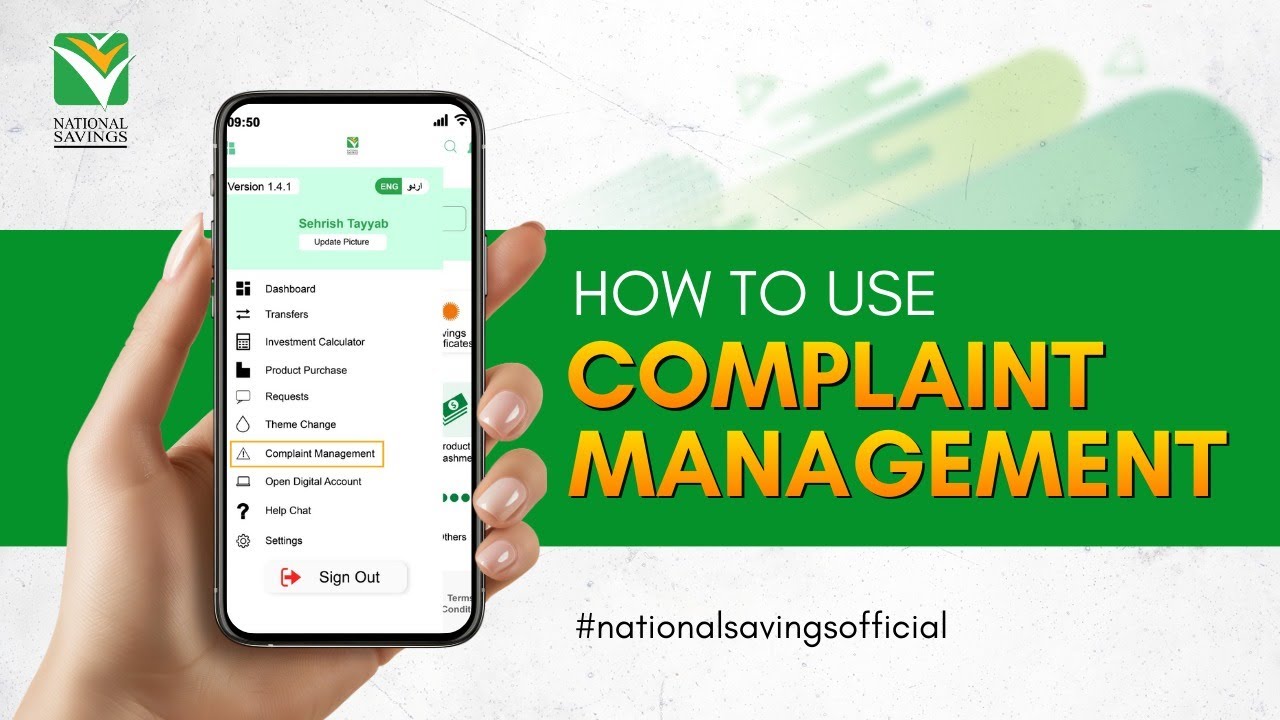
How to Use Complaint Management in the National Savings Digital App

Now you can easily register your complaint through the National Savings Digital App in just a few simple steps:
1 Log in to your National Savings Digital App
2 Tap the menu icon on the top-left corner of the screen and select Complaint Management from the list.
3 Choose Lodge New Complaint.
You’ll see three types of complaints you can select from:
Digital Transactions – for app-related issues such as
• Multiple charges,
• Transaction not received and other similar issues
Branch Transactions – Select this for issues related to branch visits or services, including
• Credit or deposit problems,
• Unrecognized or incorrect charges or any other issue related to in-branch transactions
Non-Financial Transactions – Use this for general concerns or technical issues like
• SMS not received,
• Login or password problems,
• Email or OTP issues and other related issues.
After selecting the right category and filling in the required details, simply tap File Complaint to submit.

Its Quick, simple, and efficient — Manage and track your complaints anytime, anywhere, without visiting a branch

For more details visit now
🌐 www.savings.gov.pk
📩 [email protected]
📞 +92 51 111 267 268 | +92 51 111 728 464

#NationalSavings #DigitalPakistan #ComplaintManagement #CustomerCare #nationalsavingdigitalapp #godigital

Комментарии

Информация по комментариям в разработке

Похожие видео

  • О нас
  • Контакты
  • Отказ от ответственности - Disclaimer
  • Условия использования сайта - TOS
  • Политика конфиденциальности

video2dn Copyright © 2023 - 2025

Контакты для правообладателей [email protected]