This video details an overview of what it looks like to use GDSLABv2024
Recording software - https://obsproject.com/
Editing Software - https://www.blackmagicdesign.com/uk/p...
GDSLABv202x - https://www.gdsinstruments.com/gdslab...
Video transcript:
Hello and welcome to the GDS Lab tutorial video 5.3.3, Running a Triaxial Stress Paths Test. This module is particularly relevant to triaxial test types and allows for the transition between stress states over a specified period. This might be a stage added to an existing test, so we'll start from the test stages list. To begin, we'll select the Stress Path Test module from the list of relevant test modules for triaxial testing. So, the Stress Path Test module allows us to transition linearly from one stress state to another stress target across a set period. Stress states are defined using calculated parameters. There are two test types for stress path, P and Q calculations and S and T calculations.
P and Q are related to deviator stress and Cambridge P, while S and T are related to mean shear stress and maximum shear stress. For this demonstration, we'll be using P and Q. So, we're going to select P and Q from the Test dropdown menu.
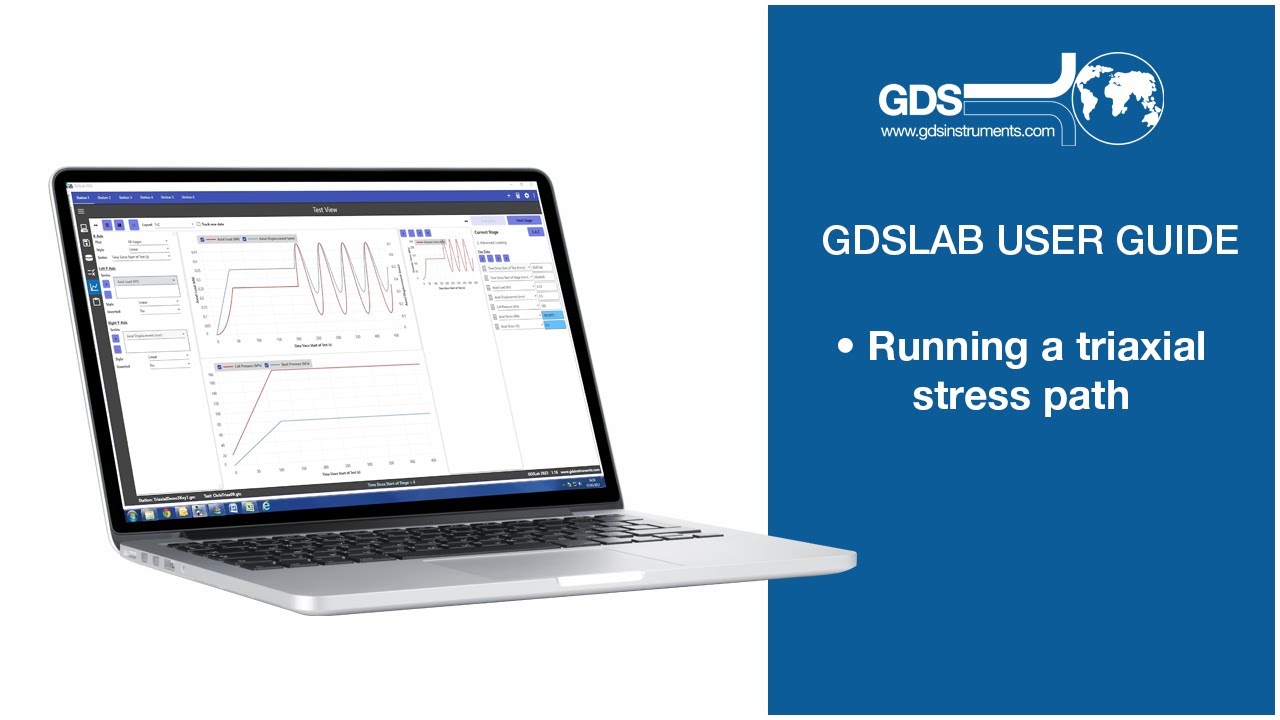
Then, we're going to define the current stress state using P and Q values and specify the time to reach the target. We'll start from the current zero calculated values and define a target stress state along with a time period for this transition. So, if we expand the calculator at the bottom of the screen, we can enter an actual stress of 200 kPa, for example, and a cell pressure of 100, then click Calculate and Apply to set these as your targets. This click and apply button will populate the fields automatically once you have entered the values on the calculator. So, typically, the sample will be drained during this test, so we'll enable back pressure control and maintain it at the current value. We'll also set a time to reach the target, for example, 60 minutes. And we can also set a maximum excess pore water pressure. For this example, let's use 50 kPa. There are also options for a constant rate of actual strain, useful for velocity-based systems for better stability. And if enabled, the system will control the ramp using a defined velocity. For example, you could set it to 0.002 millimeters per minute for more stable control. For this example, we won't be using this option, though, but you can be aware of this availability. So, double-check all your settings are correct before we go ahead and start the test, which now we just go ahead and click Apply. And then once it's applied, we can actually go and start the test. So, just before we do start the test, we need to make sure that we have the correct graphs showing exactly what we want to see. So, in our example, we want to set up a graph to monitor this test with deviator stress on the y-axis and k-bridge p on the x-axis.
Then we can start this test.
And then we should be able to observe the linear ramping from the current to the target stress state. Okay, that's it for the stress path test module. This has been running a tri-axle stress path test in GDS Lab 2024. Thank you.

Информация по комментариям в разработке