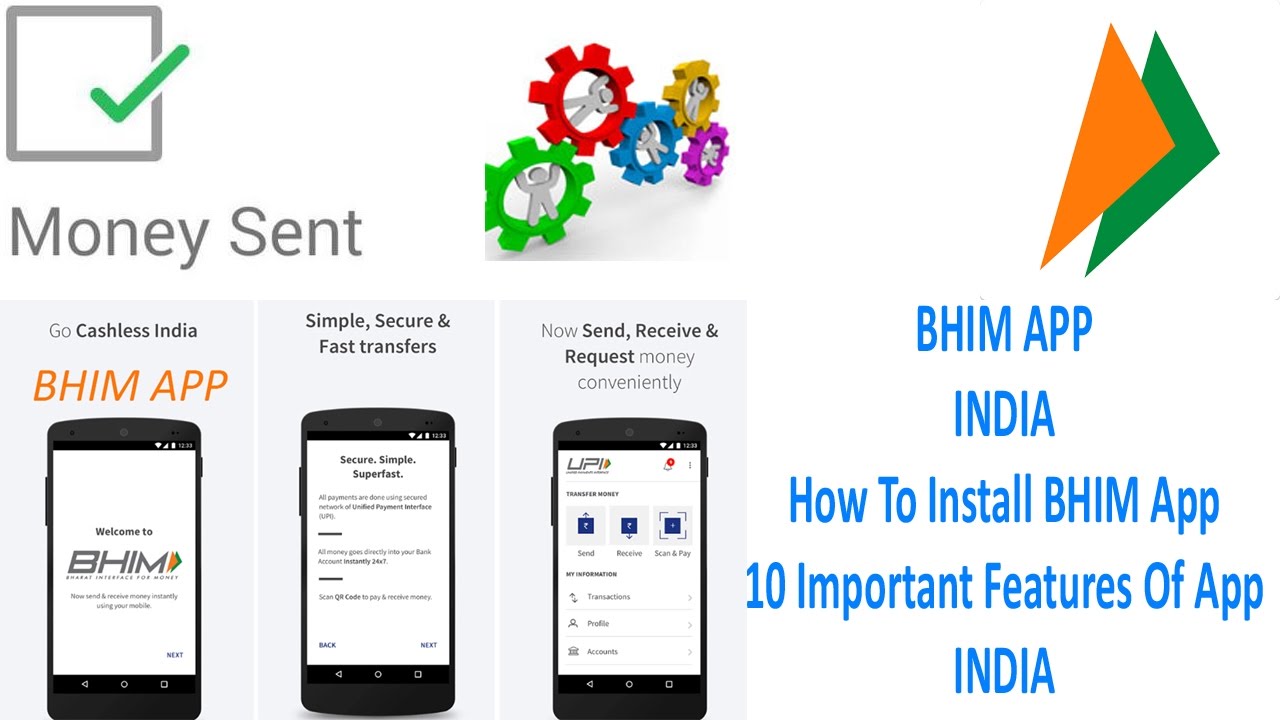
BHIM APP | How To Install | 10 Important Features | INDIA
Hi! Friends, Let us learn how to Install and use PM Modi’s launched BHIM app and start help India to enter into cashless economy.
1.The app allows you to easily transfer money or make a payment from your bank account using only your phone number. If the shopkeeper uses the BHIM app too, just open the app, choose “send money”, and type in the amount and the merchant's phone number to make the payment. The money will be debited from your account, and credited to the merchant's bank account which are linked by you and the vendor to the BHIM app.
2. BHIM is now available as an Android version download now, and iOS is coming soon.
3. The app also allows you to scan a QR code. The merchant can generate his QR code through the BHIM app. To pay him, you'd need to tap the Scan and Pay button in the app, and then scan the QR code.
4. Even without a smartphone, anyone can use BHIM to make payments.You need to dial *99# from any kind of mobile phone, and this will show a menu - by typing in different numbers you can choose to send money, check your balance, or see transaction history.
5. To send money, for example, you'd type '1' and hit send, then type '1' again to select mobile number. Next, you'd type in the number and the amount, and then a PIN that can be generated using BHIM. This will work on any phone - even Rs. 1,000 feature phones - without an Internet connection.
6. Shopkeepers can use the BHIM app and receive money from a smartphone, or if the customer has linked a bank account and her Aadhaar ID, then the merchant can use Aadhaar Pay, an app that was soft-launched days ago. For this, the merchant has to have a smartphone (even a basic Android phone will do) and a Rs. 2,000 fingerprint reader. This is currently being distributed free in Aadhaar Payments pilot projects around the country.
7. On the shopkeeper's phone, the customer types in its Aadhaar number and chooses the bank. Then, the shopkeeper uses the fingerprint reader for instant confirmation to complete the payment. The customer don't need to carry Aadhar card, or use a phone, only the merchant needs these.
8. With a mobile wallet app, you have to load money in the wallet before you can use it. With BHIM and all UPI (United Payments Interface) apps, you can directly connect your phone to your bank account - like a debit card. Payments are happening directly from and to bank accounts, so merchants don't have to worry about transferring wallet earnings to the bank either.
9. There is a Rs. 10,000 per transaction limit, and Rs. 20,000 per day for BHIM.
10. All UPI-connected banks accept BHIM - this includes all major Indian banks including SBI, ICICI, Axis, and HDFC. Even banks not connected to UPI can receive money through BHIM through IFSC, an 11-digit code assigned to every bank branch by the Reserve Bank of India.
Thank you

Информация по комментариям в разработке