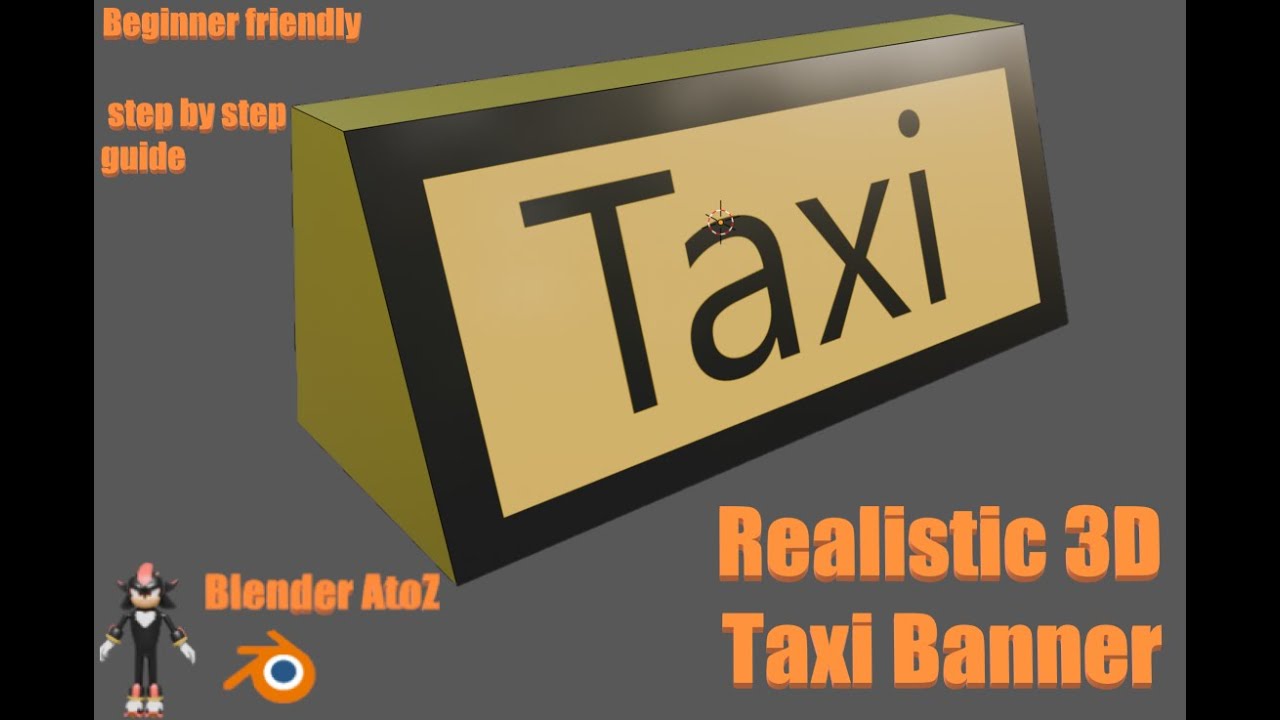
Welcome to this complete Blender tutorial for absolute beginners, where I will teach you how to make a 3D Banner step by step, starting completely from scratch. If you are new to Blender or you want to improve your 3D designing skills, this video is made especially for you. In this detailed guide, we will go through every tool, shortcut, and technique needed to design a clean, modern, and realistic 3D banner that you can use for YouTube thumbnails, gaming channels, social media posts, advertisements, posters, website graphics, product showcases, and professional branding.
In this beginner-friendly Blender tutorial, you will learn how to set up your workspace, adjust the viewport, and understand the basic layout. We will start by modeling simple shapes, then convert them into smooth and appealing 3D banner designs using essential modeling tools such as extrude, inset, scale, bevel, loop cuts, edge slides, and more. Every step is explained clearly so that even a complete beginner can follow without confusion.
Next, we will explore materials and shading, where you will learn how to apply realistic colors, gradients, glossy surfaces, metallic finishes, transparent layers, and soft shadows. You will understand how to use the Shader Editor, how to adjust roughness and specular values, and how to create a clean and professional look that makes the banner stand out.
Lighting is a very important part of 3D design, and in this tutorial, we set up proper three-point lighting, environment HDRI lighting, and soft highlights to make the 3D banner look smooth and attractive. You will learn how to use Area Lights, Point Lights, and Sun Lamps to achieve a balanced and realistic render. We also adjust the camera angles to make the final shot perfect for thumbnails, social media, and digital design projects.
This tutorial also covers important beginner concepts such as Modifiers (Subdivision Surface, Solidify, Bevel, Array), clean modeling workflow, object organization, naming layers, and creating a non-destructive setup that allows easy editing at any stage. You will also learn how to position text in 3D, adjust its depth, give it thickness, add bevels, and apply glowing effects to make the banner more attractive.
Finally, we work on render settings, enabling high-quality output using Cycles or Eevee, adjusting samples, denoising, shadows, and resolution settings for professional results. You will also learn expert tips to avoid noise, improve lighting, reduce render time, and get crystal-clear, sharp 3D banner images suitable for any digital platform.
Whether you are a student, content creator, YouTuber, graphic designer, beginner 3D artist, or someone who wants to learn Blender from the very basics, this tutorial will help you understand the full workflow of making a beautiful and realistic 3D banner design. The step-by-step explanation, simple instructions, and easy techniques make this video perfect for anyone who wants to start their Blender journey with confidence.
Make sure to watch the full video from start to end, follow along with each step, and practice the model to improve your skills. I upload daily beginner-friendly Blender tutorials, so don’t forget to like the video, leave a comment, share it with others, and subscribe to the channel for more 3D modeling tutorials, Blender basics, realistic design methods, and step-by-step guides.

Информация по комментариям в разработке