Logo video2dn
  • Сохранить видео с ютуба
  • Категории
    • Музыка
    • Кино и Анимация
    • Автомобили
    • Животные
    • Спорт
    • Путешествия
    • Игры
    • Люди и Блоги
    • Юмор
    • Развлечения
    • Новости и Политика
    • Howto и Стиль
    • Diy своими руками
    • Образование
    • Наука и Технологии
    • Некоммерческие Организации
  • О сайте

Скачать или смотреть Open Menu | Remove iCloud Account from Settings on checkm8 Devices | Omor Ramdisk Windows Tutorial

  • 1os Br3aker
  • 2026-01-13
  • 37
Open Menu | Remove iCloud Account from Settings on checkm8 Devices | Omor Ramdisk Windows Tutorial
iCloudcheckm8 devicesOpen MenuiOS tutorial Windowsramdisk tooljailbreak
  • ok logo

Скачать Open Menu | Remove iCloud Account from Settings on checkm8 Devices | Omor Ramdisk Windows Tutorial бесплатно в качестве 4к (2к / 1080p)

У нас вы можете скачать бесплатно Open Menu | Remove iCloud Account from Settings on checkm8 Devices | Omor Ramdisk Windows Tutorial или посмотреть видео с ютуба в максимальном доступном качестве.

Для скачивания выберите вариант из формы ниже:

  • Информация по загрузке:

Cкачать музыку Open Menu | Remove iCloud Account from Settings on checkm8 Devices | Omor Ramdisk Windows Tutorial бесплатно в формате MP3:

Если иконки загрузки не отобразились, ПОЖАЛУЙСТА, НАЖМИТЕ ЗДЕСЬ или обновите страницу
Если у вас возникли трудности с загрузкой, пожалуйста, свяжитесь с нами по контактам, указанным в нижней части страницы.
Спасибо за использование сервиса video2dn.com

Описание к видео Open Menu | Remove iCloud Account from Settings on checkm8 Devices | Omor Ramdisk Windows Tutorial

Download link is not clickable for now, check my profile and contact me.

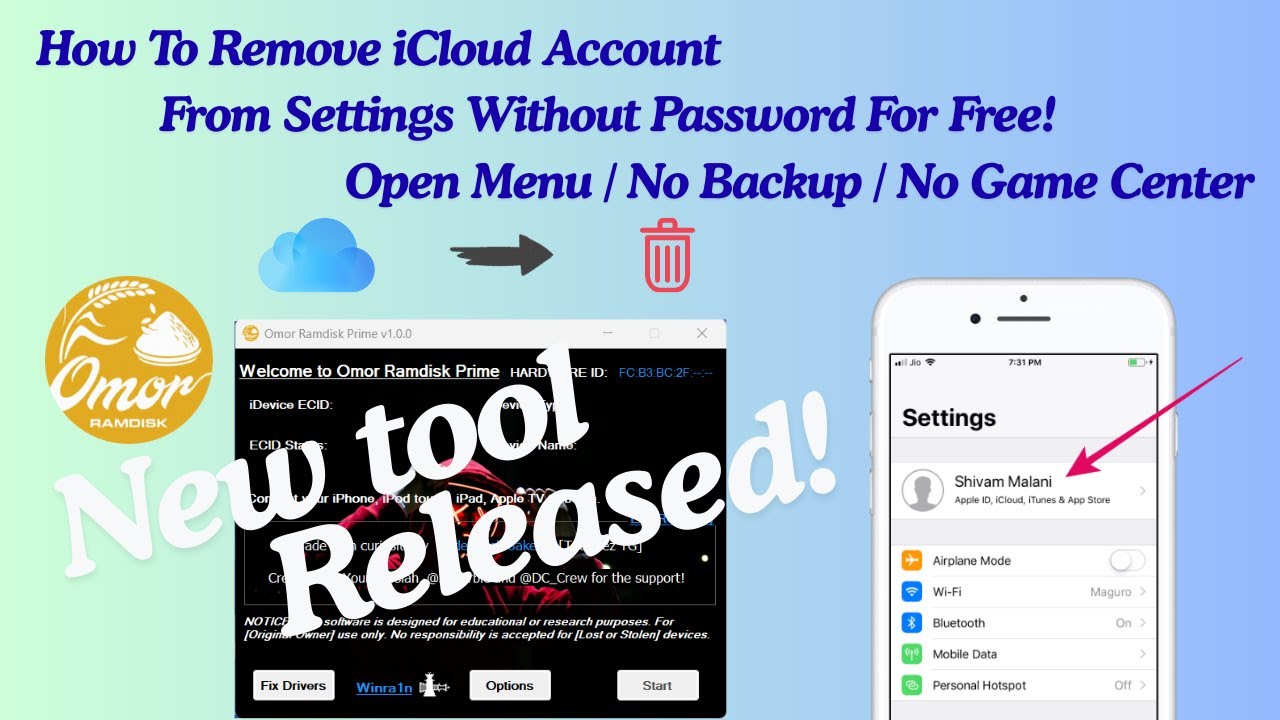
In this video, I demonstrate a step-by-step method for managing and removing an iCloud account from Settings on supported checkm8 devices using Omor Ramdisk Prime a Windows-based tool.

📥 Download Tool: https://mega.nz/folder/hbk30ByR#3xnHPdoqbu...
Telegram : https://t.me/omo_ramdisk_chat

This tutorial is intended for educational purposes and for devices that are legitimately owned, where the original iCloud credentials are no longer accessible.

The video covers:
Registering the device ECID
Verifying registration
Jailbreak requirement
Using the Open Menu method
Removing the iCloud account from Settings

IMPORTANT:
This process temporarily removes the iCloud account from Settings.
Do NOT erase or reset the device after using this method, as it may result in the device becoming stuck on Activation Lock.

Requirements:
Windows PC
Stable internet connection
Supported checkm8 device
Device must be jailbroken

Комментарии

Информация по комментариям в разработке

Похожие видео

  • О нас
  • Контакты
  • Отказ от ответственности - Disclaimer
  • Условия использования сайта - TOS
  • Политика конфиденциальности

video2dn Copyright © 2023 - 2025

Контакты для правообладателей [email protected]