Logo video2dn
  • Сохранить видео с ютуба
  • Категории
    • Музыка
    • Кино и Анимация
    • Автомобили
    • Животные
    • Спорт
    • Путешествия
    • Игры
    • Люди и Блоги
    • Юмор
    • Развлечения
    • Новости и Политика
    • Howto и Стиль
    • Diy своими руками
    • Образование
    • Наука и Технологии
    • Некоммерческие Организации
  • О сайте

Скачать или смотреть Too Tall Toby Challenge 24-04-06 - Creo Parametric Tutorial

  • Kate Leipold
  • 2026-01-09
  • 25
Too Tall Toby Challenge 24-04-06 - Creo Parametric Tutorial
CAD modelingCAD queenCreo Parametricwoman led
  • ok logo

Скачать Too Tall Toby Challenge 24-04-06 - Creo Parametric Tutorial бесплатно в качестве 4к (2к / 1080p)

У нас вы можете скачать бесплатно Too Tall Toby Challenge 24-04-06 - Creo Parametric Tutorial или посмотреть видео с ютуба в максимальном доступном качестве.

Для скачивания выберите вариант из формы ниже:

  • Информация по загрузке:

Cкачать музыку Too Tall Toby Challenge 24-04-06 - Creo Parametric Tutorial бесплатно в формате MP3:

Если иконки загрузки не отобразились, ПОЖАЛУЙСТА, НАЖМИТЕ ЗДЕСЬ или обновите страницу
Если у вас возникли трудности с загрузкой, пожалуйста, свяжитесь с нами по контактам, указанным в нижней части страницы.
Спасибо за использование сервиса video2dn.com

Описание к видео Too Tall Toby Challenge 24-04-06 - Creo Parametric Tutorial

Master complex Creo Parametric features and learn 3D CAD system by modeling real world parts!! https://www.TooTallToby.com/practice

While this video offers a focused lesson and often highlights a unique feature or tip, remember that the entire playlist provides a wide range of modeling techniques for tackling diverse design challenges in Creo. Ideal for engineering students, CAD learners, and professionals looking to sharpen their Creo skills. Whether you're preparing for certification, teaching CAD, or just love a good modeling challenge, these videos will help you build confidence and precision in Creo.

Summary
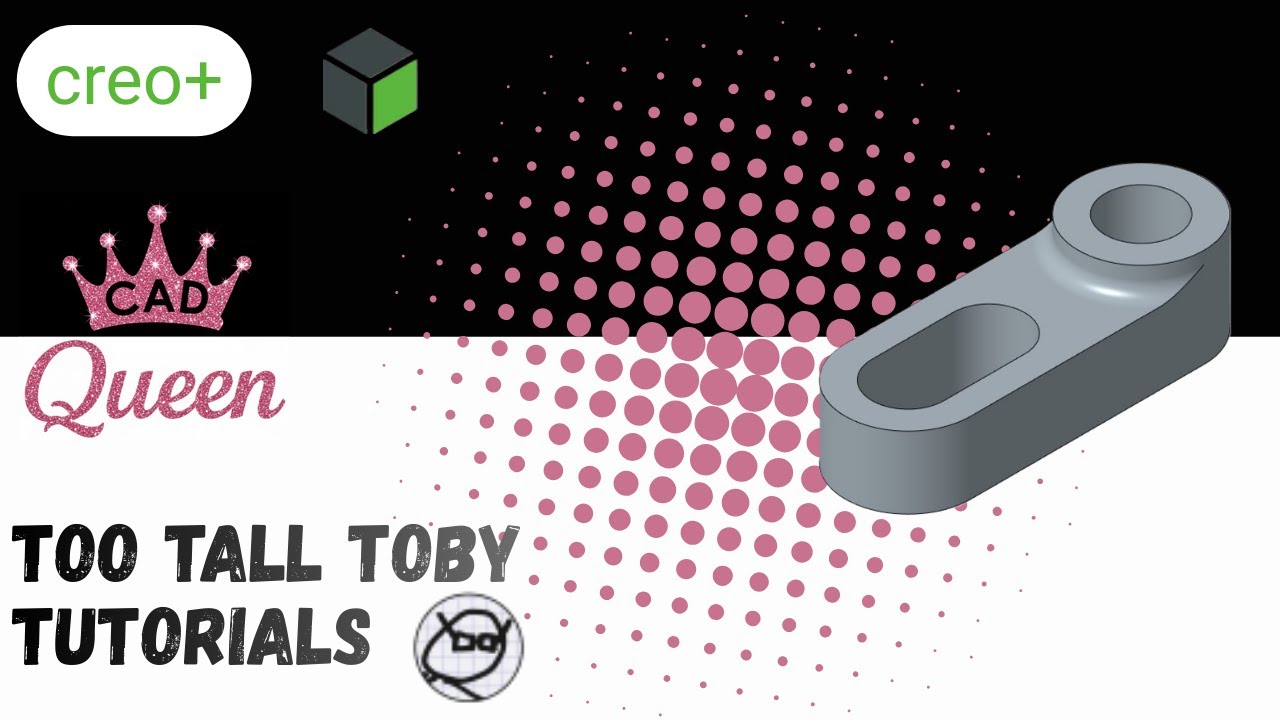
Take on Challenge 24-04-06, a Tier 2 problem involving a linkage modeled in pounds. This tutorial demonstrates how to leverage sketch regions to simplify the creation of complex parts with overlapping geometry, allowing you to bypass the need for tedious sketch cleanup.

Detailed Summary
The modeling process begins on the top plane by laying out several circles and rectangles to form the basic linkage shape. Instead of spending time trimming the intersecting lines, the tutorial focuses on using the sketch region tool to select specific areas for extrusion. This approach is highly efficient for creating features with varying heights from a single sketch.

The first component of the linkage is defined by selecting one region, while the second is established at a different thickness to match the profile requirements. A vital lesson covered is that the sketch region option is primarily available for specific features such as extrusions and revolves. It allows the software to project only the geometry needed for the selected regions, keeping the model tree organized. This technique proves that you do not always need a perfect, trimmed sketch to achieve high-quality results in Creo Parametric.

Комментарии

Информация по комментариям в разработке

Похожие видео

  • О нас
  • Контакты
  • Отказ от ответственности - Disclaimer
  • Условия использования сайта - TOS
  • Политика конфиденциальности

video2dn Copyright © 2023 - 2025

Контакты для правообладателей [email protected]