Logo video2dn
  • Сохранить видео с ютуба
  • Категории
    • Музыка
    • Кино и Анимация
    • Автомобили
    • Животные
    • Спорт
    • Путешествия
    • Игры
    • Люди и Блоги
    • Юмор
    • Развлечения
    • Новости и Политика
    • Howto и Стиль
    • Diy своими руками
    • Образование
    • Наука и Технологии
    • Некоммерческие Организации
  • О сайте

Скачать или смотреть Ears On A Stick - 001 (wear headphones...)

  • 3Dio
  • 2012-09-27
  • 2977
Ears On A Stick - 001 (wear headphones...)
binauralbinaural audio3d sound3d audioholophonicsfree spacefree space micfree space microphoneears on a stickear microphonebinaural micbinaural microphone3d mic3d microphonePOV3d povfirst person3dio
  • ok logo

Скачать Ears On A Stick - 001 (wear headphones...) бесплатно в качестве 4к (2к / 1080p)

У нас вы можете скачать бесплатно Ears On A Stick - 001 (wear headphones...) или посмотреть видео с ютуба в максимальном доступном качестве.

Для скачивания выберите вариант из формы ниже:

  • Информация по загрузке:

Cкачать музыку Ears On A Stick - 001 (wear headphones...) бесплатно в формате MP3:

Если иконки загрузки не отобразились, ПОЖАЛУЙСТА, НАЖМИТЕ ЗДЕСЬ или обновите страницу
Если у вас возникли трудности с загрузкой, пожалуйста, свяжитесь с нами по контактам, указанным в нижней части страницы.
Спасибо за использование сервиса video2dn.com

Описание к видео Ears On A Stick - 001 (wear headphones...)

http://www.3DioSound.com

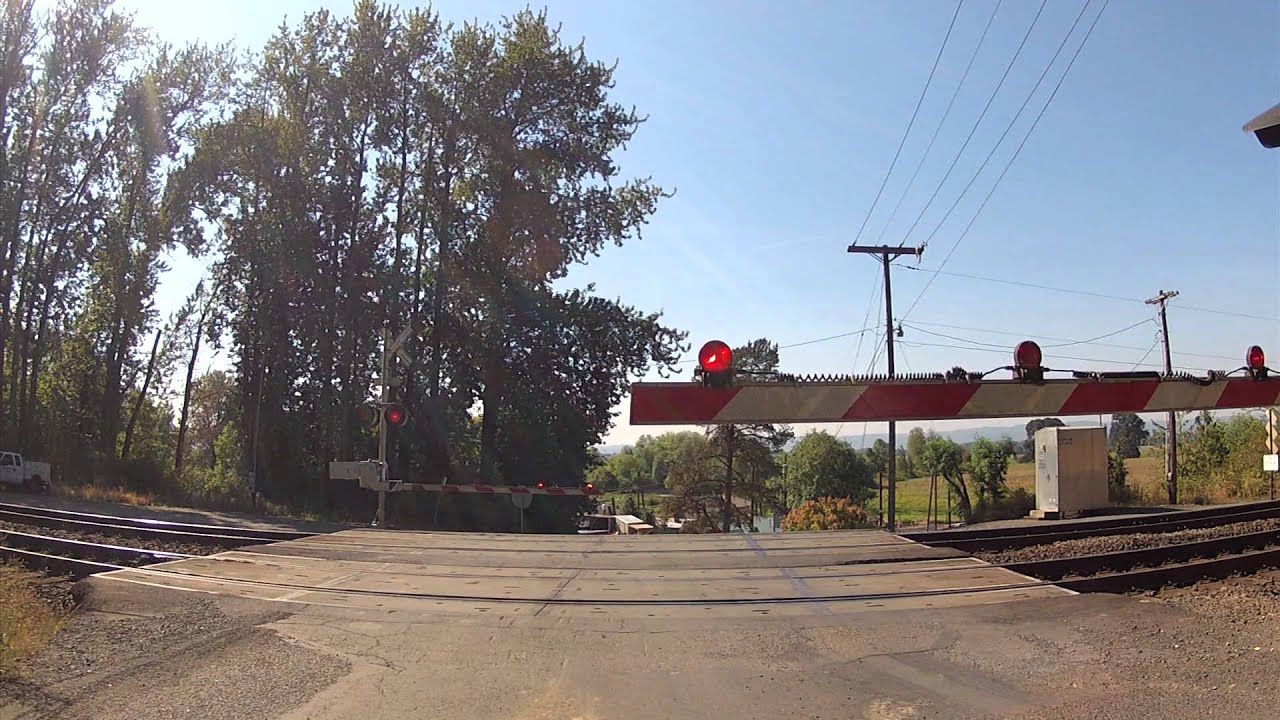
The Free Space, shown with optional "Eyes & Ears Mounting hardware", with a GoPro for the video and a Zoom H1 for recording the audio.

Video: Raw from the GoPro.

Audio: Recorded to the Zoom H1 at an input volume of 30 (set low to avoid peaking during the train horn). Bass roll-off on the Free Space is turned on. H1 roll-off is flat. Gain is made up in post using compression.

Edited in Final Cut Express with the following audio filters:

AUGraphic EQ: 31 bands - (20Hz = -2, 25Hz = -2, 31.5Hz = -3, 40Hz = -4, 50Hz = -4, 63Hz = -3, 80Hz = -3, the rest are default)

AULowShelfFilter: cutoff frequency = 200, gain = 14 (yeah, its fighting the previous, but it all balanced out nicely;-)

AUDynamicsProcessor: All default except master gain = 6

I boosted the low frequencies for the second half, where the train goes by. I also opened up the compression a bit there to make it a little more "present" and in-your-face. Ask me questions through comments below, so that other people can see the answers.

Thanks for watching!

Комментарии

Информация по комментариям в разработке

Похожие видео

  • О нас
  • Контакты
  • Отказ от ответственности - Disclaimer
  • Условия использования сайта - TOS
  • Политика конфиденциальности

video2dn Copyright © 2023 - 2025

Контакты для правообладателей [email protected]