Logo video2dn
  • Сохранить видео с ютуба
  • Категории
    • Музыка
    • Кино и Анимация
    • Автомобили
    • Животные
    • Спорт
    • Путешествия
    • Игры
    • Люди и Блоги
    • Юмор
    • Развлечения
    • Новости и Политика
    • Howto и Стиль
    • Diy своими руками
    • Образование
    • Наука и Технологии
    • Некоммерческие Организации
  • О сайте

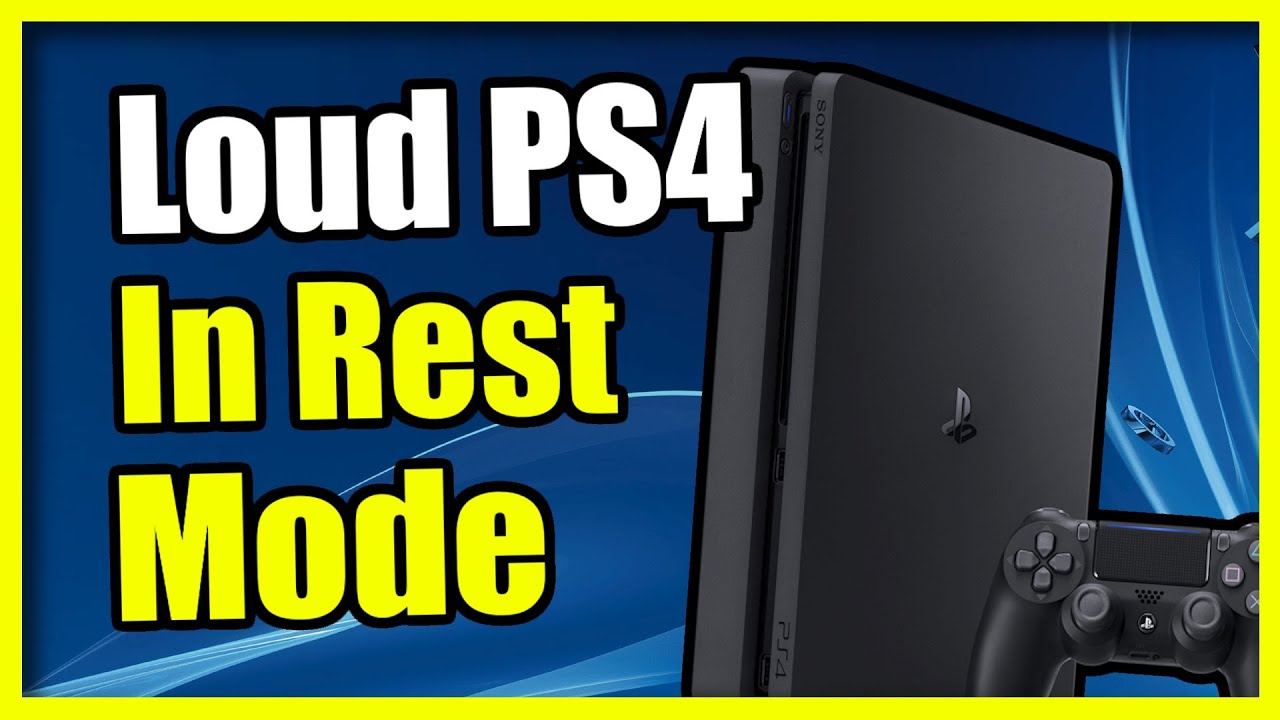
Скачать или смотреть How to Stop your PS4 being so LOUD in Rest Mode

  • YourSixStudios
  • 2025-04-06
  • 807
How to Stop your PS4 being so LOUD in Rest Mode
  • ok logo

Скачать How to Stop your PS4 being so LOUD in Rest Mode бесплатно в качестве 4к (2к / 1080p)

У нас вы можете скачать бесплатно How to Stop your PS4 being so LOUD in Rest Mode или посмотреть видео с ютуба в максимальном доступном качестве.

Для скачивания выберите вариант из формы ниже:

  • Информация по загрузке:

Cкачать музыку How to Stop your PS4 being so LOUD in Rest Mode бесплатно в формате MP3:

Если иконки загрузки не отобразились, ПОЖАЛУЙСТА, НАЖМИТЕ ЗДЕСЬ или обновите страницу
Если у вас возникли трудности с загрузкой, пожалуйста, свяжитесь с нами по контактам, указанным в нижней части страницы.
Спасибо за использование сервиса video2dn.com

Описание к видео How to Stop your PS4 being so LOUD in Rest Mode

Step 1: Adjust Rest Mode Settings
Turn on your PS4 and go to Settings from the main menu.

Select Power Save Settings, then Set Features Available in Rest Mode.

Disable Stay Connected to the Internet to stop background downloads, a common cause of fan noise. Note this means no automatic updates or downloads in Rest Mode.

Turn off Supply Power to USB Ports if you don’t need to charge controllers. This reduces power draw and heat, calming the fan.
Step 2: Manage Downloads
Check for active downloads: Go to Notifications, Downloads. Pause or cancel anything running.

Manually update games or the system before entering Rest Mode via Settings, System Software Update, to avoid automatic downloads triggering the fan.
Step 3: Improve Ventilation
Place your PS4 in an open, well-ventilated area. Avoid enclosed spaces like cabinets that trap heat.

Ensure at least a few inches of clearance on all sides.

Clean dust from vents using compressed air or a soft brush. Dust buildup forces the fan to work harder.
Step 4: Check Rest Mode Behavior
Enter Rest Mode manually: Hold the PlayStation button, select Power, Enter Rest Mode. Listen for fan noise. If it’s still loud with the above settings off, heat or hardware might be the issue.

Test by fully powering off instead: Hold the PlayStation button, select Power, Turn Off PS4. Compare noise levels.


...

Twitter: https://twitter.com/YourSixStudios?la...
Twitch:   / yoursixstudios  
Discord:   / discord  
Instagram:   / yoursixstudios   -

((( Subscribe to my LIVE STREAMING )))
((( Gaming Channel "YourSixGaming" )))
   / @yoursixgaming   ...

((( Subscribe to my ADVENTURE CHANNEL )))
((( Travel, Cameras & More "YourSixAdventures)))
   / @yoursixadventures  

Комментарии

Информация по комментариям в разработке

Похожие видео

  • О нас
  • Контакты
  • Отказ от ответственности - Disclaimer
  • Условия использования сайта - TOS
  • Политика конфиденциальности

video2dn Copyright © 2023 - 2025

Контакты для правообладателей [email protected]