Logo video2dn
  • Сохранить видео с ютуба
  • Категории
    • Музыка
    • Кино и Анимация
    • Автомобили
    • Животные
    • Спорт
    • Путешествия
    • Игры
    • Люди и Блоги
    • Юмор
    • Развлечения
    • Новости и Политика
    • Howto и Стиль
    • Diy своими руками
    • Образование
    • Наука и Технологии
    • Некоммерческие Организации
  • О сайте

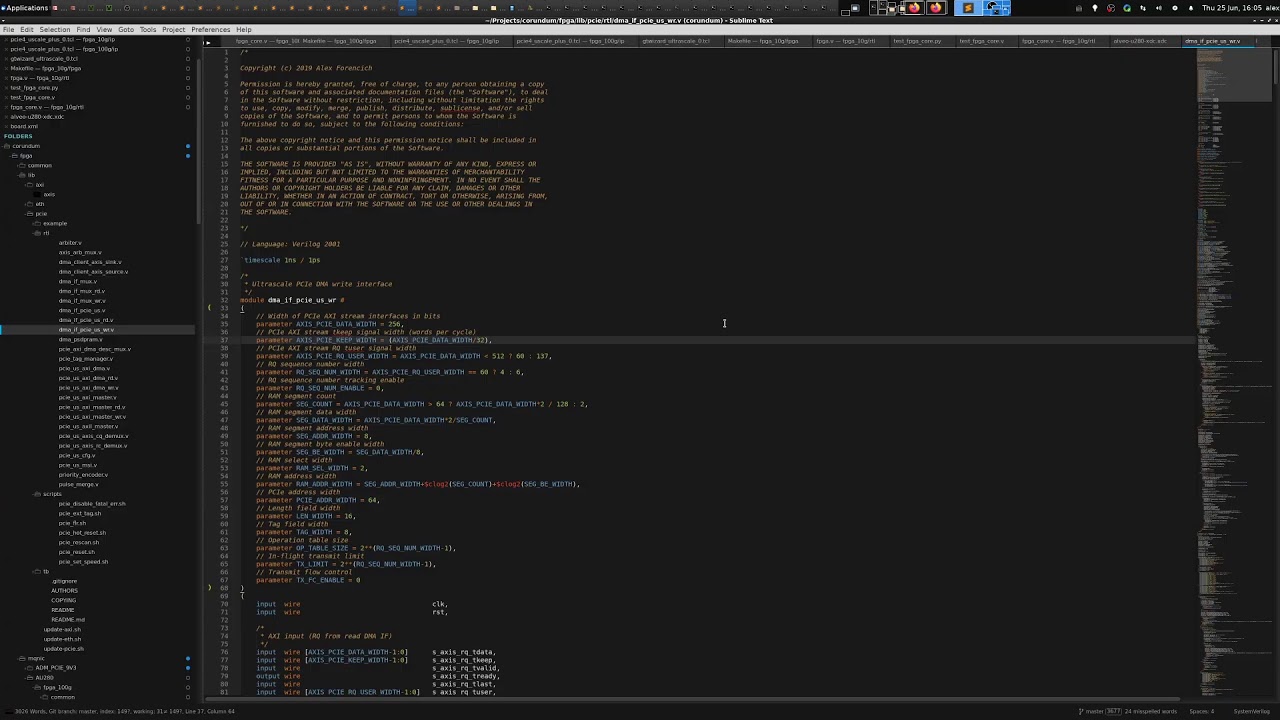
Скачать или смотреть FPGA Dev Live Stream: Porting Corundum to U280

  • Alex Forencich
  • 2020-06-25
  • 3868
FPGA Dev Live Stream: Porting Corundum to U280
FPGAXilinxAlveoVerilogPythonCorundum NIC
  • ok logo

Скачать FPGA Dev Live Stream: Porting Corundum to U280 бесплатно в качестве 4к (2к / 1080p)

У нас вы можете скачать бесплатно FPGA Dev Live Stream: Porting Corundum to U280 или посмотреть видео с ютуба в максимальном доступном качестве.

Для скачивания выберите вариант из формы ниже:

  • Информация по загрузке:

Cкачать музыку FPGA Dev Live Stream: Porting Corundum to U280 бесплатно в формате MP3:

Если иконки загрузки не отобразились, ПОЖАЛУЙСТА, НАЖМИТЕ ЗДЕСЬ или обновите страницу
Если у вас возникли трудности с загрузкой, пожалуйста, свяжитесь с нами по контактам, указанным в нижней части страницы.
Спасибо за использование сервиса video2dn.com

Описание к видео FPGA Dev Live Stream: Porting Corundum to U280

FPGA development live stream: porting Corundum to the Xilinx Alveo U280. Successfully achieved operation at 10G line rate on the U280.

Corundum on github: https://github.com/corundum/corundum


If you like what I do, please consider supporting me on Patreon:   / alexforencich  

Timestamps:
00:02:59 Unboxing U50
00:08:47 Unboxing U280
00:14:14 Discussion of QSFP connectors
00:19:00 Install U280
00:27:38 Copy VCU1525 to U280
00:28:32 Plan of attack
00:31:10 Pull up AU280 user guide
00:34:51 Discussion of reference frequencies
00:39:32 AU280 clocks
00:45:25 AU280 XDC file
00:51:26 Update Corundum XDC file
01:00:40 Corundum top-level verilog edits
01:05:52 Ambiguous documentation
01:07:56 Delete more code
01:09:04 Update IP TCL
01:12:00 Extract GTY parameters from Vivado
01:23:12 Start build
01:24:55 Update testbench
01:28:35 Run testbench
01:29:31 Dev machine is running now
01:31:30 AU280 lspci and discussion of PCIe transfer size
01:35:58 Vivado synthesizing; set up hardware server
01:40:15 Simulation waveforms
01:42:53 Discussion of Corundum parameter auto-detection
01:47:25 Updates to 100G design
02:05:44 Build driver
02:06:19 Routing started
02:17:14 Discussion of PCIe resets
02:26:01 Program FPGA
02:27:40 Discussion of hot plugging and BIOS settings
02:29:55 Dev machine back up, card enumerated, load driver
02:32:26 No link through AOC (I now suspect the problem is 25G CDRs in the AOC, not fs or lpmode)
02:33:00 Let's try a DAC cable to a different machine
02:34:30 Try mqnic-dump
02:36:58 A link is up! FS=1 is correct for 161 MHz
02:38:10 First attempt to ping, no dice
02:42:45 Let's try the other interface
02:43:03 Ping works!
02:43:20 iperf works, 9.4 Gbps (expected TCP payload rate for MTU 1500 at 10 Gbps)
02:46:43 Discussion of AXI lite
02:59:55 Segmented interface in Corundum

Комментарии

Информация по комментариям в разработке

Похожие видео

  • О нас
  • Контакты
  • Отказ от ответственности - Disclaimer
  • Условия использования сайта - TOS
  • Политика конфиденциальности

video2dn Copyright © 2023 - 2025

Контакты для правообладателей [email protected]