Logo video2dn
  • Сохранить видео с ютуба
  • Категории
    • Музыка
    • Кино и Анимация
    • Автомобили
    • Животные
    • Спорт
    • Путешествия
    • Игры
    • Люди и Блоги
    • Юмор
    • Развлечения
    • Новости и Политика
    • Howto и Стиль
    • Diy своими руками
    • Образование
    • Наука и Технологии
    • Некоммерческие Организации
  • О сайте

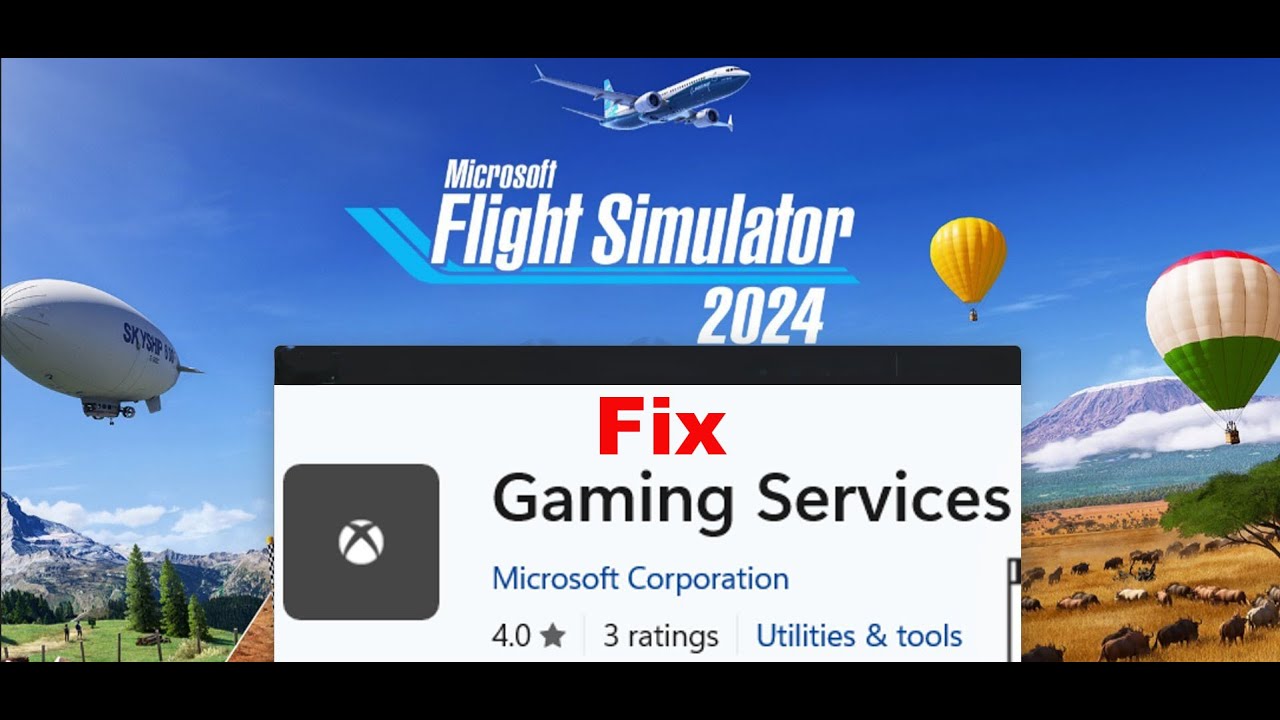
Скачать или смотреть Fix Launching Microsoft Flight Simulator 2024 Opens Gaming Services On Microsoft Store On PC

  • AarohanTechSol
  • 2024-11-19
  • 189
Fix Launching Microsoft Flight Simulator 2024 Opens Gaming Services On Microsoft Store On PC
  • ok logo

Скачать Fix Launching Microsoft Flight Simulator 2024 Opens Gaming Services On Microsoft Store On PC бесплатно в качестве 4к (2к / 1080p)

У нас вы можете скачать бесплатно Fix Launching Microsoft Flight Simulator 2024 Opens Gaming Services On Microsoft Store On PC или посмотреть видео с ютуба в максимальном доступном качестве.

Для скачивания выберите вариант из формы ниже:

  • Информация по загрузке:

Cкачать музыку Fix Launching Microsoft Flight Simulator 2024 Opens Gaming Services On Microsoft Store On PC бесплатно в формате MP3:

Если иконки загрузки не отобразились, ПОЖАЛУЙСТА, НАЖМИТЕ ЗДЕСЬ или обновите страницу
Если у вас возникли трудности с загрузкой, пожалуйста, свяжитесь с нами по контактам, указанным в нижней части страницы.
Спасибо за использование сервиса video2dn.com

Описание к видео Fix Launching Microsoft Flight Simulator 2024 Opens Gaming Services On Microsoft Store On PC

Fix Clicking On Microsoft Flight Simulator 2024 Play Button On Xbox App opens Gaming Services On Microsoft Store,Fix When Opening Microsoft Flight Simulator 2024 it redirects to Gaming Services On Microsoft Store
Step 1) Run Gaming Service Repair Tool
https://support.xbox.com/en-IN/help/g...
Step 2) Repair/Reset Gaming Services
Step 3) Click on get update on Microsoft Store
Step 4) Uninstall and reinstall gaming Services
Uninstall gaming service
get-appxpackage Microsoft.GamingServices | remove-AppxPackage -allusers
Install Gaming service
start ms-windows-store://pdp/?productid=9MWPM2CQNLHN
Step 5) Make changes in the registry
HKEY_LOCAL_MACHINE\SYSTEM\CurrentControlSet\Services\GamingServices
HKEY_LOCAL_MACHINE\SYSTEM\CurrentControlSet\Services\GamingServicesNet
Restart your PC- Restart is a must
Now uninstall remains of gaming services using the command below:
get-appxpackage Microsoft.GamingServices | remove-AppxPackage -allusers
Now Install gaming services the from the command provided below:
start ms-windows-store://pdp/?productid=9MWPM2CQNLHN

Комментарии

Информация по комментариям в разработке

Похожие видео

  • О нас
  • Контакты
  • Отказ от ответственности - Disclaimer
  • Условия использования сайта - TOS
  • Политика конфиденциальности

video2dn Copyright © 2023 - 2025

Контакты для правообладателей [email protected]