Logo video2dn
  • Сохранить видео с ютуба
  • Категории
    • Музыка
    • Кино и Анимация
    • Автомобили
    • Животные
    • Спорт
    • Путешествия
    • Игры
    • Люди и Блоги
    • Юмор
    • Развлечения
    • Новости и Политика
    • Howto и Стиль
    • Diy своими руками
    • Образование
    • Наука и Технологии
    • Некоммерческие Организации
  • О сайте

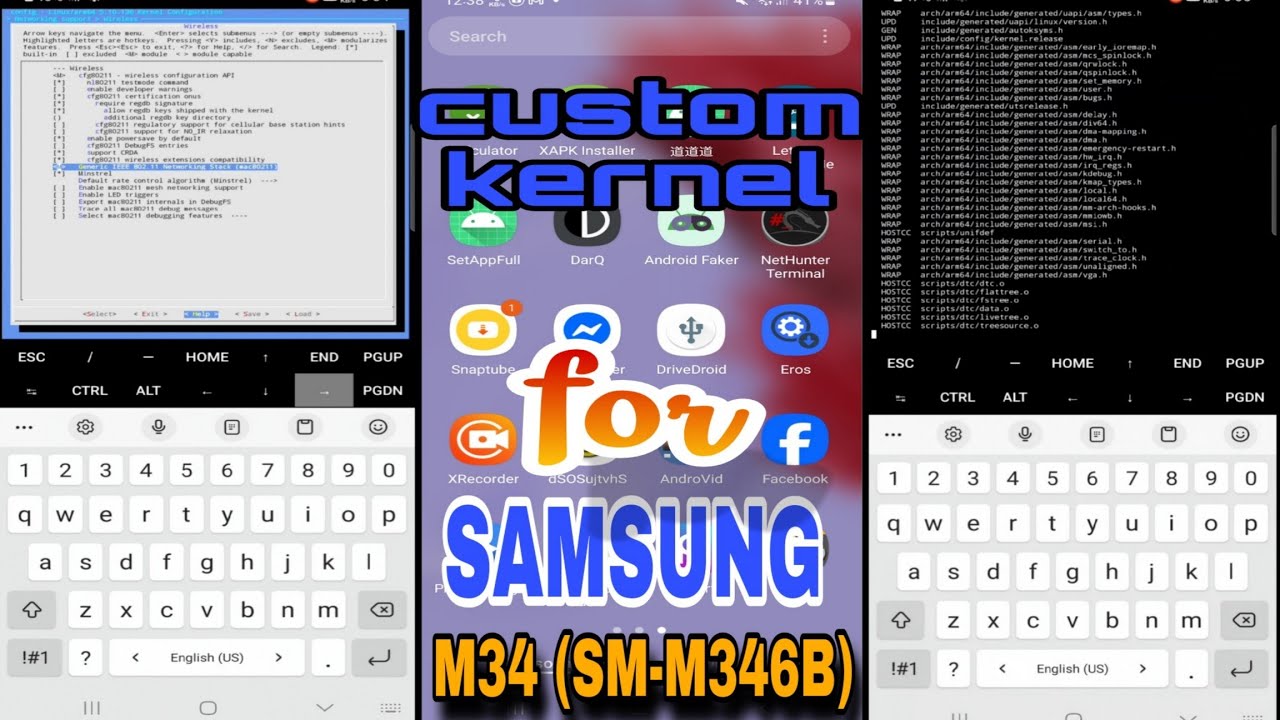
Скачать или смотреть كيرنل معدل يدعم Monitor Mode و WiFi Inject لهاتف M34 5G | Kernel with Monitor Mode for Samsung M34

  • Youcef dz
  • 2025-07-01
  • 195
كيرنل معدل يدعم Monitor Mode و WiFi Inject لهاتف M34 5G | Kernel with Monitor Mode for Samsung M34
  • ok logo

Скачать كيرنل معدل يدعم Monitor Mode و WiFi Inject لهاتف M34 5G | Kernel with Monitor Mode for Samsung M34 бесплатно в качестве 4к (2к / 1080p)

У нас вы можете скачать бесплатно كيرنل معدل يدعم Monitor Mode و WiFi Inject لهاتف M34 5G | Kernel with Monitor Mode for Samsung M34 или посмотреть видео с ютуба в максимальном доступном качестве.

Для скачивания выберите вариант из формы ниже:

  • Информация по загрузке:

Cкачать музыку كيرنل معدل يدعم Monitor Mode و WiFi Inject لهاتف M34 5G | Kernel with Monitor Mode for Samsung M34 бесплатно в формате MP3:

Если иконки загрузки не отобразились, ПОЖАЛУЙСТА, НАЖМИТЕ ЗДЕСЬ или обновите страницу
Если у вас возникли трудности с загрузкой, пожалуйста, свяжитесь с нами по контактам, указанным в нижней части страницы.
Спасибо за использование сервиса video2dn.com

Описание к видео كيرنل معدل يدعم Monitor Mode و WiFi Inject لهاتف M34 5G | Kernel with Monitor Mode for Samsung M34

✅ Custom Kernel for Samsung M34 — Features & Installation Guide

A custom kernel has been developed specifically for the Samsung Galaxy M34, bringing several powerful enhancements for advanced users and penetration testers.

🔧 Key Features:

1. Support for Most External Wi-Fi Adapters (USB Wi-Fi)

Enables compatibility with a wide range of USB wireless cards.


2. Monitor Mode Support

Allows the device to capture raw Wi-Fi packets for network analysis.

3. Packet Injection Support

Enables the device to actively inject packets into wireless networks, useful for testing network security and performing deauthentication attacks.

4. Other Improvements

Faster battery charging

Optimized system performance

Removed restrictions that limit user control (less aggressive security)

---

📋 Requirements:

1. Bootloader must be unlocked


2. Root access (Magisk recommended)


3. All flashing is done directly from the phone (no PC needed)

---

📦 Flashing Instructions:

🔹 Step 1: Extract the ZIP

After extracting the provided ZIP file, you will get:

boot.img

vendor_boot.img

wifi_module.zip


🔹 Step 2: Flash boot.img and vendor_boot.img

You can choose either of the two methods below:

🔸 Method 1: Using Kernel Flasher App

Use a root-enabled app like Kernel Flasher to flash boot.img and vendor_boot.img.


🔸 Method 2: Using Termux Commands

Open Termux, and run the following:

su
dd if=/sdcard/boot.img of=/dev/block/by-name/boot
dd if=/sdcard/vendor_boot.img of=/dev/block/by-name/vendor_boot
---

🔹 Step 3: Flash the Wi-Fi Module Magisk Module

Open the Magisk app

Install the wifi_module.zip as a Magisk module

Reboot your device

Once done, your Samsung M34 will support monitor mode, packet injection, and USB Wi-Fi adapters — turning it into a powerful tool for wireless network analysis.

Download link: https://t.me/youcef_Ri/7


#CustomKernel #SamsungM34 #GalaxyM34 #SM_M346B #AndroidKernel #KernelDev #MonitorMode #WiFiInjection #RootedAndroid #NetHunter

Комментарии

Информация по комментариям в разработке

Похожие видео

  • О нас
  • Контакты
  • Отказ от ответственности - Disclaimer
  • Условия использования сайта - TOS
  • Политика конфиденциальности

video2dn Copyright © 2023 - 2025

Контакты для правообладателей [email protected]