Logo video2dn
  • Сохранить видео с ютуба
  • Категории
    • Музыка
    • Кино и Анимация
    • Автомобили
    • Животные
    • Спорт
    • Путешествия
    • Игры
    • Люди и Блоги
    • Юмор
    • Развлечения
    • Новости и Политика
    • Howto и Стиль
    • Diy своими руками
    • Образование
    • Наука и Технологии
    • Некоммерческие Организации
  • О сайте

Скачать или смотреть Installation - Aidoo Fujitsu (3 WIRES) Wi-Fi Controller

  • Airzone Control
  • 2020-03-10
  • 2073
Installation - Aidoo Fujitsu (3 WIRES) Wi-Fi Controller
ThermostatAirzoneZoneControlBluefaceThinkLite
  • ok logo

Скачать Installation - Aidoo Fujitsu (3 WIRES) Wi-Fi Controller бесплатно в качестве 4к (2к / 1080p)

У нас вы можете скачать бесплатно Installation - Aidoo Fujitsu (3 WIRES) Wi-Fi Controller или посмотреть видео с ютуба в максимальном доступном качестве.

Для скачивания выберите вариант из формы ниже:

  • Информация по загрузке:

Cкачать музыку Installation - Aidoo Fujitsu (3 WIRES) Wi-Fi Controller бесплатно в формате MP3:

Если иконки загрузки не отобразились, ПОЖАЛУЙСТА, НАЖМИТЕ ЗДЕСЬ или обновите страницу
Если у вас возникли трудности с загрузкой, пожалуйста, свяжитесь с нами по контактам, указанным в нижней части страницы.
Спасибо за использование сервиса video2dn.com

Описание к видео Installation - Aidoo Fujitsu (3 WIRES) Wi-Fi Controller

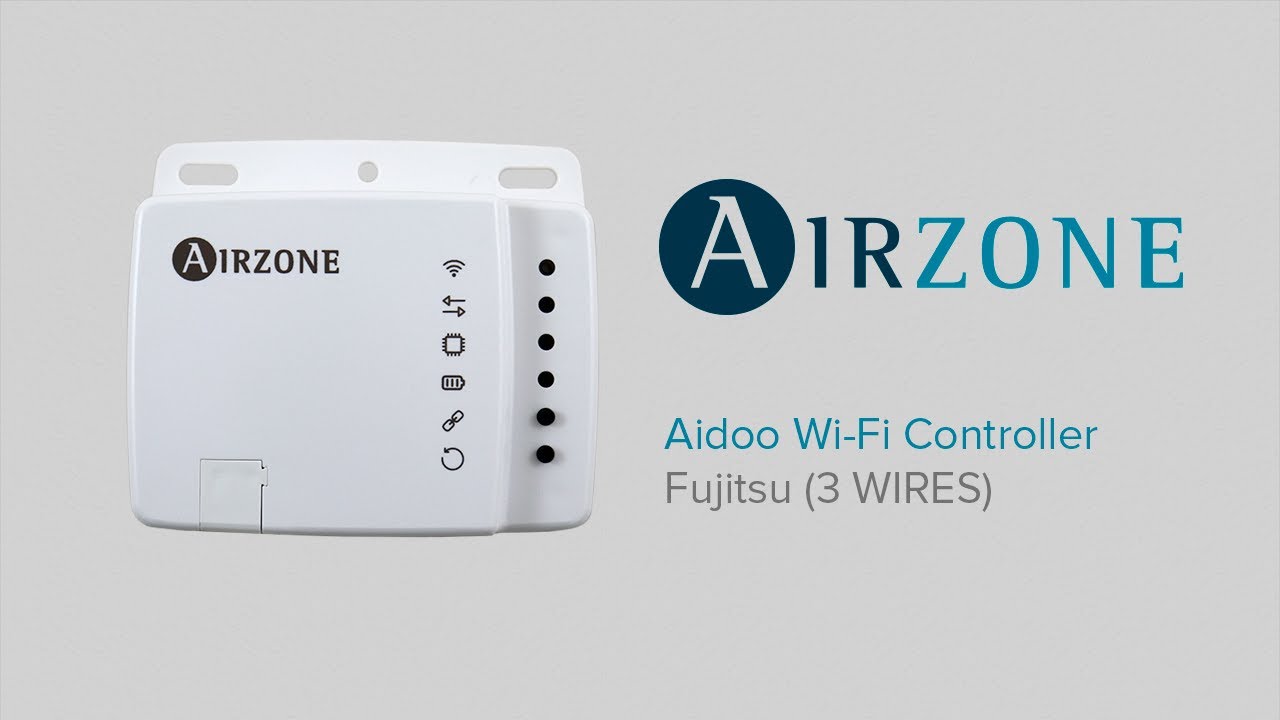
Device to manage and integrate Fujitsu remotely from the Cloud. Online control with the “Airzone Aidoo” App (available for IOS and Android). Wireless WiFi connection. Externally powered by the indoor unit.
Features:
• Control of the parameters of the unit.
• Communication errors detection.
• Temperature and operating mode time schedules.
• Multi-user and multi-session.
• Port for integration via Modbus protocol.

Important: This device is only compatible with 3 wires protocol Fujitsu units equipped with the UTY-RNNxM or UTY-RSNxM thermostats. The unit controller must remain working in parallel with your Aidoo as “Master” mode.
1) Set the probe reading of the Fujitsu thermostat as operating temperature (please refer to the Fujitsu General Installation Manual).
2) Perform the assembly following the next step:
a. Screw attachment.
b. Double-sided adhesive attachment.
3) Disconnect the indoor unit.
4) Set the SW1 of the indoor unit for a 3 wires connection.
5) Connect the Aidoo to the terminal of the indoor unit using the supplied
cable, Red-Y1, Gray-Y2 and Black-Y3. Respect the polarity.
6) Power the indoor unit. Check the LEDs (see Self-diagnosis section).
7) Download the app and follow the steps bellow for its setting. Access the
support section to see the user manual.

For further information about our products, go to airzonecontrol.com

Комментарии

Информация по комментариям в разработке

Похожие видео

  • О нас
  • Контакты
  • Отказ от ответственности - Disclaimer
  • Условия использования сайта - TOS
  • Политика конфиденциальности

video2dn Copyright © 2023 - 2025

Контакты для правообладателей [email protected]