Mastering Digital Communication Tools – Zoom, Gmail, WhatsApp & Slack
✅ In this practical session, I taught how to use modern communication tools confidently and professionally — not just download the apps, but use them the right way. Whether you're a student, business owner, freelancer, job seeker, or digital learner, this session will equip you with real-world digital communication skills.
👉 What We Covered in This Class:
✅ Zoom & Google Meet
I showed how to join online meetings, mute/unmute, share your screen, use chat & reactions, and check your internet setup. These skills are essential for virtual classes, job interviews, or remote work meetings.
✅ Gmail – Writing Formal Emails
We broke down the parts of a professional email (To, CC, Subject, Body, Signature). I taught how to write a clean email with the right structure, tone, and format — plus tips to avoid the biggest mistakes people make when sending attachments or following up.
✅ WhatsApp for Work
I explained how to separate personal and professional communication on WhatsApp. We covered using voice notes, sending PDFs, creating starred messages, and using WhatsApp Web for better typing and file management. I emphasized WhatsApp etiquette for groups and how to turn it into a mini-office.
✅ Slack – Professional Team Messaging
I introduced Slack as a teamwork app used by companies and remote teams. We explored channels, mentions, reactions, and integrations like Google Drive and Zoom. I also compared Slack vs WhatsApp so you know when and how to use each in a professional setting.
👉 Why This Matters:
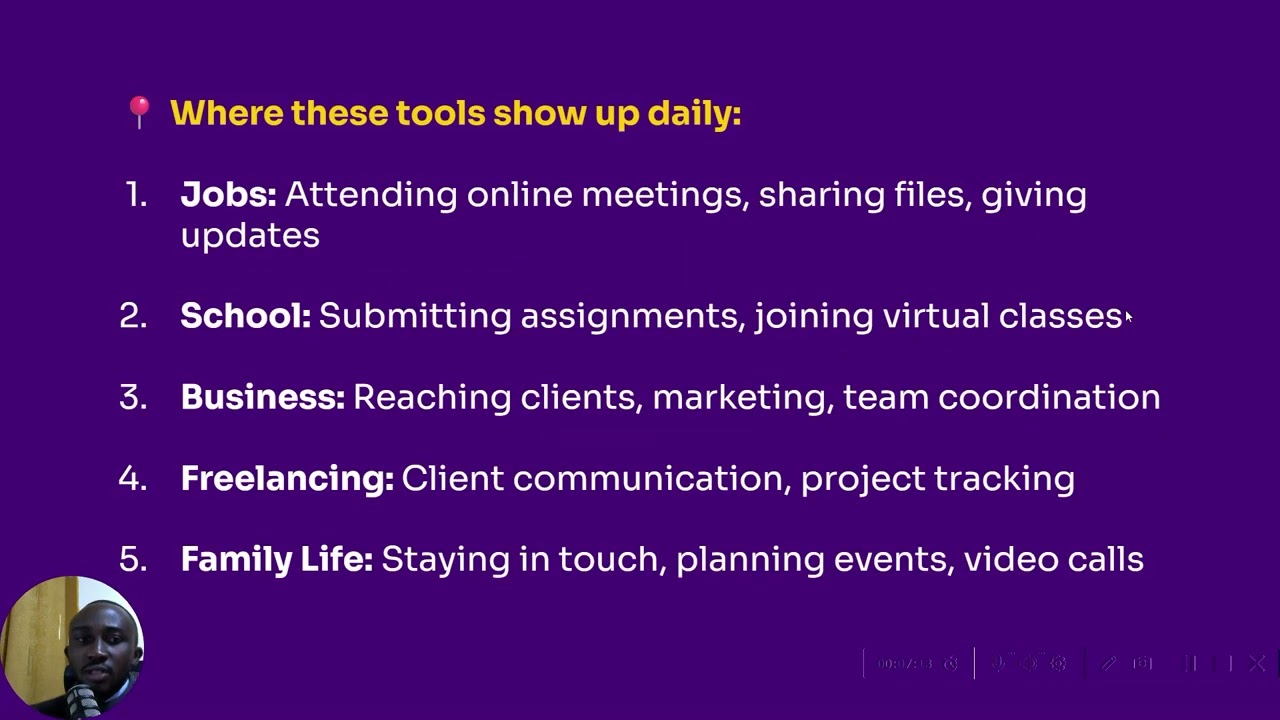
Digital communication is no longer optional — it's a skill. If you can navigate Zoom, Gmail, WhatsApp, and Slack properly, you’re ready for remote jobs, online gigs, and workplace professionalism. These are the tools that power collaboration globally.
💡 Whether you're learning for work, business, freelancing, or school — this session is your full guide to mastering essential communication tools in 2025.
Информация по комментариям в разработке