🚨 DOWNLOAD FREE PROJECT FILES HERE! 🚨
➡️ https://maxonvfx.com/4oSLcl2
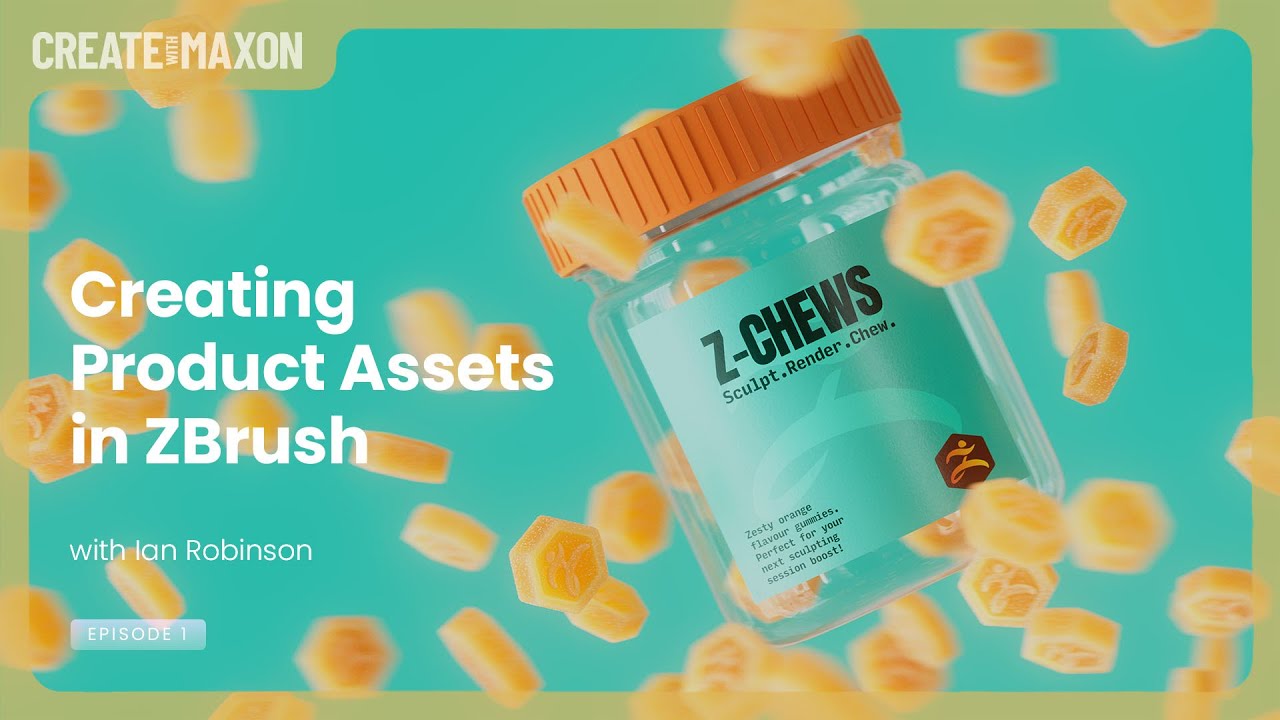
Create Product Assets in ZBrush
Level up your product visualization workflow with this two-part live stream series designed for 3D artists of all levels.
Expert ZBrush Artist Ian Robinson (@ir_sculpts) and Expert 3D Trainer Elly Wade (@itwaselly) are teaming up to take you from sculpting clean, production ready assets all the way to creating beautiful, eye-catching product visuals in Cinema 4D and Redshift.
Ep1. Creating Product Assets in ZBrush
In this live stream, Expert ZBrush Artist Ian Robinson (@ir_sculpts) will be covering how to use ZBrush to create product assets for marketing with ease. From ZModeler to the retopo brush, displacement maps to exporting tips and tricks, you will be able to follow along with a fun and easy workflow that you can use for all your future projects.
00:00:00 Waiting Loop
00:00:54 Welcome
00:01:37 Today's Topic, Preview
00:05:32 ZBrush Modeling Session
00:06:47 ZBrush, Gummy ZBrush
00:06:46 __ Work area set up
00:07:26 __ Initializing a Cylinder, Hexagon
00:10:56 __ Make Polymesh3D
00:11:33 __ Scale and Rotate
00:12:38 __ Crease By PolyGroups - Bevel
00:13:55 Q - DynaMesh, unwanted holes [1]
00:14:22 __ Crease level, Divide
00:16:04 Q -- DynaMesh, unwanted holes [2]
00:19:37 Q -- DynaMesh, unwanted holes [3] Thickness
00:24:53 Q - Crease vs Chamfer vs Pinching
00:29:59 __ Adding multiple edgeloops, DynaMesh
00:31:59 __ Logo
00:34:04 __ Adding Alpha - example, positioning
00:34:54 __ Adding ZBrush Logo, deselect backside
00:36:27 __ Pulling unmasked down, creating logo
00:36:56 __ Smoothing details
00:37:37 __ Mirror and Weld vs Control Drag
00:39:03 __ Clip and Control-Shift menu
00:41:04 Q - Mask without affecting the face behind
00:44:06 ZBrush, Jar with Lid
00:44:49 __ Handling EdgeLoops and shaping
00:46:30 __ ZModeler Brush, Interactive Elevation
00:48:20 __ Thread, Stamp, Initialize Helix
00:53:45 __ Helix - Make PolyMesh3D, positioning
00:56:40 Tip - The advantage of troubleshooting
00:57:30 __ Lid Thread fit
00:59:54 __ Harvesting the Lid from the Jar
01:01:10 __ Lid Top, close hole, convex, thickness
01:03:05 __ Adjusting the Lid
01:03:42 __ Lid border knurling-ribs, Stager, Home
01:06:38 __ Inset Knurl Ribs, Adjust
01:11:31 Q - What does knurling mean
01:12:58 __ Merging Lid parts [1]
01:13:11 __ Considering target application, Cinema 4D
01:14:29 __ Merging Lid parts [2]
01:15:58 __ Merging Lid parts [3] Remesh by Union
01:17:29 __ Merging Lid parts [4] ZRemesher
01:19:43 ZBrush vs Cinema 4D, discussion, GOZ
01:30:42 Coming soon, jewelry
01:32:27 Thanks and bye
01:33:54 QR for question

Информация по комментариям в разработке