Logo video2dn
  • Сохранить видео с ютуба
  • Категории
    • Музыка
    • Кино и Анимация
    • Автомобили
    • Животные
    • Спорт
    • Путешествия
    • Игры
    • Люди и Блоги
    • Юмор
    • Развлечения
    • Новости и Политика
    • Howto и Стиль
    • Diy своими руками
    • Образование
    • Наука и Технологии
    • Некоммерческие Организации
  • О сайте

Скачать или смотреть POLOLU Romi code using Encoders

  • Berenice POV
  • 2025-07-15
  • 21
POLOLU Romi code using Encoders
  • ok logo

Скачать POLOLU Romi code using Encoders бесплатно в качестве 4к (2к / 1080p)

У нас вы можете скачать бесплатно POLOLU Romi code using Encoders или посмотреть видео с ютуба в максимальном доступном качестве.

Для скачивания выберите вариант из формы ниже:

  • Информация по загрузке:

Cкачать музыку POLOLU Romi code using Encoders бесплатно в формате MP3:

Если иконки загрузки не отобразились, ПОЖАЛУЙСТА, НАЖМИТЕ ЗДЕСЬ или обновите страницу
Если у вас возникли трудности с загрузкой, пожалуйста, свяжитесь с нами по контактам, указанным в нижней части страницы.
Спасибо за использование сервиса video2dn.com

Описание к видео POLOLU Romi code using Encoders

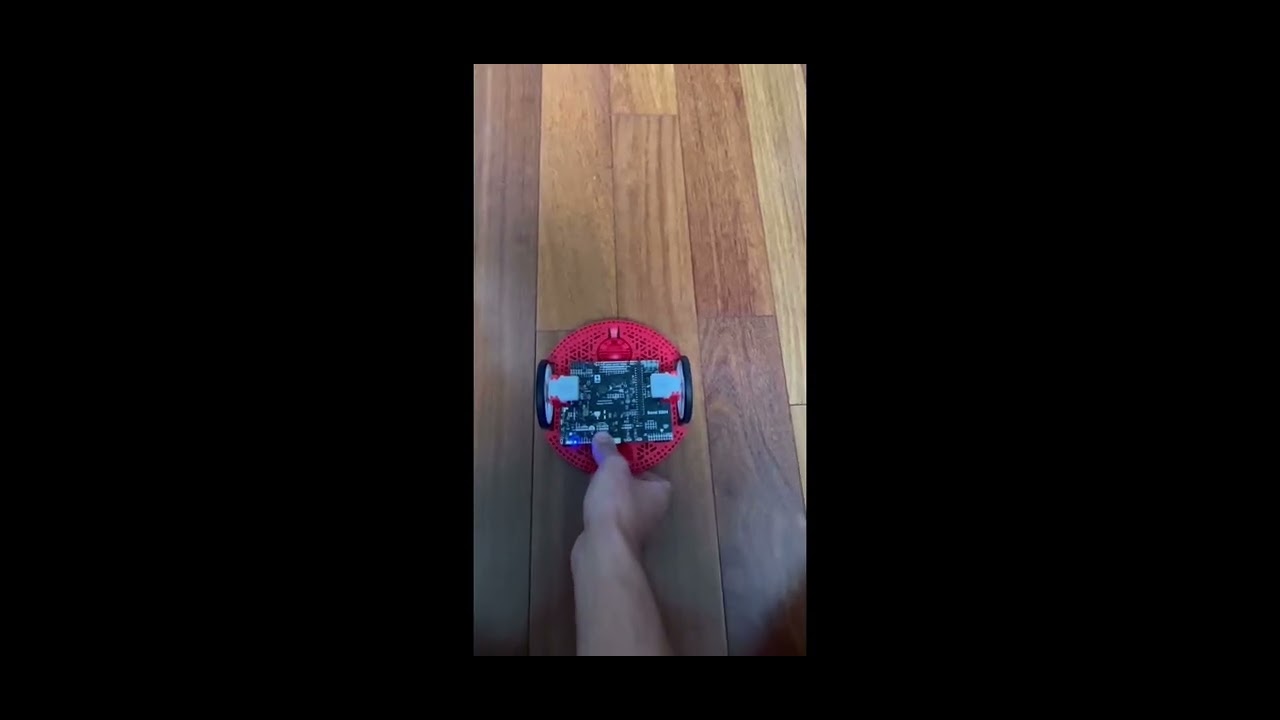
Result: During testing, the Romi robot traveled approximately ¼ inch beyond the 36-inch target distance—about half the width of standard electrical tape. Laterally, the robot remained within 0.5 inches of the centerline, indicating minimal left-right deviation. Overall, the encoder-based control significantly improved both distance accuracy and directional stability compared to previous timing-based methods.

About code:
This program controls the Romi robot to drive forward and backward exactly 36 inches using encoder feedback to ensure accurate and straight-line movement. At the beginning of the program, we define all necessary constants at the top of the code. These include motor speeds for both directions, the total distance to travel in inches, the number of encoder counts per inch, a correction factor to balance the motors, and a two-second delay.

The program begins in the setup() function by waiting for the user to press Button A. After the button is pressed, there is a two-second delay to allow time to release the robot. In the loop() function, we call a custom function named driveStraightDistance() to first move the robot forward and then, after another delay, move it backward the same distance. The loop then waits for Button A to be pressed again to repeat the process.

The driveStraightDistance() function is where encoder-based movement is implemented. It first calculates the total number of encoder counts needed to travel 36 inches, based on a defined counts-per-inch value. The encoders are then reset to start counting from zero. Inside a loop, the program reads the current encoder values from both motors to determine how far each side has moved.

If either motor reaches the target distance, the loop ends and the robot stops. If not, the program calculates the difference between the left and right encoder counts. This difference is used to adjust the motor speeds—slowing down the side that is ahead and speeding up the side that is behind. These adjustments help keep the robot moving in a straight line.

Finally, once the target distance is reached, the motors stop. The same function is used again to move the robot backward using the same logic, but with a negative motor speed. The program only repeats if Button A is pressed again.

Overall, the code uses motor encoders and a real-time correction algorithm to minimize drift, increase distance precision, and improve the robot’s ability to return to its original starting point.

Комментарии

Информация по комментариям в разработке

Похожие видео

  • О нас
  • Контакты
  • Отказ от ответственности - Disclaimer
  • Условия использования сайта - TOS
  • Политика конфиденциальности

video2dn Copyright © 2023 - 2025

Контакты для правообладателей [email protected]