Logo video2dn
  • Сохранить видео с ютуба
  • Категории
    • Музыка
    • Кино и Анимация
    • Автомобили
    • Животные
    • Спорт
    • Путешествия
    • Игры
    • Люди и Блоги
    • Юмор
    • Развлечения
    • Новости и Политика
    • Howto и Стиль
    • Diy своими руками
    • Образование
    • Наука и Технологии
    • Некоммерческие Организации
  • О сайте

Скачать или смотреть Send email to groups, with an attachment from Excel

  • Barb Henderson
  • 2018-04-11
  • 1844
Send email to groups, with an attachment from Excel
Send email to groupswith an attachment from Excelmicrosoft excelvisual basic for applicationsexcel vbasend email from excelemail from excelmicrosoft excel (software)excel tutorialsend email from excel list with attachmentsend email from excel using vbasend email from excel macrosend email from excel based on cell value
  • ok logo

Скачать Send email to groups, with an attachment from Excel бесплатно в качестве 4к (2к / 1080p)

У нас вы можете скачать бесплатно Send email to groups, with an attachment from Excel или посмотреть видео с ютуба в максимальном доступном качестве.

Для скачивания выберите вариант из формы ниже:

  • Информация по загрузке:

Cкачать музыку Send email to groups, with an attachment from Excel бесплатно в формате MP3:

Если иконки загрузки не отобразились, ПОЖАЛУЙСТА, НАЖМИТЕ ЗДЕСЬ или обновите страницу
Если у вас возникли трудности с загрузкой, пожалуйста, свяжитесь с нами по контактам, указанным в нижней части страницы.
Спасибо за использование сервиса video2dn.com

Описание к видео Send email to groups, with an attachment from Excel

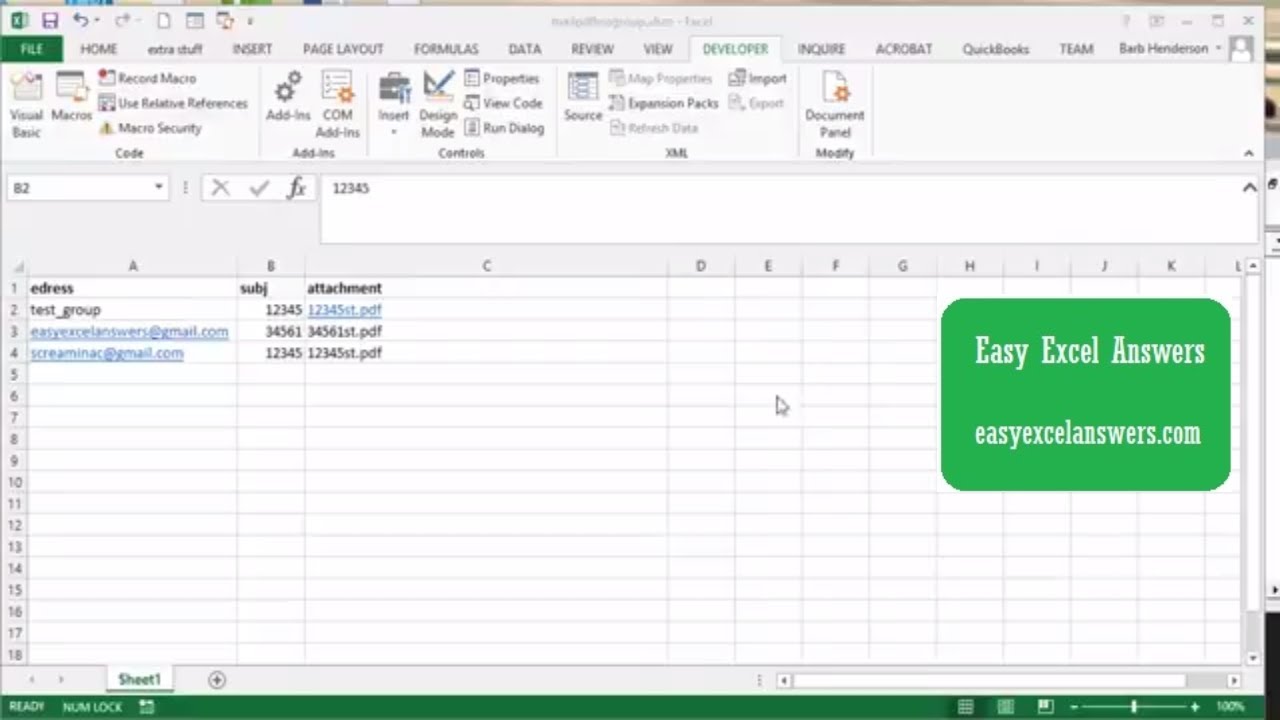
Send an email to groups, with an attachment from Excel
Use group names created in outlook to send emails with attachments.Send an email to each member of a group with an attachment from a list in Excel

code
Note I am not able to show you the not equal to a symbol in my description

Sub Send_email_fromexcel()
Dim edress As String
Dim subj As String
Dim message As String
Dim filename As String
Dim outlookapp As Object
Dim outlookmailitem As Object
Dim myAttachments As Object
Dim path As String
Dim lastrow As Integer
Dim attachment As String
Dim x As Integer


x = 2

Do While Sheet1.Cells(x, 1) (not equal to symbol) ""

Set outlookapp = CreateObject("Outlook.Application")
Set outlookmailitem = outlookapp.createitem(0)
Set myAttachments = outlookmailitem.Attachments
path = "C:\Users\Barb\Documents\statements\"
edress = Sheet1.Cells(x, 1)

subj = Sheet1.Cells(x, 2)
filename = Sheet1.Cells(x, 3)
attachment = path + filename


outlookmailitem.To = edress
outlookmailitem.cc = ""
outlookmailitem.bcc = ""
outlookmailitem.Subject = subj
outlookmailitem.body = "Please find your statement attached" & vbCrLf & "Best Regards"


myAttachments.Add (attachment)
outlookmailitem.display
outlookmailitem.send

lastrow = lastrow + 1
edress = ""
x = x + 1

Loop


Set outlookapp = Nothing
Set outlookmailitem = Nothing

End Sub

For more help visit my website http://www.easyexcelanswers.com or email me at [email protected].

I can customize this Excel application for your exact needs for a fixed price of $50. The work is normally returned within 24hrs.

I am able to provide online help on your computer at a reasonable rate.

MY videos are all created on Camtasia.
http://send.onenetworkdirect.net/z/58...


Follow me on Facebook
  / easyexcel.answers  

Комментарии

Информация по комментариям в разработке

Похожие видео

  • О нас
  • Контакты
  • Отказ от ответственности - Disclaimer
  • Условия использования сайта - TOS
  • Политика конфиденциальности

video2dn Copyright © 2023 - 2025

Контакты для правообладателей [email protected]