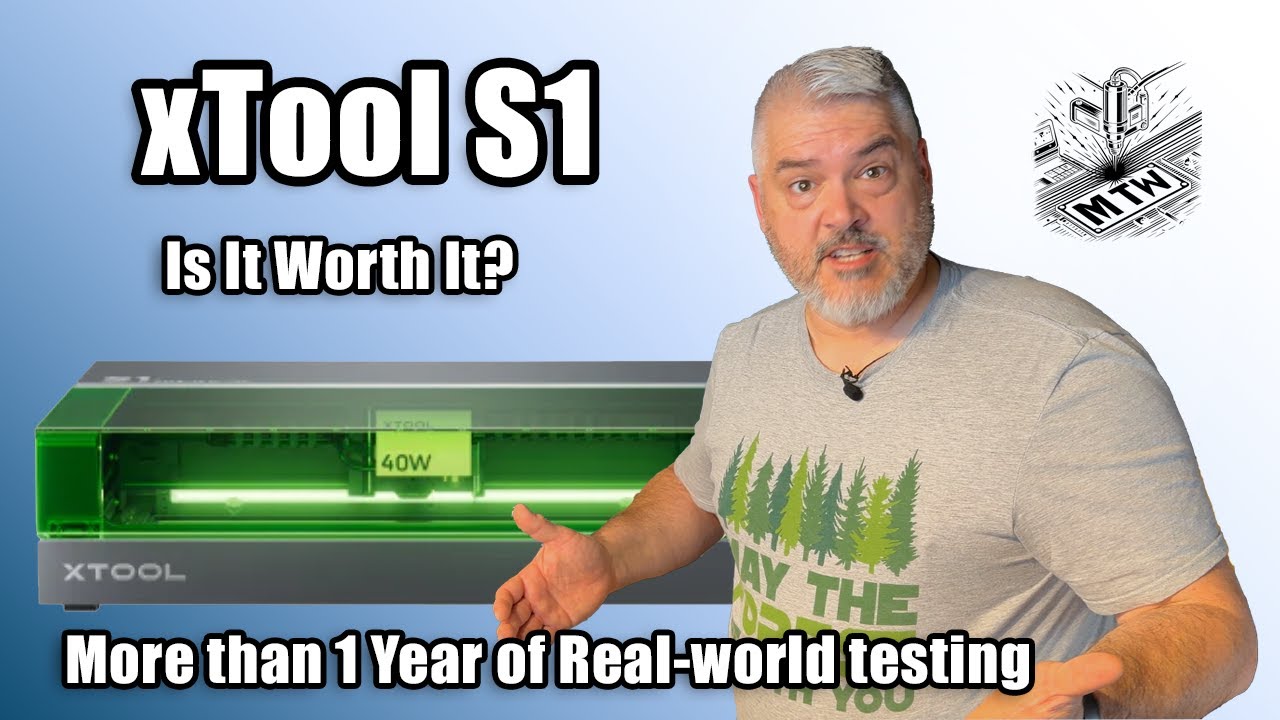
After a year and a half of daily use in my laser engraving business, here's my honest review of the xTool S1 40W enclosed diode laser. The good, the bad, andSPECS & WHAT YOU GET whether it's actually worth your money. Real projects, real problems, real results.
CHAPTERS:
0:00 Introduction
1:14 Specs & What You Get
6:11 Assembly & Setup
7:56 Real-World Performance
11:49 Software Experience
12:35 Safety & Maintenance
13:28 Who Is This For?
15:03 Price & Value
16:16 Final Verdict
17:23 Closing
👋 ABOUT THIS REVIEW:
I've been running the xTool S1 in my professional laser engraving business for 6 months. This isn't an unboxing with first impressions - this is real-world experience with hundreds of projects, actual client work, and honest feedback on what this machine does well and where it falls short.
I run a laser engraving business in North Carolina working with wood, acrylic, leather, and other materials daily. I also operate an xTool F1 dual laser and a Thunder Nova CO2 laser, so I can give you real comparisons between different laser technologies.
What You'll Learn in This Review:
✅ Complete specs and what comes in the box
✅ Setup and assembly experience
✅ Real performance on wood, acrylic, and leather
✅ Honest assessment of limitations
✅ Software experience with xTool Creative Space
✅ Maintenance requirements and costs
✅ Who should (and shouldn't) buy this machine
✅ Price vs. value analysis
✅ Final verdict with pros and cons
MACHINE SPECS
xTool S1 Key Specifications:
Laser Power: 40W Diode Laser
Work Area: 498mm x 319mm (19.6” x 12.5”)
Design: Fully Enclosed
Autofocus: Yes (with distance sensor and red crosshair positioning)
Air Assist: Built-in
Connectivity: WiFi and USB
Software: xTool Creative Space /xTool Studio (Free)
Compatible Software: Lightburn (Paid)
🔗 xTool S1 on xTool Website: https://www.xtool.com/products/xtool-...
(Some links may be affiliate links - no extra cost to you, helps support the channel)
🔧 MY LASER SETUP:
xTool S1 40W Diode Laser (featured in this video)
xTool F1 Dual Laser with IR
Thunder Nova 130W CO2 Laser
Coming Soon: Full reviews and comparisons between diode, CO2, and fiber laser technologies, 3D Printing, and more!
💻 SOFTWARE MENTIONED:
xTool Studio (Free): https://support.xtool.com/download
Lightburn (Paid): https://lightburnsoftware.com/
🛡️ SAFETY REMINDERS:
Never laser: PVC, Vinyl, Polycarbonate, ABS Plastic
Always use proper ventilation
Keep fire extinguisher nearby
Never leave laser unattended
WHAT'S NEXT ON MAKER TECH WORKSHOP
Coming up on the channel:
🎥 xTool F1 Review - Dual Laser with IR Capability
🎥 Thunder Nova CO2 Laser Review
🎥 Diode vs CO2 vs Fiber: Complete Comparison
🎥 Best Materials for Laser Engraving (with settings)
🎥 Running a Laser Engraving Business: Real Numbers
Subscribe and turn on notifications so you don't miss these!
CONNECT WITH ME
💼 My Business: https://triangleustomlaser.com
Got questions? Drop them in the comments below! I read and respond to every comment.
Tell me:
Are you considering the xTool S1?
What would you use it for?
What other laser engravers should I review?
ABOUT MAKER TECH WORKSHOP
I'm Tim, a laser engraving business in the Raleigh/Durham area of North Carolina. I create custom products for consumers and B2B clients, specializing in promotional products, laser engraving, cutting, and 3D printing solutions.
This channel shares real-world knowledge from daily work with laser engravers, 3D printers, and maker technologies. My goal is to help beginners get started confidently and help experienced makers level up their skills and businesses.
All reviews on this channel come from real, extended use - not just unboxing impressions. I tell you what works, what doesn't, and who each tool is actually for.
#laserengraving #laserengraver #xtool #xtools1 #lasercutting #makertok #makerspace #diy #howtolaserengraving #laserengravingtutorial #beginnerguide #3dprinting #makertech #laserengravingbusiness #lasersafety #diylaser #lasercutter #makercommunity #xtoolcreativespace
DISCLOSURES
Some links may be affiliate links, which means I may earn a small commission at no extra cost to you. I only recommend products I actually use and believe in.
COPYRIGHT
© 2026 Maker Tech Workshop. All rights reserved.
Music: Carefree by Kevin MacLeod is licensed under a Creative Commons Attribution 4.0 license. https://creativecommons.org/licenses/...
Source: http://incompetech.com/music/royalty-...
Artist: http://incompetech.com/

Информация по комментариям в разработке