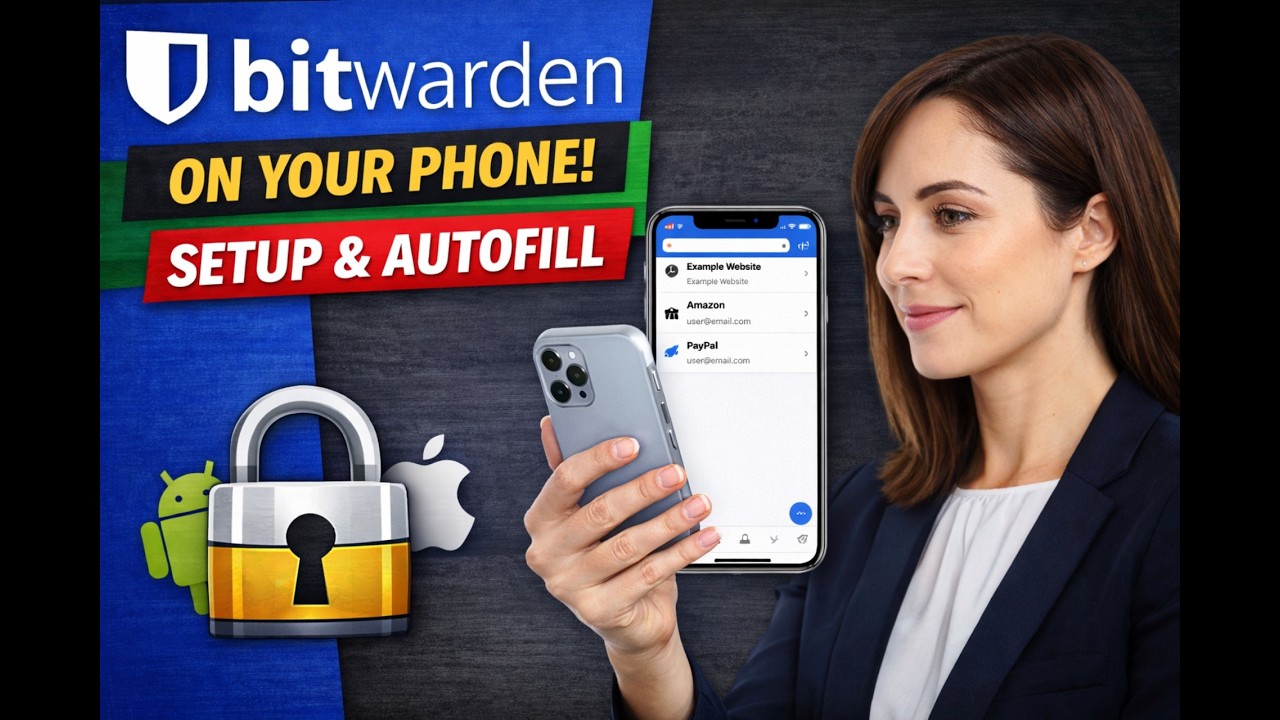
Bitwarden is a secure password manager that helps you store logins, create strong passwords, and sign in faster without reusing the same password everywhere.
In this video, I demonstrate how to set up and use Bitwarden on a cell phone, including the key steps most people miss:
Installing the Bitwarden mobile app
Signing in and understanding the basics of the vault
Enabling Autofill on your phone (so Bitwarden can fill usernames and passwords in apps and websites)
Saving a new login on mobile while you sign in to a website or app
Manually adding a login if you want to enter one yourself
Quick tips for smoother daily use (searching your vault, copying passwords safely, and keeping your account protected)
This is a practical, beginner-friendly Bitwarden mobile tutorial for everyday users, seniors, and anyone looking to improve password security on iPhone or Android.
Bitwarden mobile, Bitwarden app tutorial, Bitwarden iPhone, Bitwarden Android, password manager app, mobile autofill, save passwords on phone, generate strong passwords, secure login, password security, vault setup, cybersecurity basics
1. Bitwarden on Your Phone: Setup + Autofill Passwords (iPhone & Android)
2. How to Use Bitwarden on a Cell Phone | Install, Login, Autofill, Save Passwords
3. Bitwarden Mobile App Tutorial (2026) | Setup, Vault Basics, and Autofill
4. Set Up Bitwarden on iPhone or Android: Passwords, Autofill, and New Logins
5. Stop Reusing Passwords: Bitwarden Mobile Setup + Secure Autofill Demo
6. Bitwarden for Beginners on Mobile | Add Logins, Generate Passwords, Autofill
7. Bitwarden Mobile Walkthrough: Install App, Enable Autofill, Save New Passwords
8. Password Manager on Your Phone: Bitwarden Setup and Daily Use Explained
9. Bitwarden App Setup: The Right Settings for Mobile Password Management
10. Bitwarden on Mobile Made Easy | Setup, Autofill, and Password Saving
Информация по комментариям в разработке