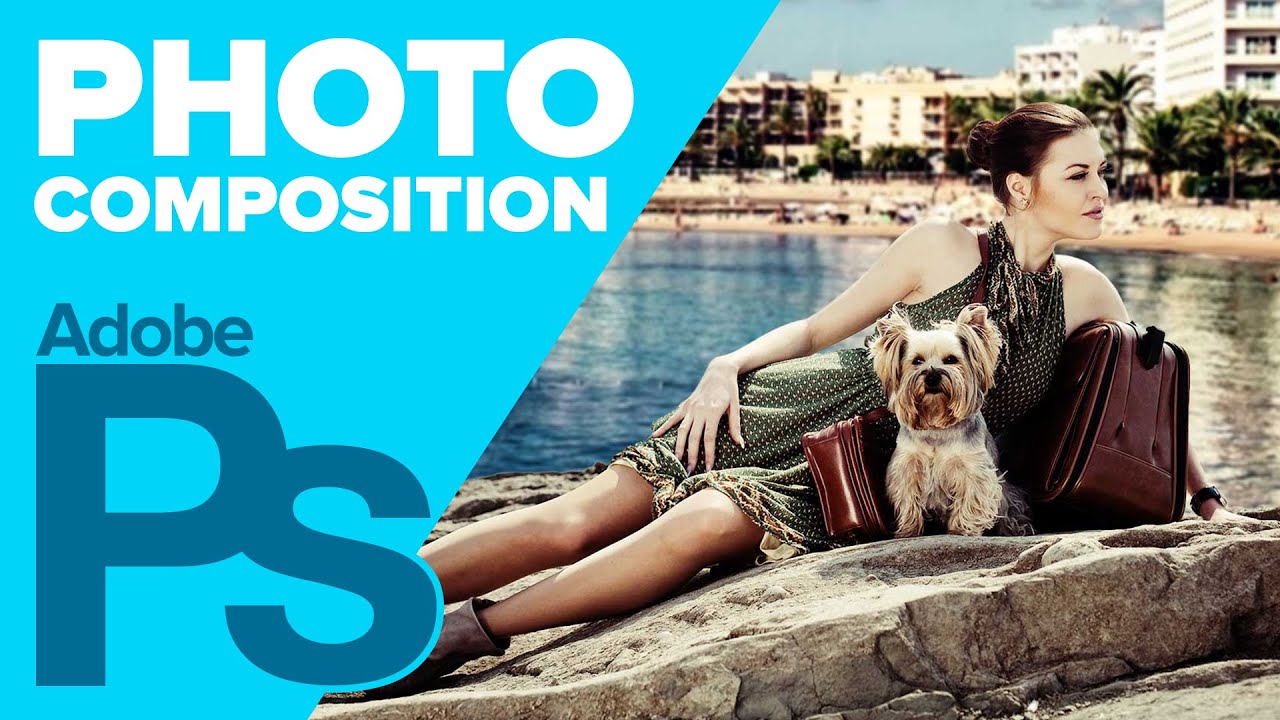
In this video, you'll learn how to quickly turn a plain photo shoot into a fantastic one. This technique uses the Quick Selection Tool, Refine Edge, and Adjustment Layers.
Support my content: / howardpinsky
Refine Edge: • How to Use REFINE EDGE in Adobe Photoshop!...
Tools used in this tutorial:
Quick Selection Tool: This selection method works very similar to a brush, allowing you to brush over the areas you wish to turn into a selection. By default, every stroke adds to your selection. If you wish to deselect some areas, hold down your Alt (Windows) or Option (Mac) key and brush.
Refine Edge: When you initially create a selection, it's likely to be very sharp around the edges, and likely won't contain hair or fur. Refine Edge will allow you to not only soften out those edges, but you'll be able to use Smart Radius to grab hair and fur which may not have been selected.
Layer Masks: If there's an area of your layer that you wish to hide (or bring back), Layer Masks will help you do that. Painting using a black brush will hide portions of the layer, and painting with a white brush will reveal them.
Adjustment Layers (Curves, Gradient Mask): By using an Adjustment Layers, you're able to change targeted areas of your photo without damaging the original layer. These can either be applied to the full image, or specific areas using selections or Layer Masks. At any point in the future, you can either make changes to the adjustment, hide it, or delete it completely.
Make sure to check out my other Photoshop tutorials. Links below!
MORE FROM ICEFLOWSTUDIOS:
Subscribe!
http://www.youtube.com/subscription_c...
Website!
http://www.iceflowstudios.com
Facebook!
/ iceflowstudios
Twitter!
/ pinsky
Howard Pinsky provides free #graphicdesign tutorials covering #CreativeCloud, Adobe #Photoshop, Lightroom, and Adobe XD to the graphic design and photography community. To date, the videos uploaded to this channel channel have been viewed over 80 million times.
No matter what you're looking to learn in Photoshop, you're bound to find it in our library of over 350 tutorials. Topics include: Text Effects in Photoshop, Photo Composition, Photo Retouching, The Basics of Photoshop, Designing in Photoshop, Special Effects, and more! While new videos will be taught using the latest version of Photoshop, you'll find videos covering Photoshop CC, Photoshop CS6, CS5, CS4, and CS3.
For more information on Adobe Photoshop, check out Adobe's website at: http://www.adobe.com/products/photosh...
For the written version of most of our tutorials, check out: http://www.iceflowstudios.com/

Информация по комментариям в разработке