Thanks for supporting my channel for more information on the product above here is a link to its Amazon page: https://amzn.to/4b2jay9
(Note: the above link is an affiliate link and I may earn a commission for purchases)
Battery Disclaimer: I DO NOT test battery-powered devices for capacity.
Amazon Description:
4 - Way Navigation : The Citlla L570 mouse is equipped with a four-way scroll wheel that provides smart fly scroll and horizontal movement, which provides super-fast scrolling speed when you swipe on long web pages, and side press the wheel to allow horizontal scrolling of the entire page, improving your productivity.
Precision Control : The wireless mouse offers 4 adjustable DPI settings (1000/1600/2400/3200), enabling you to tailor the speed to your preference. The whisper-quiet buttons ensure a peaceful working environment.
High Compatibility : CITLLA L570 mouse is suitable for desktop, laptop, tablet, smartphone, iPad, Macbook, and compatible with various operating systems (Windows, Linux, Mac, Chrome, iOS, Android). When connecting a new device, press and hold for three seconds to make the Bluetooth indicator blink rapidly, and Bluetooth will be activated.
Signal connection: The mouse is equipped with a USB receiver and two Bluetooth for desktops and laptops, If the device does not have a receiver port, like iPad and phone, can also use Bluetooth to connect, and three wireless signal channels ensure normal use in any situation.
Rechargeable : The mouse adopts a Type-C charging port, and the box contains a Type-C charging cable, which can be used normally for 60 days after charging for one hour. The low power indicator will light up when the remaining power is less than 7 days, and the user has enough time to choose the right time to charge.
Silent Cilck : Whether you're working in the office or at home, mute clicks will help you avoid distractions and improve focus, and the classic styling will make it faster and easier to adjust to your new mouse, reducing the chance of unhappiness.
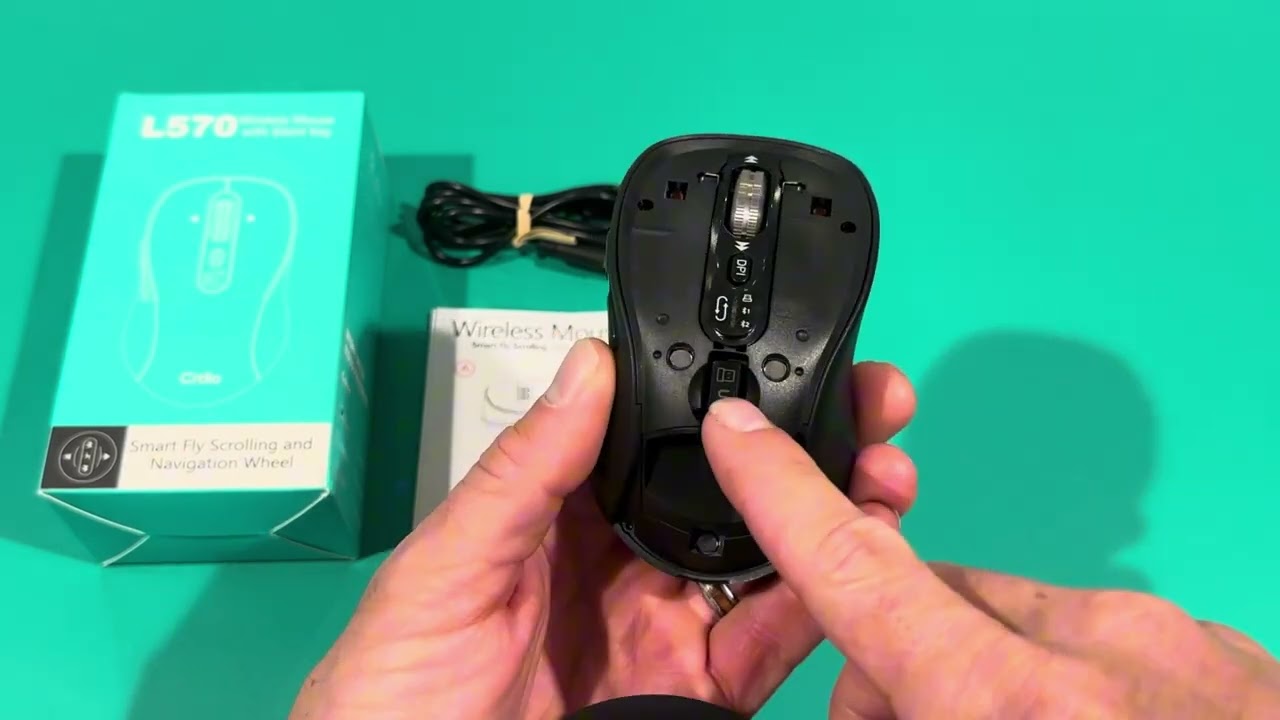
Note: When your Bluetooth can not be found, please click the button to switch to Blu-ray, at this time you need to press and hold again for 3-4 seconds, Bluetooth will be reset, and at this time Bluetooth can be found.
When you encounter the wrong wheel orientation, click the red button (system switch button) at the bottom of the mouse to switch to the system that matches your computer.

Информация по комментариям в разработке