Get Started Now - https://www.gradingpal.com
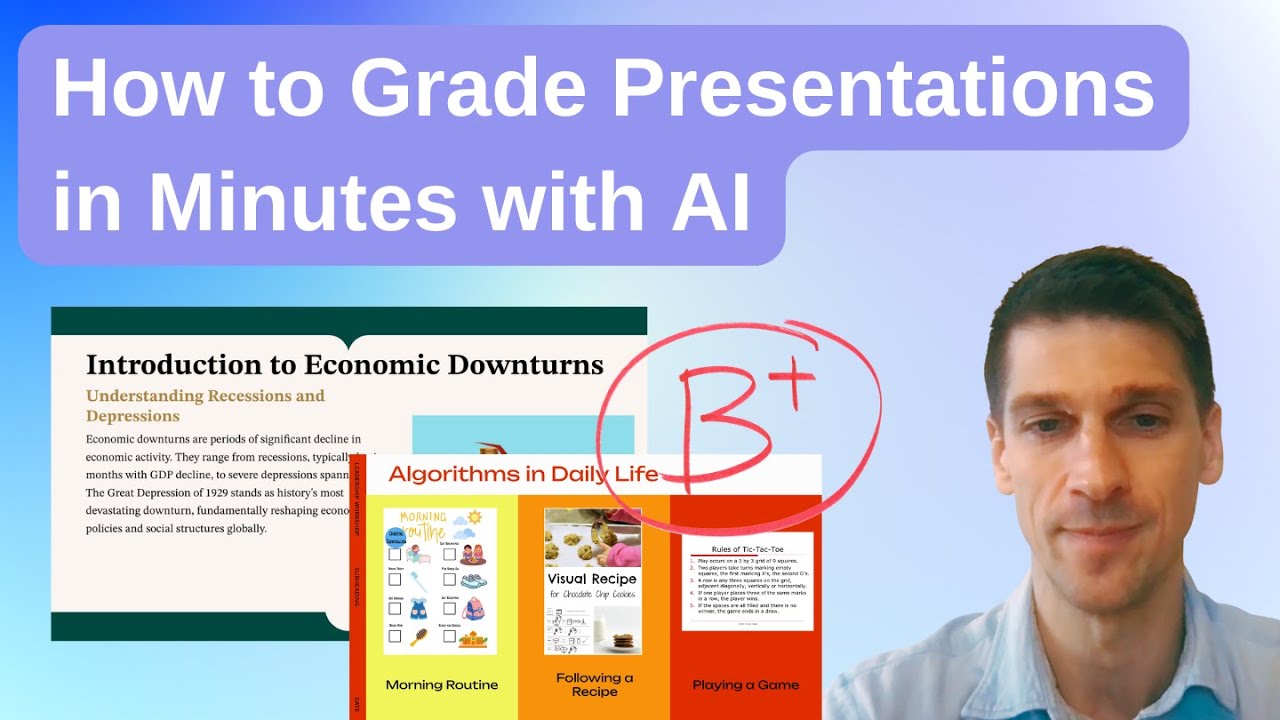
Grading presentations is harder than it looks.
While students are presenting, teachers are listening for content accuracy, checking clarity and organization, managing the classroom, and trying to give feedback that students can actually use. Doing all of that at once creates a huge cognitive load. That is where GradingPal helps.
GradingPal is an AI-powered teaching assistant designed specifically for grading workflows. It delivers rubric-aligned scoring and high-quality, actionable feedback while keeping teachers fully in control. And it is not just for essays and worksheets. In this video, I show how GradingPal grades student presentations and slideshows.
In this walkthrough, I grade a real sixth-grade presentation on Greek mythology. Students researched gods and mythical creatures and presented their learning using slides. You will see how GradingPal keeps expectations clear and consistent from assignment setup through final feedback.
In this video, you will see how GradingPal:
Creates presentation assignments with AI
Generates editable rubrics aligned to standards like IB oral presentation criteria
Scores content knowledge, analysis, organization, and oral delivery
Evaluates slide design, clarity, and structure
Provides detailed, rubric-aligned explanations for each score
Generates thoughtful, student-centered feedback teachers can review and edit
Uses Socratic-style feedback to ask reflective, higher-order questions
You will see real examples of how GradingPal identifies strengths and growth areas. The AI recognizes strong research, insightful connections, and student voice. It also flags common presentation issues, like slides with too much text, unclear organization, or missing reflection. Each score is clearly explained so teachers know exactly how to coach improvement.
One powerful feature highlighted in this video is Socratic feedback. Instead of just telling students what to fix, GradingPal asks thoughtful questions that push deeper reflection and transfer of learning. This helps students think beyond the slides and apply what they learned to future presentations.
The key benefit is reduced cognitive load. Instead of starting from a blank slate while juggling classroom management and technology, teachers review a strong first draft of scoring and feedback that is already aligned to their expectations. You stay in control, make small edits if needed, and return meaningful feedback faster.
Whether you are grading a sixth-grade mythology presentation or a high school research slideshow, GradingPal helps you grade presentations consistently, fairly, and efficiently.
Try it yourself at GradingPal.com and see how fast you can go from “I will grade this later” to “ready to return.”
Keywords:
AI grading for presentations, grading student presentations with AI, AI feedback for students, rubric-based presentation grading, slideshow grading for teachers, oral presentation assessment, IB presentation rubric, middle school presentations, high school presentations, teacher workflow tools, education AI, edtech for teachers

Информация по комментариям в разработке