Logo video2dn
  • Сохранить видео с ютуба
  • Категории
    • Музыка
    • Кино и Анимация
    • Автомобили
    • Животные
    • Спорт
    • Путешествия
    • Игры
    • Люди и Блоги
    • Юмор
    • Развлечения
    • Новости и Политика
    • Howto и Стиль
    • Diy своими руками
    • Образование
    • Наука и Технологии
    • Некоммерческие Организации
  • О сайте

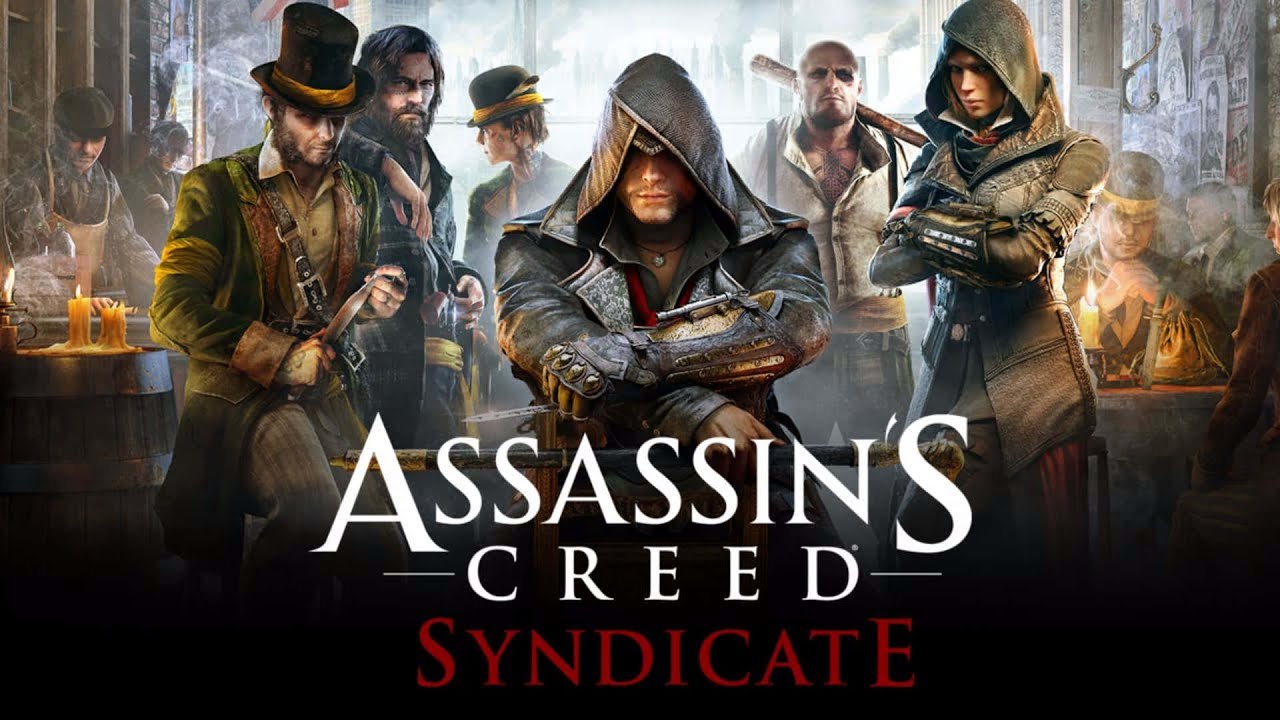
Скачать или смотреть Assassin's Creed Syndicate, Macbook Pro M4 Pro, CrossOver: Performance test

  • Truwa
  • 2025-09-16
  • 494
Assassin's Creed Syndicate, Macbook Pro M4 Pro, CrossOver: Performance test
  • ok logo

Скачать Assassin's Creed Syndicate, Macbook Pro M4 Pro, CrossOver: Performance test бесплатно в качестве 4к (2к / 1080p)

У нас вы можете скачать бесплатно Assassin's Creed Syndicate, Macbook Pro M4 Pro, CrossOver: Performance test или посмотреть видео с ютуба в максимальном доступном качестве.

Для скачивания выберите вариант из формы ниже:

  • Информация по загрузке:

Cкачать музыку Assassin's Creed Syndicate, Macbook Pro M4 Pro, CrossOver: Performance test бесплатно в формате MP3:

Если иконки загрузки не отобразились, ПОЖАЛУЙСТА, НАЖМИТЕ ЗДЕСЬ или обновите страницу
Если у вас возникли трудности с загрузкой, пожалуйста, свяжитесь с нами по контактам, указанным в нижней части страницы.
Спасибо за использование сервиса video2dn.com

Описание к видео Assassin's Creed Syndicate, Macbook Pro M4 Pro, CrossOver: Performance test

Assassin's Creed Syndicate

Setup: MacBook Pro M4 Pro (24GB 12cpu/16gpu), macOS Sequoia 15.7, CrossOver 26 Preview, GPTK 3 Beta 4, D3DMetal, MSync.

Settings: 1440p resolution, High graphics preset.

The performance ranges from 45 to 80 FPS, over 50 FPS on average (estimate).

It is possible to get higher frame rates by lowering the resolution and/or graphics quality. For Mac Mini M4 16GB, 1080p and Medium graphics would be ideal.

GPTK 3 makes a massive difference in performance compared to GPTK 2 for this game, improving performance by as much as 80%. With GPTK 2.1, the performance drops to 25-40 FPS range during the same part of the game and there are stutters.


Major Issue: There is a "texture flickering" issue that essentially renders the game "unplayable" if not fixed. This flickering happens on the environment though, characters are not affected.

Fix: When the game runs for the first time, it creates an "AC.ini" config file in "user documents" folder under the game's name. In AC.ini file, under [Graphics] section, there is an "UseDriverWorkAround" setting which defaults to 0. Set this setting to 1 and then save the file.


Notes:

1. This game also runs with DXMT (v0.61), but the performance is even lower than D3DMetal with GPTK 2.1.

2. The fix for "texture flickering" did not work on macOS 26 with GPTK 3. It works on macOS 15.

3. Any change in CrossOver bottle settings may result in graphics settings going to default. Fortunately, the setting for the fix is not affected.


Timeline:
00:00 Test setup
00:11 Gameplay
03:16 Graphics settings
03:40 Results summary

Комментарии

Информация по комментариям в разработке

Похожие видео

  • О нас
  • Контакты
  • Отказ от ответственности - Disclaimer
  • Условия использования сайта - TOS
  • Политика конфиденциальности

video2dn Copyright © 2023 - 2025

Контакты для правообладателей [email protected]