DISCLOSURE:
If you purchase anything from these affiliate links, I may receive a small commission, but it won't cost you any extra, and it'll keep me motivated to continue creating!
DISCLAIMER:
The individual featured here on Super Simple Fixes is not a professional mechanic, contractor, plumber, electrician, HVAC, or certified repairman. He does not have any formal training in the automotive field or any other trade. He is strictly a Do It Yourself handyman.
The individuals featured on this channel, assume no liability for anything you choose to do to your vehicles, appliances, or any other items featured in the videos before, or after watching one of the videos or utilizing the content from this channel.
All Do it Yourself (DIY) repairs or modifications you perform are at your own risk. Proper safety precautions are always needed, and are the responsibility of the viewer to follow. In some cases, even if you perform everything properly, you can destroy or damage one or more things you are working on resulting is costly repairs.
In addition, if for some reason, the instructions on this channel are incorrect, resulting it something becoming damaged, Super Simple Fixes and those featured on this channel WILL NOT reimburse or pay in any way the costs that may be incurred due to following wrong instructions.
PLEASE DO NOT PERFORM ANYTHING SHOWN ON THIS CHANNEL, SUPER SIMPLE FIXES, UNLESS YOU FEEL COMFORTABLE AND CONFIDENT TO DO SO.
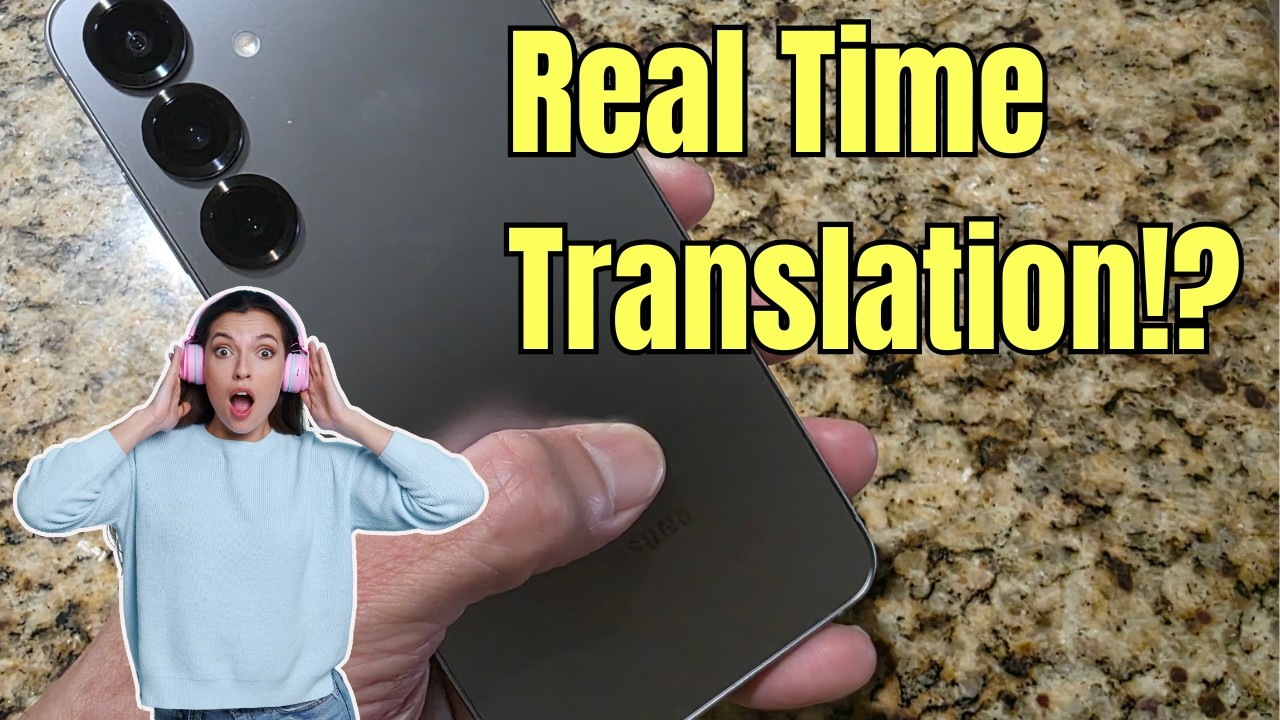
Discover the amazing built-in real-time translator feature on the Galaxy S25 Plus! This comprehensive demo shows you exactly how to access and use this powerful translation tool that comes pre-installed on your device. Although we use the S25 plus in the video, this feature is also found in the Galaxy S25!
The Galaxy S25 Plus includes an impressive interpreter feature with two distinct modes: conversation mode for two-way communication between speakers and listening mode for translating announcements, TV shows, or one-way audio. Spanish to English translation works immediately without any downloads, while additional languages can be added through the settings menu.
Watch as we demonstrate both conversation and listening modes, showing you step-by-step how to navigate the interface, switch between languages, and use the dual-screen feature that lets both speakers see translated text simultaneously. The demo includes a real conversation test between English and Spanish speakers, giving you a realistic look at the translation accuracy and performance.
This Galaxy S25 Plus translator works surprisingly well for most everyday communication needs, though it's not perfect. The feature is incredibly useful for travelers, business meetings, or anyone who needs quick translation help. The interface is intuitive, with simple microphone buttons for each speaker and easy language switching options.
Key features covered in this video include accessing the translator from the home screen, understanding conversation versus listening modes, adding new languages to your device, using the flip screen feature for better visibility, and seeing real-world translation accuracy in action.
Whether you're considering the Galaxy S25 Plus or already own one, this translator feature adds significant value to your smartphone experience. The built-in nature means no additional apps or subscriptions required, making it a standout feature for Samsung's latest flagship device.
Perfect for international travelers, language learners, business professionals, or anyone who encounters language barriers in daily life. The Galaxy S25 Plus continues Samsung's tradition of including practical, real-world features that enhance user experience beyond just hardware specifications.
Don't forget to share your own experiences with the Galaxy S25 Plus translator in the comments below! Have you tried other translation features on smartphones? How does this compare to standalone translation apps?

Информация по комментариям в разработке