Greetings, everybody.
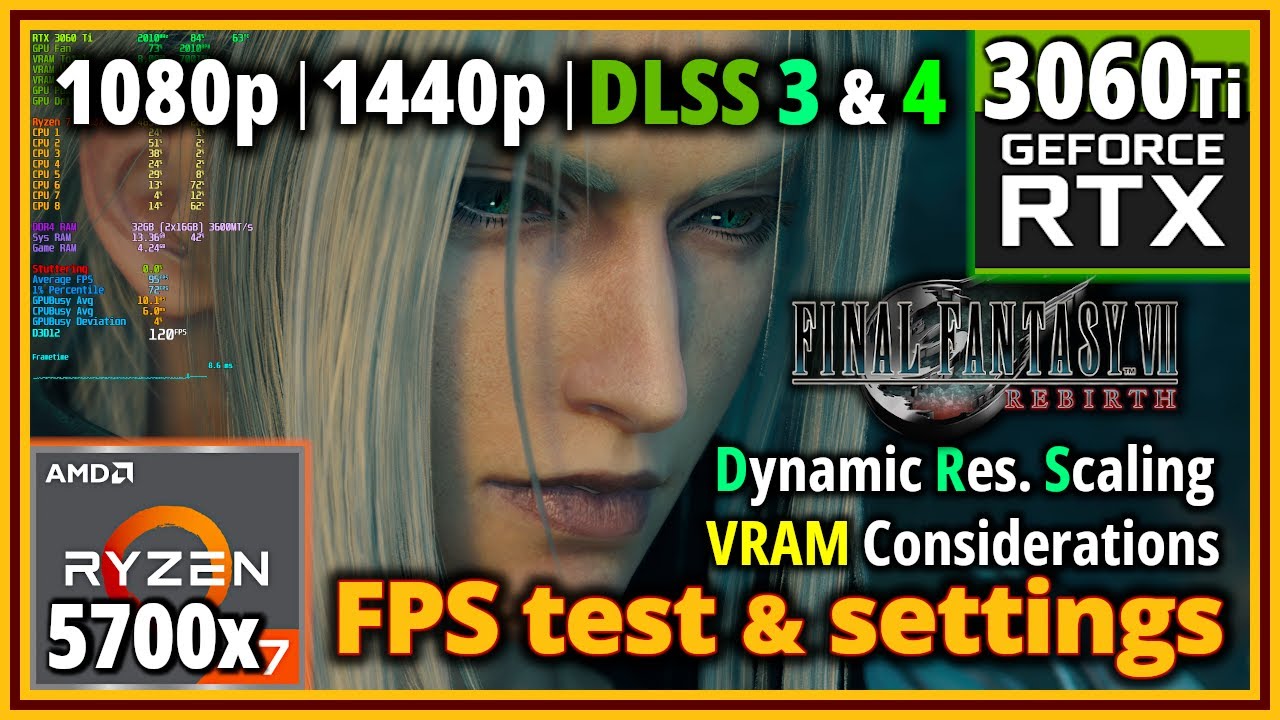
Today we’re resting Final Fantasy VII Rebirth, on the Ryzen 7 5700X and Nvidia RTX 3060 Ti.
My full PC specs:
-CPU: Ryzen 7 5700X (stock settings) with Coolermaster Hyper 212 Black RGB (w/2 fans, push-pull).
-Mobo: MSI B450 Gaming Pro Carbon AC.
-GPU: Gigabyte RTX 3060 Ti Gaming OC and WHQL driver 566.36.
-RAM: Kingston Fury Renegade RGB 32 GB (2x16 Dual Rank each), CL16 DDR4@3600 MT/s.
-Storage: PNY XLR8 CS3030 1TB NVMe (O.S. and game), Samsung 750 EVO 500 GB.
-Case: Fractal Design Meshify S2 (Intake: 2x140 Front, 1x120 Lower Front - Exhaust: 1x140 Rear, 1x120 Top/VRM Area).
-PSU: Corsair RMx 650W 80+ Gold.
-O.S: Windows 10 Pro 64bit (v.22H2).
-Main Monitor: LG UltraGear 27GP850-B - 1440p@180 Hz
-Secondary Monitor: AOC AGON AG251FG 1080p@240Hz (may sometimes be used as main)
-ReBAR ON (BIOS, etc.), OFF for this game (no official NVCP profile as of yet)
-HAGS ON.
Frame data capture and analysis software used: https://www.capframex.com/, which also requires Rivatuner Statistics Server: https://www.guru3d.com/files-details/...
You can get Special K here: https://wiki.special-k.info/
Check my Final Fantasy VII Remake Intergrade Update 1.003 testing, here: • Final Fantasy VII Remake Intergrade PC - P...
Some timestamps:
[MENUS & SETTINGS]
00:00 - Intro and General Menus Overview
03:46 - Controller and Keybind Settings
05:26 - Graphics Settings
[IN GAME TESTING]
06:40 - [1080p]High Preset, Quality DLSS, Game Intro scenes
10:57 - Individual Graphics Settings Testing (Nibelheim Town)
13:49 - Graphics Presets Scaling (Nibel & Open World areas)
17:27 - Background Model Detail Presets, side by side comparison (Nibel & Open World areas)
23:14 - Texture Quality Comparisons (Side by Side)
24:35 - Some VRAM Considerations, using Special K to see proper VRAM Availability from the Game
27:19 - Shadow Quality Setting seems "busted"
30:10 - DLSS, Anti-Aliasing and Dynamic Resolution Scaling Testing and Comparisons
35:38 - DLSS 3 old CNN Model vs DLSS 4 Transformer Model: Performance Cost & Image Quality Improvements
38:35 - [1080p]Custom Settings, DRS via DLSS with 60 FPS Target, Open World Gameplay
42:39 - [1440p]Custom Settings, DRS via DLSS with 60 FPS In game Cap, more Open World Gameplay
Final Fantasy VII Rebirth on PC is not a bad port, at all, but it’s also not the best port either, it could’ve been better if more settings had better scalability than just that one setting which makes up for most of the performance uplift, for my system at least.
VRAM Utilization / Availability in this game is also very tight, on a 8 GB GPU, and Texture Quality doesn’t scale too well, either, with the Low quality setting producing too ugly textures, in my opinion, and not much of a difference in utilization, albeit some savings can be achieved, when going from High to Medium Textures.
All in all, the video shows quite a bit of this, and much more, and to me the game feels better than Remake did at release, well at its Steam launch, which is when I played it, but it shows room for small improvements and tweaks here and there.
As usual, I hope this can be useful to any of you, and I will see you next time : )
#FinalFantasyVIIRebirth #RTX3060ti #Ryzen5700X

Информация по комментариям в разработке