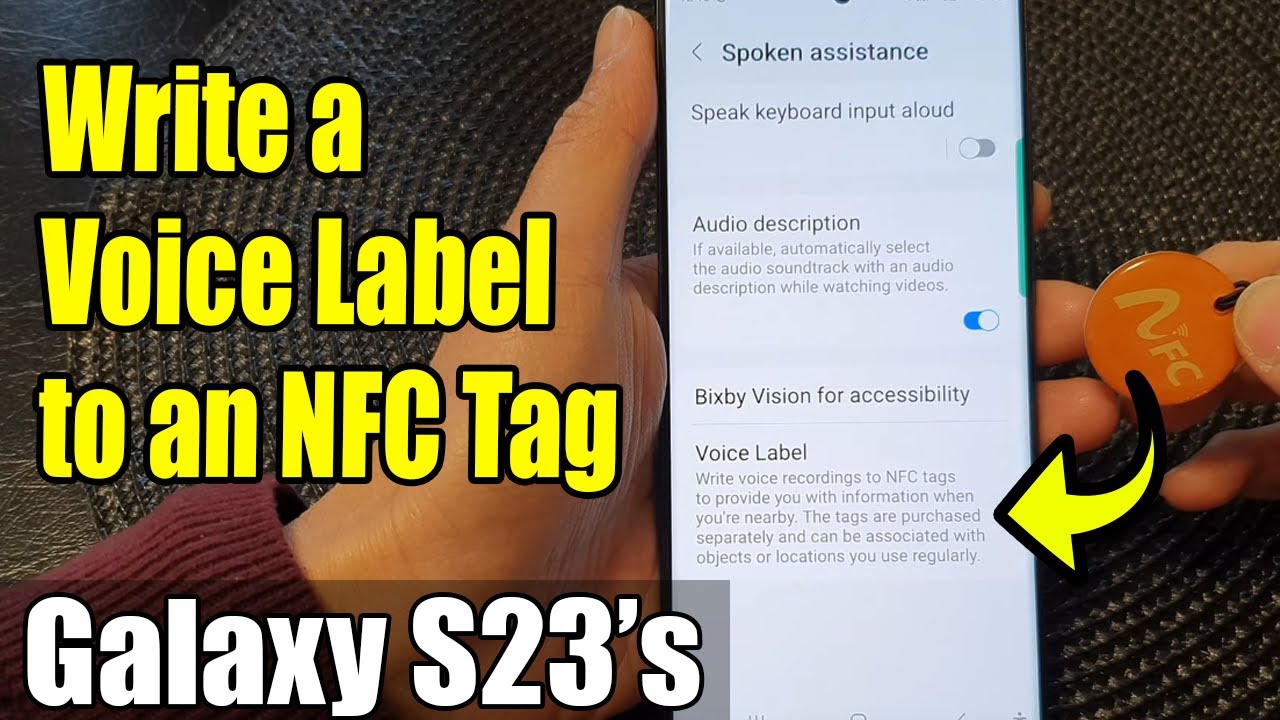
Learn how you can write a voice label to an NFC tag on the Samsung Galaxy S23/S23+/Ultra.
This demonstration is running on Android 13.
To Donate to ITJUNGLES so I can keep making relevant videos on newer electronics, use https://gofund.me/f7364b87.
Discover the purpose and amazing benefits of this feature as we show you how to make the most out of NFC technology.
NFC (Near Field Communication) is a powerful tool that allows seamless communication between your Galaxy S23 and compatible devices. By writing a voice label to an NFC tag, you can attach personalized voice messages, reminders, or instructions to physical objects or items. Whether it's tagging your morning coffee mug with a motivational message or leaving a voice note on your office desk, NFC voice labels offer a whole new level of convenience and organization.
To get started, make sure your Galaxy S23 has NFC enabled, and the NFC tags you wish to use are ready. Open the "Settings" app and go to "Accessibility." Tap on "Spoken assistance," and then tap on Voice Label. Now hit the record button to record a voice label.
Now, hold your Galaxy S23 close to the NFC tag, and you'll receive a prompt to write a voice label. Record your message, and once done, save it to the NFC tag.
The purpose of writing voice labels to NFC tags is to streamline your daily tasks and interactions. By associating voice messages with physical objects, you can quickly access important information, set reminders, or leave personalized messages for yourself or others.
The benefits of NFC voice labels are numerous:
1. Time-Saving: Instead of typing notes or searching for information, a simple tap of your Galaxy S23 to the NFC tag instantly plays the voice label, saving you time and effort.
2. Organization: NFC voice labels help you stay organized by tagging items with relevant voice reminders, making it easier to keep track of your to-do list and priorities.
3. Accessibility: Voice labels are especially helpful for individuals with visual impairments, providing an inclusive and accessible way to interact with objects and information.
Join us in this tutorial and explore the incredible world of NFC voice labels on your Samsung Galaxy S23. Unlock new levels of productivity and convenience with this exciting feature!
Gears I use:
Velbon Sherpa 200 R/F Tripod With 3 Way Panhead https://amzn.to/2IuyFGa
Rode VideoMic Pro+ Compact Directional Microphone: https://amzn.to/36w0pme
#Commissions Earned
As an Amazon Associate, I earn from qualifying purchases
FOLLOW US ON TWITTER: http://bit.ly/10Glst1
LIKE US ON FACEBOOK: http://on.fb.me/ZKP4nU
http://www.itjungles.com
ITJungles assumes no liability for property damage or injury incurred as a result of any of the information contained in this video. ITJungles recommends safe practices when working with electrical tools, power equipment, automotive lifts, lifting tools, electrical equipment, blunt instruments, chemicals, lubricants, expensive electronics, or any other tools or equipment seen or implied in this video. Due to factors beyond the control of ITJungles, no information contained in this video shall create any express or implied warranty or guarantee of any particular result. Any injury, damage, or loss that may result from improper use of these tools, equipment, or the information contained in this video is the sole responsibility of the user and not ITJungles. Some repairs are easy while others maybe difficult. The level of difficulty depends on your personal experience. Only attempt your own repairs if you can accept personal responsibility for the results, whether they are good or bad.
The above may contain affiliate links.

Информация по комментариям в разработке