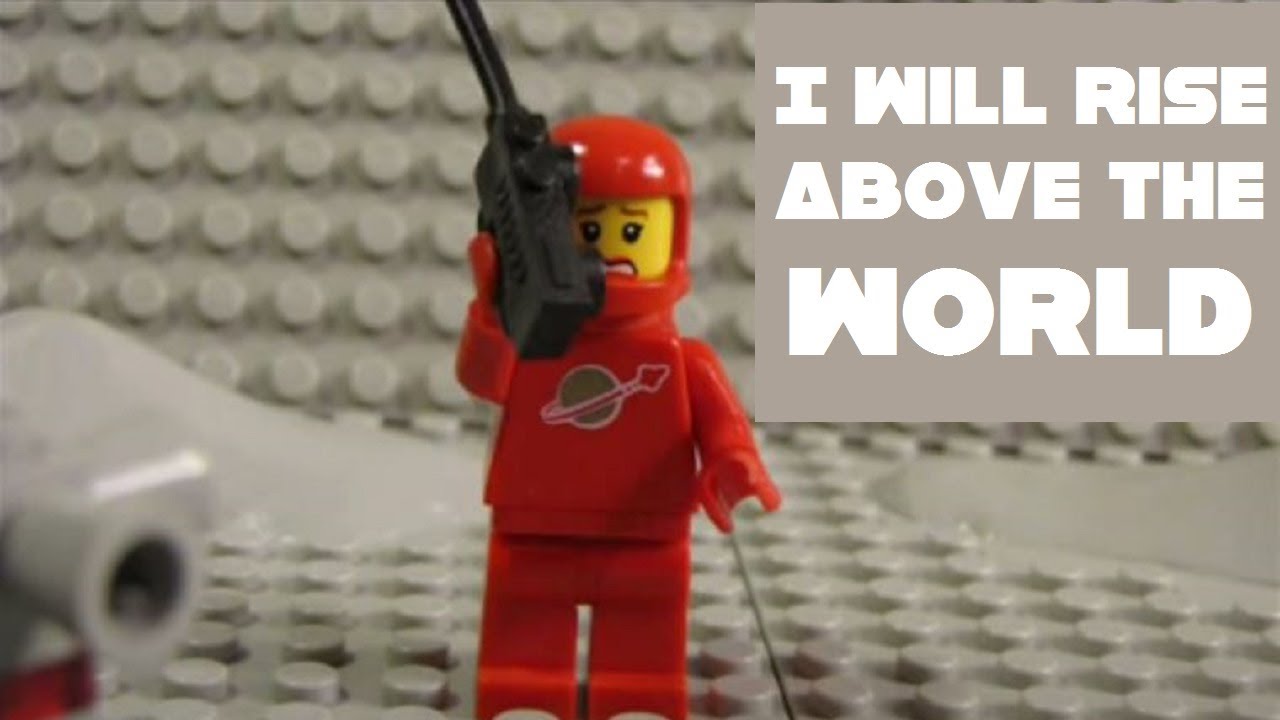
I created the "I Will Rise Above The World - Official Wayside Drive Music Video With Vintage Space Lego Stop Motion" video for Wayside Drive back in 2010 using stop motion and my classic Space Lego sets from 1979-1983.
All the sequences you see were "filmed" by taking photographs of each LEGO model and moving the model little by little, frame by frame and then compiled using Windows Movie Maker for Windows XP.
A brief history on "Classic" Space Lego (1978–1987):
The first Lego Space sets began an era of more complicated and less colorful designs with a heavy emphasis on space exploration.
Much of the early Space sets consisted of blue, grey, white, and transparent yellow and occasionally green.
Designs began using more stacked plates instead of stacked bricks in order to make sleeker spaceship profiles.
In its earliest stages, Space sets consisted only of ships and basic wheeled vehicles. But as science-fiction designs grew, the basic pattern of ground-buggies, walking robots, small and large spaceships, and bases developed.
With the limited parts selection at the time, sets were still fairly simplistic with designs including: minifigure pilots steering their spacecraft with steering wheels, rocket engines could be simple transparent cones affixed to fence pieces, and visor-less helmets and often no in-flight pilot protection other than a spacesuit.
The first minifigures released in this theme in 1978 wore either a red or white spacesuit with yellow spacemen debuting a year later.
By the mid-1980s, the color palette had shifted to predominantly white with transparent blue theme, later used extensively in the Futuron theme, and two new colors of spacemen were introduced in blue and black uniforms.
How to make LEGO stop motion videos:
The stop motion used in this video is fairly simplistic, yet can be quite time consuming. The advantage to using LEGO in stop motion is that the figures click into place on the plastic bases and this provides a solid platform for the figures to stand upon while you manipulate their poses for the many pictures you need to take to get the motion just right.
The concept is simple.
First, arrange and set out your LEGO base plates onto a table top or other flat surface. I find it is best to use a thin, double-sided tape under the base in order to properly stick it to the table-top.
Next, figure out what kind of scenery you would like to use and which type of mini-figures will be your "Actors". Develop a little story or play for your "Actors" to perform. Will you choose a western story, a space story, or a war story? I have seen a lot of great ideas on YouTube myself. I hope to see yours sometime too!
Once you have a story, scenery (which can include buildings, trees, hills, etc), vehicles, and mini-figs sorted out, then you are ready for the "Set Design" element. Assemble your buildings and firmly press them down to the plastic bases. You want to make sure your buildings won't accidentally collapse or fall apart while you are filming. Also, use a steady tri-pod that won't shift while you are filming. Once everything is locked into place, you are ready to begin "filming" the "motion" elements of your video.
Moving a figure is easy, but you have to keep the natural rhythm of movement as a constant in your mind as you move the figure across the dots on the bases. Before moving the figure in a walking stride, try walking in real life yourself. You need to mirror real movement, or else your LEGO minifigure will not look right when it "Walks" across the board. Therefore, as you walk forward a few steps, think about what that motion looks and feels like. From a standing position, do you move your left foot or right foot first? What happens with your upper body as your leg moves forward? Does your upper body lean into, or away from, the direction of movement? When does the left leg stop and the weight and movement shift to the right leg before the cycle repeats and your left leg moves again? What happens when you stop? What about your arms? How to they fit into the cycle?
Once you figure out the movement, then you need to slow it down and capture it on your camera one frame at a time. Move the leg a millimetre, take a picture. Move it another millimetre, take another picture. You might need to take 20-25 pictures to finish 1 full walking cycle from left leg start to right leg shift to left leg stop.
Once you have all your pictures taken, you can then upload them into your editing software and alter the picture time frame rate to 0.01 seconds for all your pictures. When you press "Play" in your editor, you should see your figure move across the boards. - Simple Stop Motion!
The video above took many hours and a few thousand photographs to create. It was time consuming, but fun and challenging to make. I encourage you to try a LEGO stop motion video someday yourself!
#legostopmotion #spacelego #monsterhobbies

Информация по комментариям в разработке