Logo video2dn
  • Сохранить видео с ютуба
  • Категории
    • Музыка
    • Кино и Анимация
    • Автомобили
    • Животные
    • Спорт
    • Путешествия
    • Игры
    • Люди и Блоги
    • Юмор
    • Развлечения
    • Новости и Политика
    • Howto и Стиль
    • Diy своими руками
    • Образование
    • Наука и Технологии
    • Некоммерческие Организации
  • О сайте

Скачать или смотреть Okami Speedrunning - Consistent Brush Adventure for Wawku Key Skip with Fireburst

  • Auride
  • 2020-03-05
  • 190
Okami Speedrunning - Consistent Brush Adventure for Wawku Key Skip with Fireburst
  • ok logo

Скачать Okami Speedrunning - Consistent Brush Adventure for Wawku Key Skip with Fireburst бесплатно в качестве 4к (2к / 1080p)

У нас вы можете скачать бесплатно Okami Speedrunning - Consistent Brush Adventure for Wawku Key Skip with Fireburst или посмотреть видео с ютуба в максимальном доступном качестве.

Для скачивания выберите вариант из формы ниже:

  • Информация по загрузке:

Cкачать музыку Okami Speedrunning - Consistent Brush Adventure for Wawku Key Skip with Fireburst бесплатно в формате MP3:

Если иконки загрузки не отобразились, ПОЖАЛУЙСТА, НАЖМИТЕ ЗДЕСЬ или обновите страницу
Если у вас возникли трудности с загрузкой, пожалуйста, свяжитесь с нами по контактам, указанным в нижней части страницы.
Спасибо за использование сервиса video2dn.com

Описание к видео Okami Speedrunning - Consistent Brush Adventure for Wawku Key Skip with Fireburst

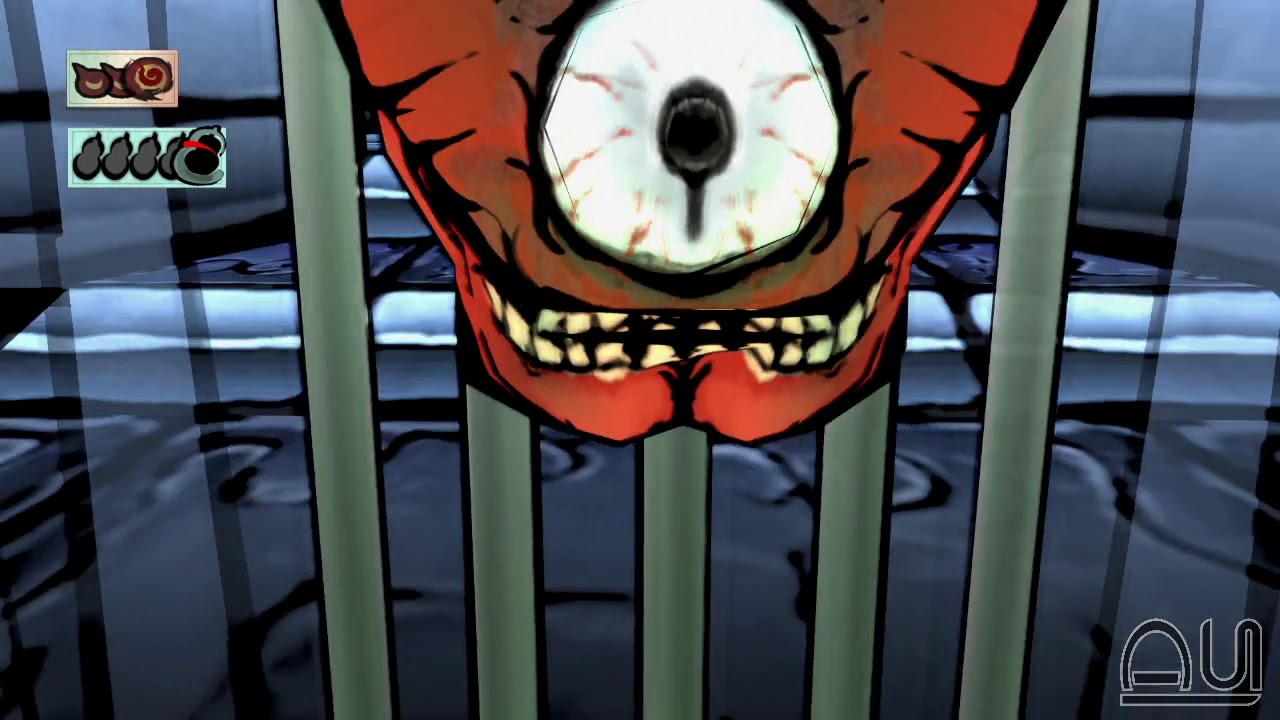
In NG Any%, we use Fireburst to melt this block of ice to cutscene-warp us through the Lockjaw. While doing this with Inferno is as easy as doing a high jump and properly angling the camera, with Fireburst you must perform a Brush Adventure to get the camera close enough to the ice block for Fireburst's hitbox to reach.

We've known how to do this for a while now, but nobody's bothered to make a fast, consistent setup for it. Here I demonstrate a setup which can reliably complete the brush adventure in 12-14 seconds.

The method goes like this:
1. Using inner-camera, raise the camera as high as possible, looking down onto Ammy and toward the Lockjaw.
2. Brush and drag the camera all the way down, then release the brush along with all camera/movement controls (pretty much every button/stick).
3. Immediately re-brush and drag the camera all the way down again to clip it through the floor.
4. Without releasing brush, bring the brush to the bottom right corner while rotating the camera toward the right. Hold this until the camera is facing at least straight West, and is positioned underneath the lockjaw door.
5. Re-brush and drag the camera to the top-right, while continuing to rotate to the right. Hold until the camera clips at least partially back through the floor. If you don't re-brush here, the camera will snap in-front of the Lockjaw rather than behind it.
6. Without re-brushing (though you can), drag the camera to the right while rotating the camera left. Hold until the camera begins sliding to the right.
7. Keep holding the left analogue stick to the right until the camera is close enough to the ice block, then draw Fireburst. If you just want to practice, release brush and tap the right analogue stick to reset the camera to Ammy.

Throughout this process, you should be using a claw grip so you can hold the fast brush button. This speeds up camera movement significantly and should be done in all Brush Adventures.

Okami Speedrunning Discord:   / discord  
Okami Speedrunning Wiki: https://okami.speedruns.wiki/Main_Page
Leaderboard: https://www.speedrun.com/Okami
My Twitter:   / loveauride  
My Twitch:   / loveauride  

Комментарии

Информация по комментариям в разработке

Похожие видео

  • О нас
  • Контакты
  • Отказ от ответственности - Disclaimer
  • Условия использования сайта - TOS
  • Политика конфиденциальности

video2dn Copyright © 2023 - 2025

Контакты для правообладателей [email protected]